In today’s fast-paced, distraction-heavy world, productivity tools are no longer just “nice-to-have” — they’re essential. Among the most effective tools rising in popularity are digital planners. Unlike paper planners, digital planners combine structure, flexibility, and eco-friendliness to help you organize your life, boost productivity, and stay on track with your goals.
If you’ve been wondering how to use a digital planner for time management and goal setting, this guide will show you exactly how. Whether you’re a student, entrepreneur, or professional, learning how to use a digital planner effectively can transform your productivity habits.
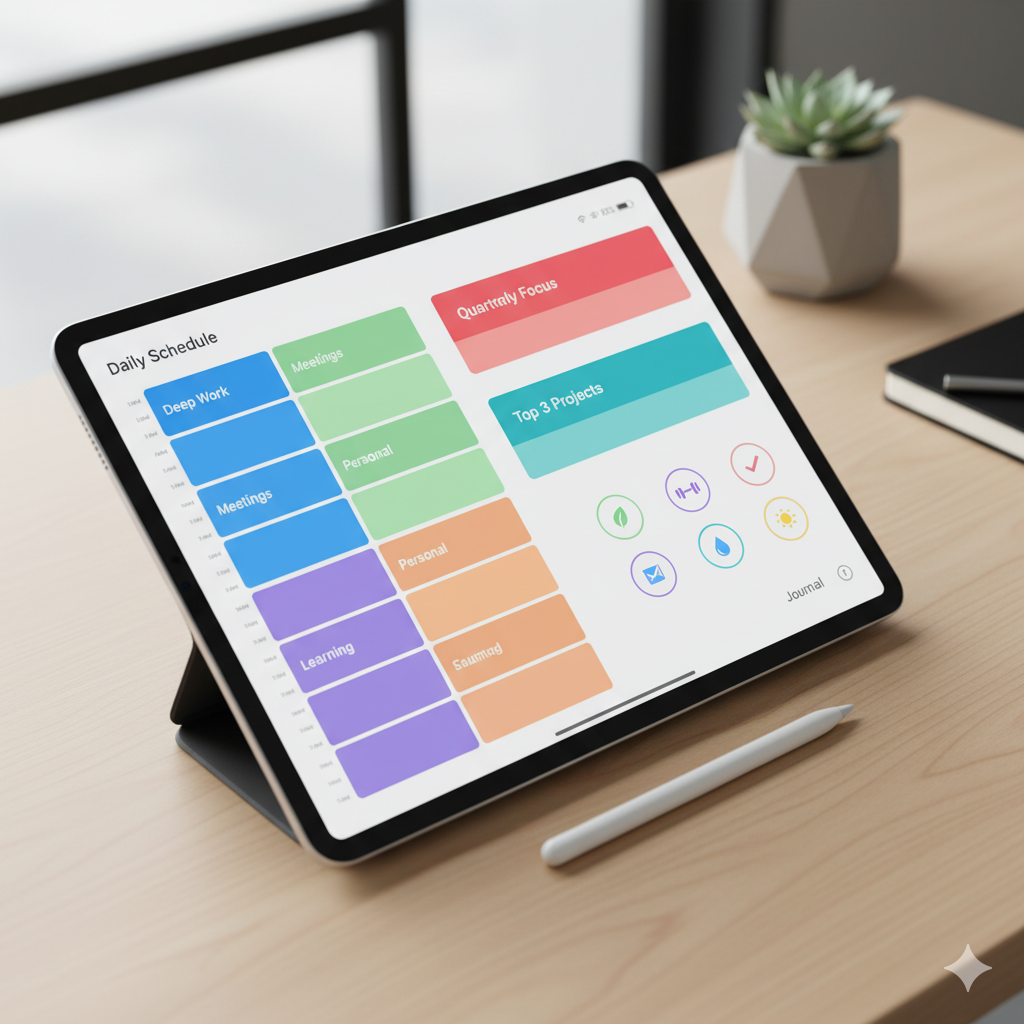
📌 Why Choose a Digital Planner Over a Paper Planner?
Before diving into the how-to, let’s address the digital planner vs paper planner debate.
- Eco-friendly: Digital planners reduce paper waste, making them a more sustainable choice.
- Portable: Carry thousands of pages on your tablet or iPad instead of a heavy notebook.
- Customizable: Add, erase, or reorganize pages instantly.
- Sync-friendly: Works seamlessly with apps like GoodNotes, Notability, or OneNote.
- Searchable: Easily find past notes or goals using keyword search.
For time management and goal setting, digital planners are superior because they blend structure with flexibility.
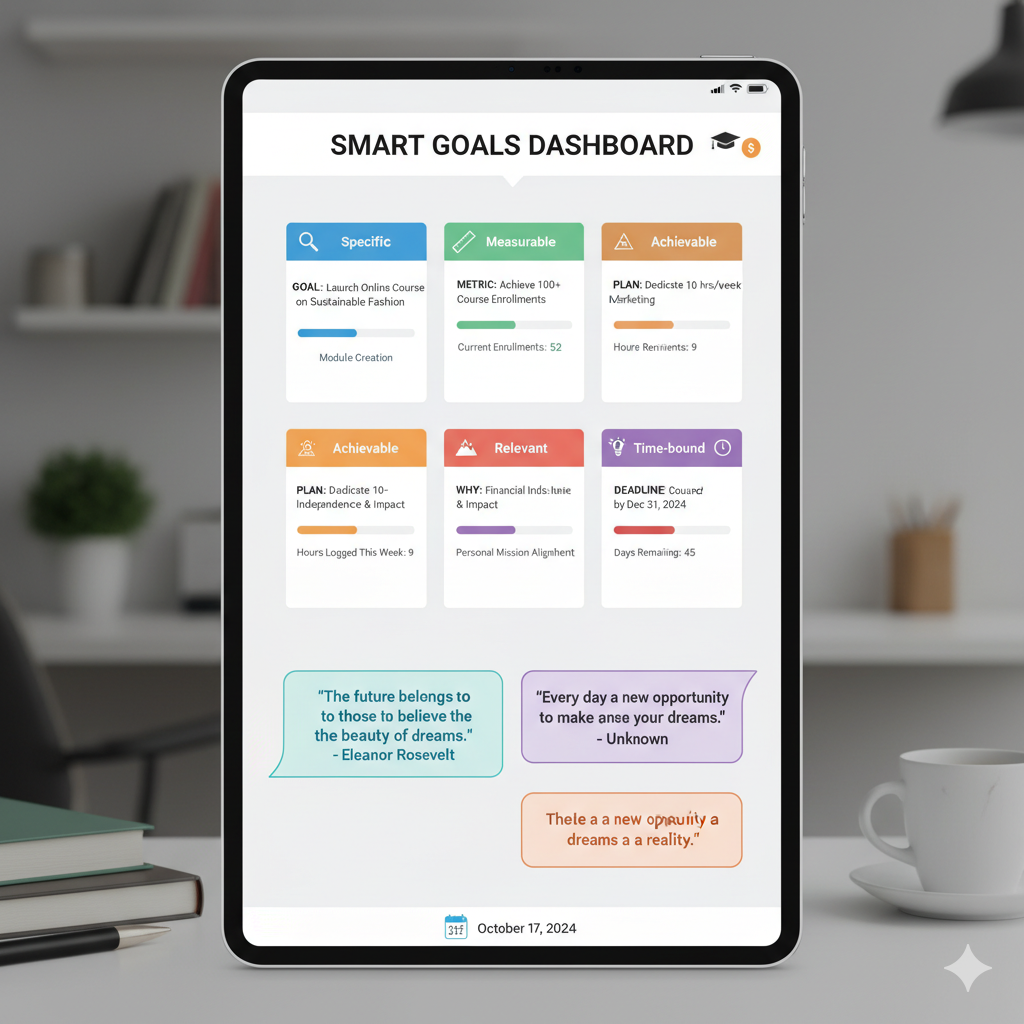
⏳ Step 1: Setting Up Your Digital Planner
The first step is choosing the best digital planner for iPad (2025) or your device of choice. Look for:
- Hyperlinked tabs for quick navigation.
- Goal-setting templates with daily, weekly, and monthly layouts.
- Habit trackers for accountability.
- Customizable pages for reflection, journaling, or notes.
👉 Pro tip: Choose a hyperlinked PDF digital planner template download that works with GoodNotes or Notability for the best experience.
🎯 Step 2: Define Your Big Goals
The foundation of productivity is knowing what you’re working toward. Start by listing your:
- Annual goals (big-picture vision for the year).
- Quarterly goals (specific achievements to reach in 90 days).
- Monthly goals (small steps that build toward your bigger goals).
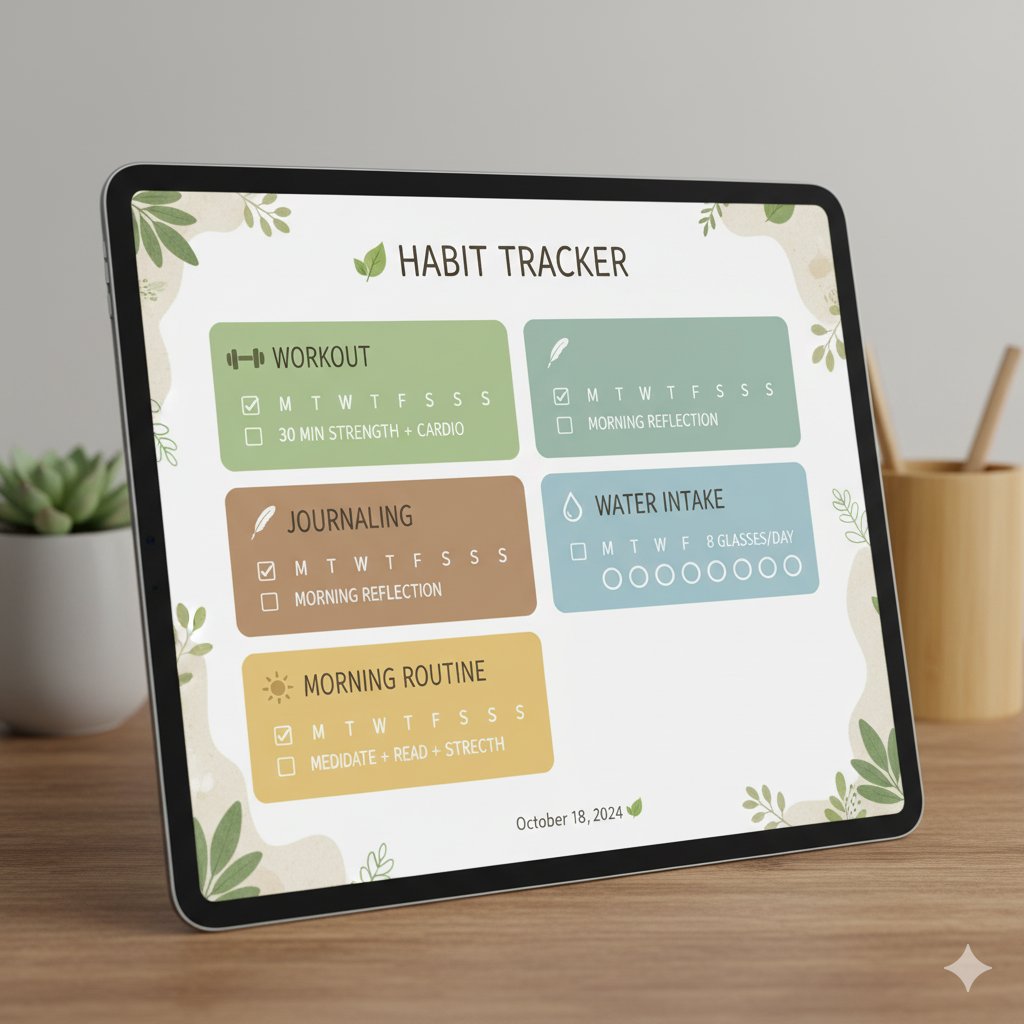
💡 Use a SMART Goal Template in your digital planner:
- Specific (Clear and detailed)
- Measurable (Trackable progress)
- Achievable (Realistic within your timeline)
- Relevant (Aligned with your priorities)
- Time-bound (Deadline included)
📆 Step 3: Break Goals Into Actionable Plans
A digital planner shines when you break big goals into smaller tasks.
Example:
- Goal: Launch an Etsy shop in 3 months.
- Monthly: Set up shop → Upload products → Market on Pinterest.
- Weekly: Create 3 listings → Design mockups → Schedule posts.
- Daily: Write descriptions → Edit Canva templates → Upload content.
👉 Using a digital productivity planner PDF, you can drag-and-drop tasks, reschedule easily, and link notes to tasks.
⏱ Step 4: Master Time Blocking with a Digital Planner
One of the most effective time management strategies is time blocking. Instead of multitasking, assign specific time slots for each task.
Your digital planner makes this easy with hourly scheduling layouts.
Example:
- 9:00–11:00 AM → Content creation
- 11:00–12:00 PM → Emails & communication
- 1:00–3:00 PM → Client work
- 4:00–5:00 PM → Goal reflection & journaling
👉 Time blocking reduces decision fatigue and keeps your day structured.
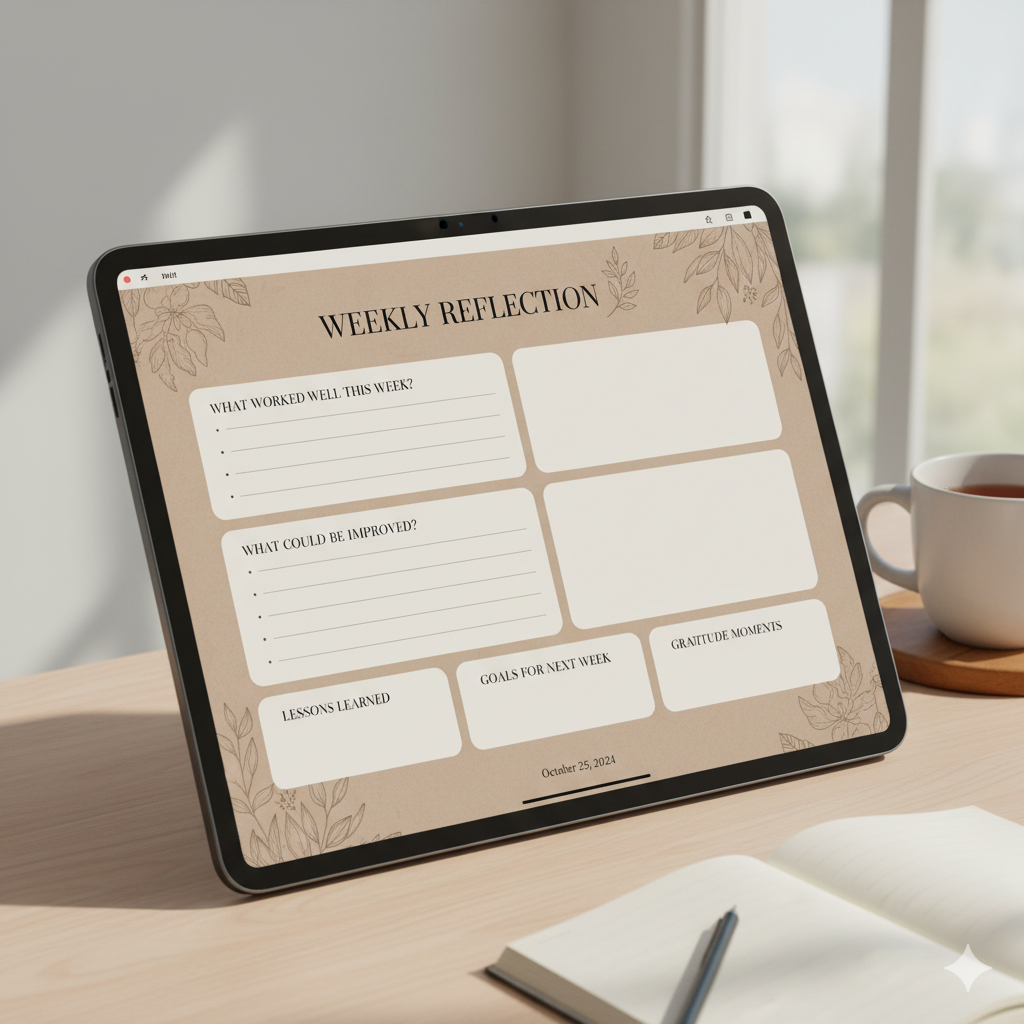
✅ Step 5: Track Habits & Progress
Goal setting means little without accountability. Most minimalist daily digital planners include habit trackers and weekly reflection templates.
Track:
- Morning routine consistency
- Gym or workout sessions
- Content creation streaks
- Screen time limits
Your planner will visualize progress so you can adjust where needed.

📊 Step 6: Use Reflection & Review Pages
A good digital planner template for professionals and students includes sections for reflection. At the end of each week:
- Ask: What worked well? What didn’t? What can I improve?
- Review: Did I complete at least 70% of my planned tasks?
- Adjust: Shift priorities for the next week.
Reflection ensures you’re not just busy — you’re actually productive.
🌱 Step 7: Maintain Work-Life Balance
One underrated use of a digital planner is tracking both personal and professional goals. For example:
- Career: “Grow Instagram by 10k followers.”
- Personal: “Read 2 books this month.”
- Health: “Meal prep 3 days a week.”
Your digital planner should remind you that productivity includes self-care, balance, and mental health.
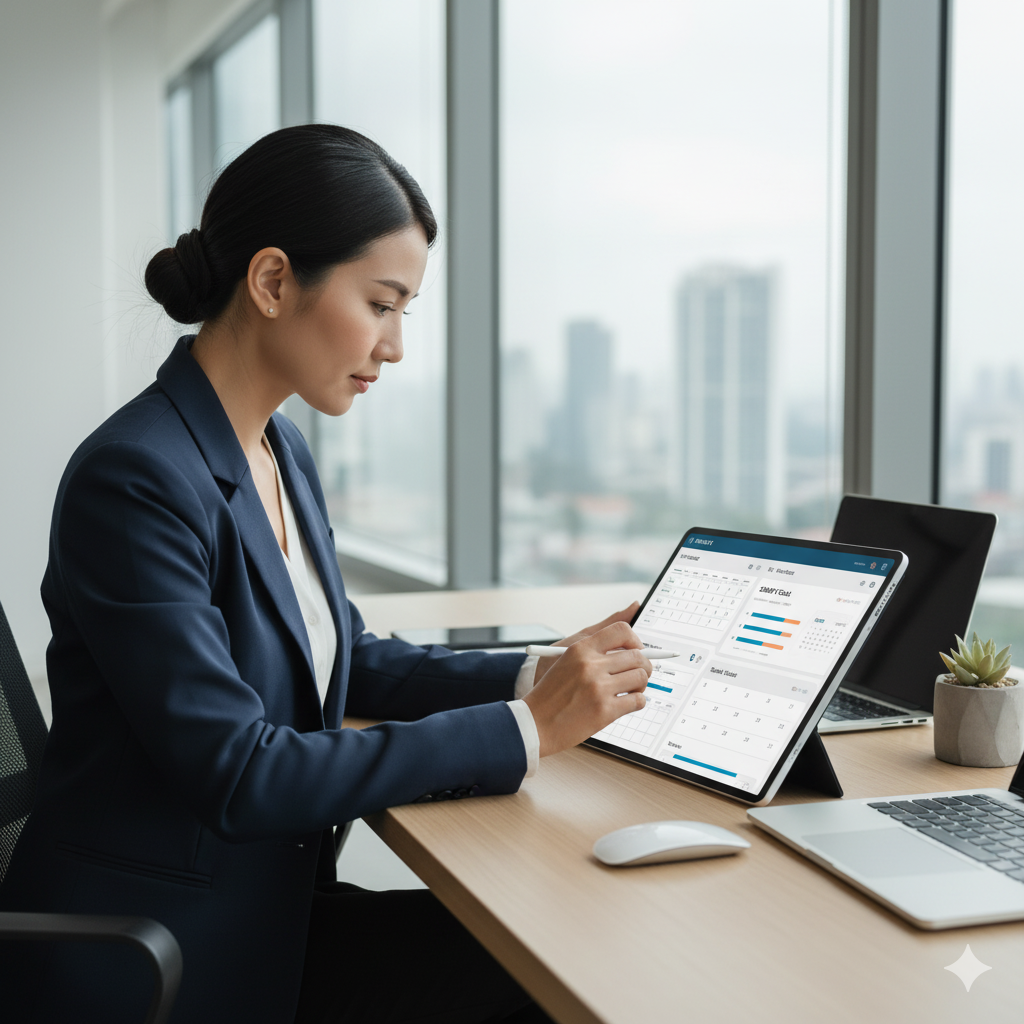
🔮 Future of Digital Planners: Why They’re Here to Stay
Digital planners are becoming more popular every year. With the rise of AI-powered productivity apps, digital planners are evolving with features like:
- AI task prioritization
- Goal achievement reminders
- Cloud syncing with all devices
- Customizable productivity dashboards
This makes them a long-term productivity solution that’s only going to grow.
📌 FAQs About Digital Planners
Q1: What is the best app for using a digital planner?
👉 GoodNotes, Notability, and OneNote are the most popular.
Q2: Can digital planners replace paper planners completely?
👉 Yes. For eco-conscious and tech-friendly users, they offer more flexibility and are clutter-free.
Q3: How do I stay consistent with a digital planner?
👉 Set daily reminders, block planner review time, and keep your device synced.
Q4: Are digital planners good for students?
👉 Absolutely! They’re perfect for tracking classes, assignments, and exam prep.
Q5: Can I use a digital planner for business goal setting?
👉 Yes, entrepreneurs and professionals use them for quarterly reviews, OKRs, and project planning.
🏁 Conclusion
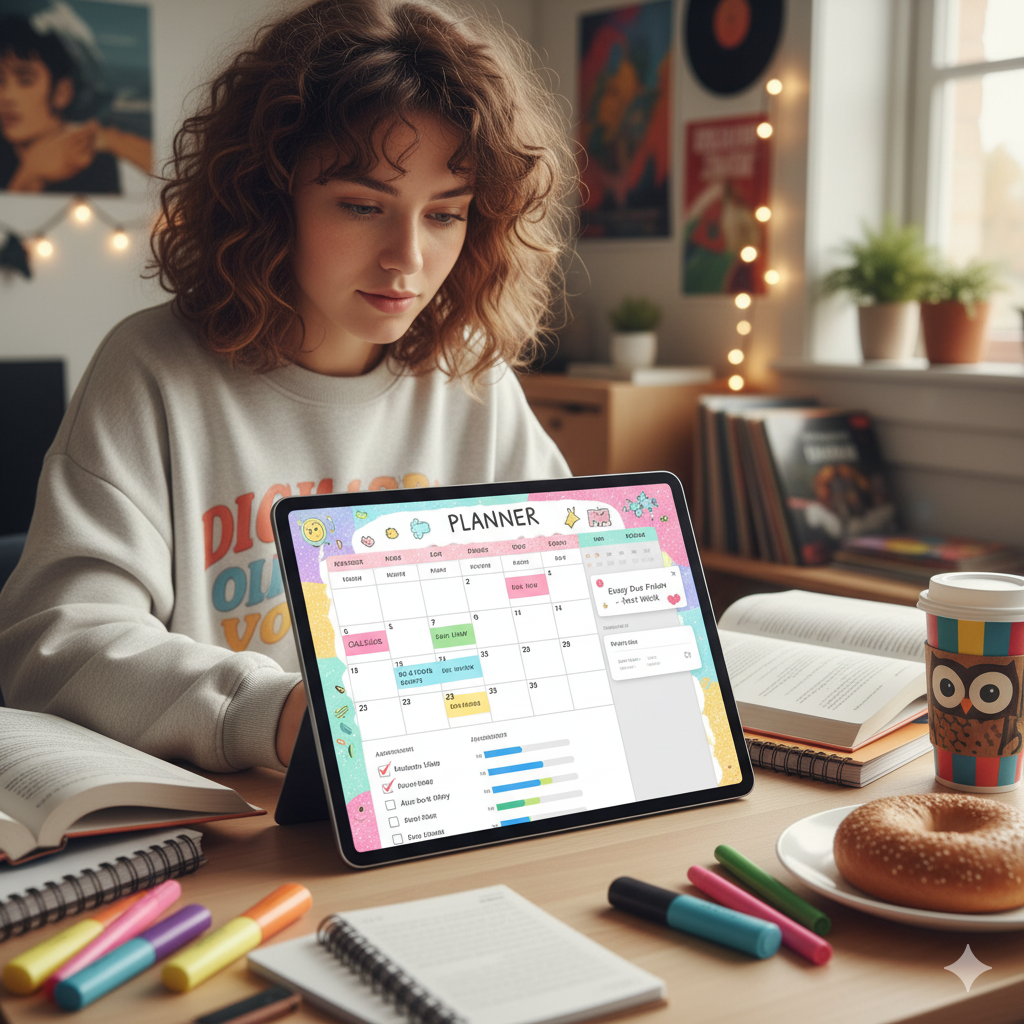
Learning how to use a digital planner for time management and goal setting can be a complete game-changer. From defining SMART goals to breaking them into manageable chunks, time blocking, and tracking habits, a digital planner helps you stay organized, motivated, and focused.
Whether you’re a student, entrepreneur, or busy professional, switching to a digital planner is one of the most powerful decisions you can make to boost productivity. Combine structure with flexibility — and you’ll not only hit your goals but actually enjoy the process of getting there.
👉 Ready to start? Explore hyperlinked digital planner templates for iPad & GoodNotes that make organization effortless and success inevitable.
🖋️ About Artisan Anthology
At Artisan Anthology, we curate timeless digital creations designed to inspire and elevate every part of your lifestyle. Our collection includes brand books, digital templates, recipes, ebooks, wardrobe planners, fashion guides, printable wall art, and elegant home décor designs. We also specialize in wedding cards, invitations, baby shower cards, and engagement cards, each crafted to celebrate life’s most meaningful moments.
For professionals and dreamers alike, our CV templates, guided journals, and manifestation planners are created with intention to help you tell your story beautifully and authentically.
✨ Discover our full collection of digital products here → artisananthology.xyz