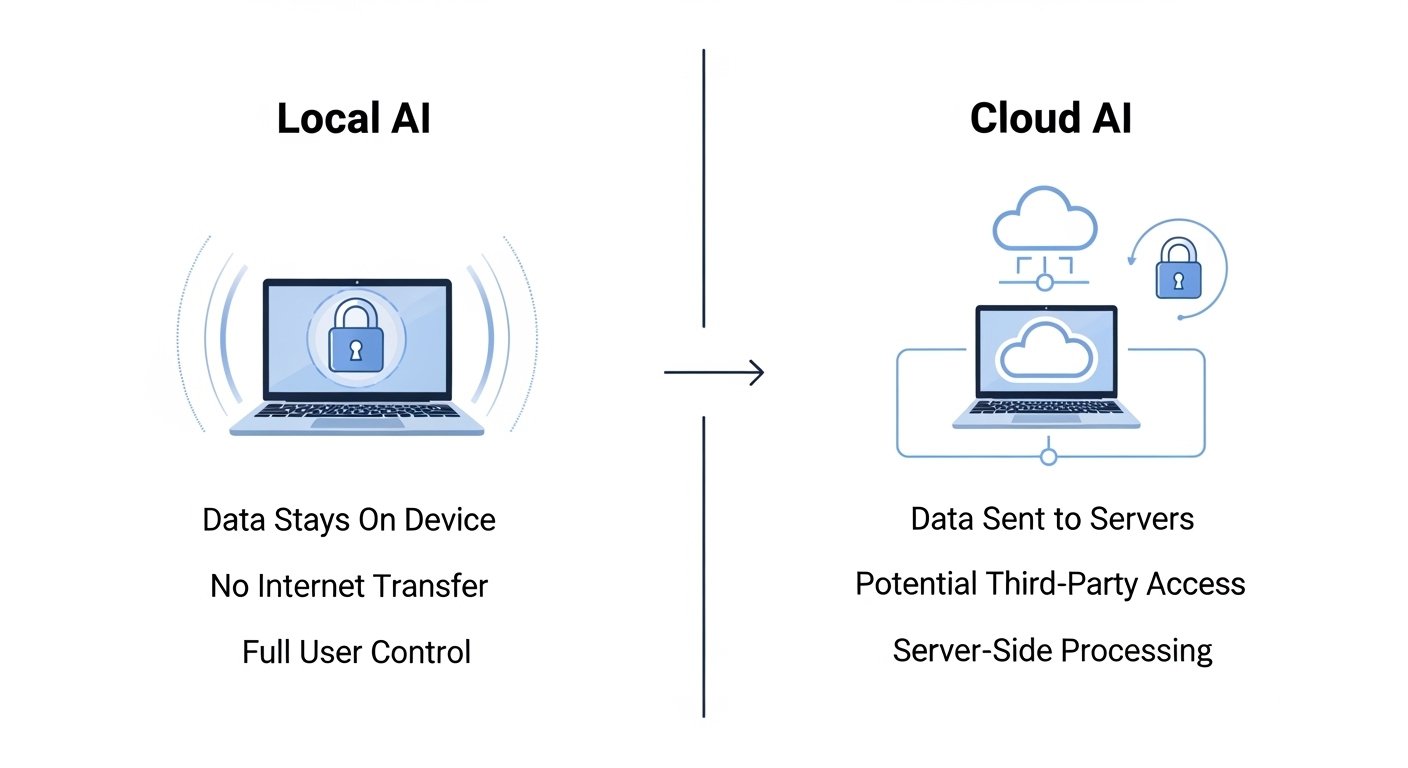
Building a private local downloadable AI is no longer just for developers. In 2026, anyone concerned about data privacy, offline access, customization, and full control can run powerful AI models directly on their own device.
This complete guide explains:
✔ What a private local AI is
✔ Hardware and software requirements
✔ Step-by-step setup
✔ Security and privacy best practices
✔ Real-world use cases
✔ Common mistakes to avoid
If you want offline AI, zero cloud tracking, and full ownership of your data, this guide is for you.
What Is a Private Local AI?
A local AI model runs entirely on your:
- Laptop
- Desktop
- Home server
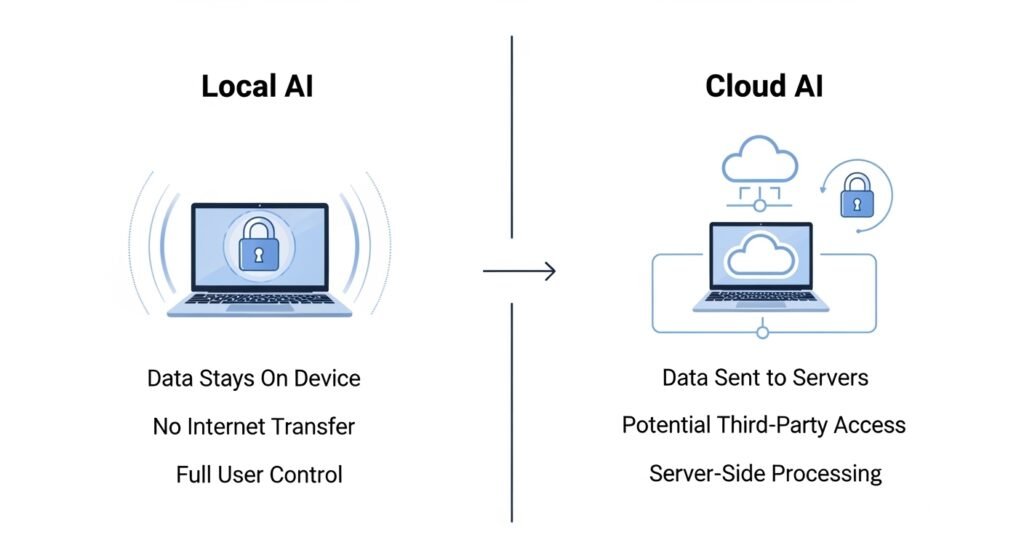
Instead of sending prompts to cloud servers, all processing happens on-device, meaning:
✅ No data sharing
✅ No API costs
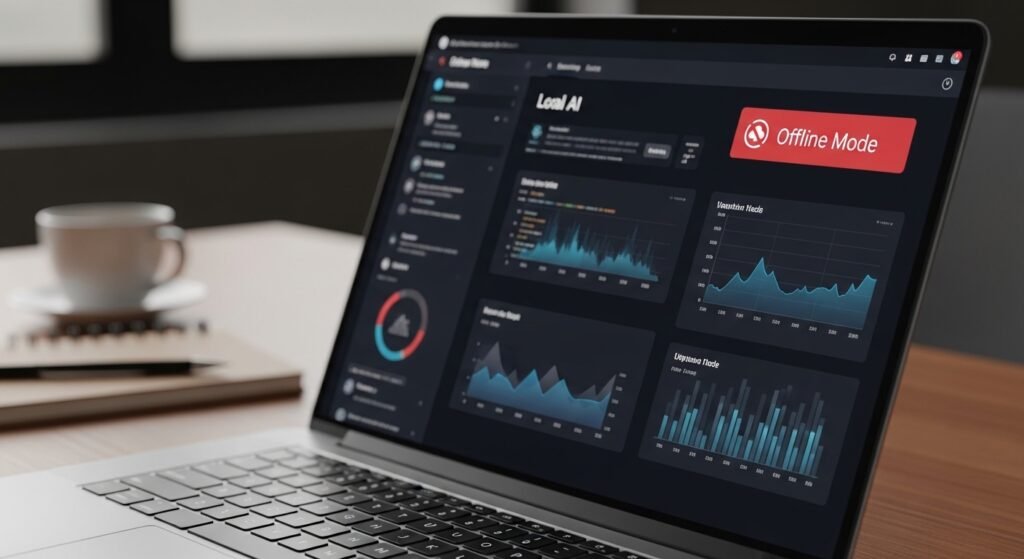
✅ Works offline
✅ Full customization
Benefits of Running AI Locally
1. Complete Data Privacy
Your prompts, documents, and files never leave your machine.
Ideal for:
✔ Financial data
✔ Client work
✔ Research notes
✔ Personal journals
2. Offline Access
You can use your AI without internet — perfect for:
✔ Travelers
✔ Remote workers
✔ Low-connectivity regions
3. No Subscription Fees
After setup, there are zero monthly costs.
4. Custom Model Fine-Tuning
You can train AI on:
- Your business data
- Personal notes
- Knowledge bases
Hardware Requirements for Local AI
Your hardware determines performance.
Minimum Setup (Entry-Level)
- 16GB RAM
- Modern CPU
- SSD storage
Recommended Setup (Smooth Performance)
- 32GB RAM
- GPU with 8–16GB VRAM
- NVMe SSD
High-Performance Setup (Advanced)
- 64GB RAM
- RTX-class GPU
- Dedicated AI workstation
Software Stack for Local AI
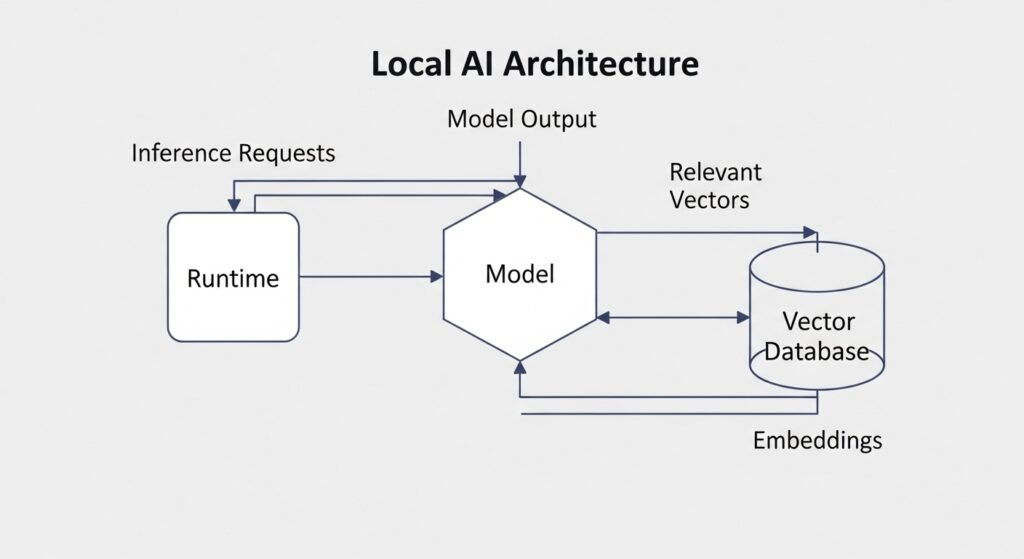
To build a private local AI, you need:
✔ Local model runtime
✔ Model weights
✔ User interface
✔ Optional vector database
Popular tools include:
- Local LLM runners
- Offline chat interfaces
- Embedding tools for document search
Step-by-Step: How to Build a Local AI
Step 1: Choose Your Model
Pick based on:
- Hardware capability
- Use case (chat, coding, research)
- Size vs speed tradeoff
Smaller models → faster
Larger models → more accurate
Step 2: Install a Local AI Runtime
A local runtime allows your computer to:
✔ Load models
✔ Run inference
✔ Manage memory
This is the core engine of your setup.
Step 3: Download Model Files
Models are stored locally and loaded by the runtime.
Tips:
✔ Store on fast SSD
✔ Use quantized versions for low RAM
✔ Verify file integrity
Step 4: Set Up a Local Chat Interface
A UI lets you interact with your AI like a chatbot.
Features to look for:
✔ Conversation history
✔ File upload support
✔ Markdown output
✔ Prompt templates
Step 5: Add Document Search (Optional)
For knowledge-based AI:
- Upload PDFs, notes, or research
- Convert them into embeddings
- Store in a local vector database
- Enable retrieval-augmented generation (RAG)
Now your AI can answer questions from your own files.
Local AI vs Cloud AI Comparison
| Feature | Local AI | Cloud AI |
|---|---|---|
| Privacy | Full control | Data sent to servers |
| Cost | One-time hardware | Monthly subscription |
| Offline use | Yes | No |
| Speed | Depends on hardware | Usually faster |
| Customization | High | Limited |
| Data ownership | Complete | Provider controlled |
Best Use Cases for Private Local AI
1. Personal Knowledge Assistant
Upload:
✔ Notes
✔ PDFs
✔ Research papers
Get instant, private answers.
2. Business Document Analysis
Perfect for:
✔ Contracts
✔ Financial reports
✔ Internal SOPs
No cloud exposure.
3. Offline Writing Assistant
Use AI for:
✔ Blogging
✔ Journaling
✔ Idea generation
Without internet.
4. Secure Coding Assistant
Run code help without sharing proprietary code online.
Security Best Practices for Local AI
Use Encrypted Storage
Protect model files and vector databases.
Disable External Network Access (Optional)
Run your AI in:
✔ Offline mode
✔ Local-only environment
Regularly Update Runtimes
Fix vulnerabilities and improve performance.
Control File Permissions
Limit who can access your AI data.
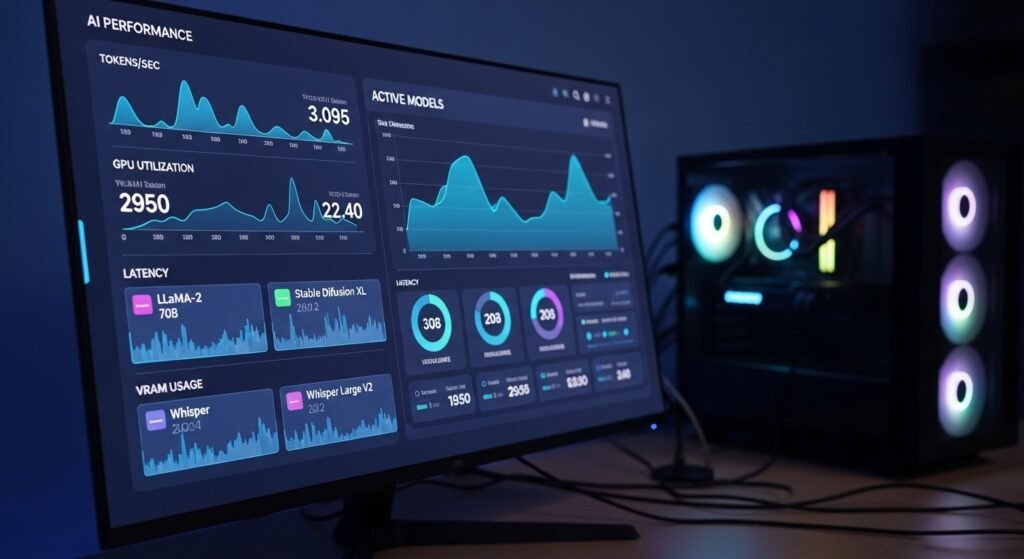
Performance Optimization Tips
✔ Use quantized models for low RAM
✔ Enable GPU acceleration
✔ Close background apps
✔ Use batch processing for documents
Common Mistakes to Avoid
❌ Downloading models too large for your RAM
❌ Storing models on slow HDD
❌ Ignoring GPU drivers
❌ Skipping vector indexing for documents
❌ Running without backups
FAQs
Is local AI better for privacy?
Yes. Your data stays on your device and is not sent to external servers.
Do I need a GPU to run local AI?
Not required, but it significantly improves speed.
Can local AI work without internet?
Yes, once models are downloaded.
Is local AI free to use?
Yes, after hardware and setup costs.
Can I train local AI on my own data?
Yes, using embeddings and fine-tuning techniques.
Cost Breakdown of a Local AI Setup
| Component | Budget Setup | Advanced Setup |
|---|---|---|
| Hardware | Existing laptop | AI workstation |
| Storage | 1TB SSD | 2TB NVMe |
| GPU | Optional | Recommended |
| Software | Mostly free | Mostly free |
Local AI is cost-effective long-term compared to subscriptions.
Future of Private Local AI (2026 and Beyond)
Emerging trends:
✔ On-device AI assistants
✔ Edge AI for businesses
✔ AI-powered personal knowledge bases
✔ Privacy-first computing
Local AI is becoming a core digital sovereignty tool.
Your Step-by-Step Action Plan
Start building your private AI today:
- Check your hardware specs
- Install a local runtime
- Download a quantized model
- Add a chat interface
- Upload personal documents
- Enable local RAG search
- Secure your storage
In under 60 minutes, you can have a working private AI.
Final Thoughts: Own Your AI, Own Your Data
Cloud AI is convenient — but local AI gives you freedom:
✔ Full privacy
✔ No subscriptions
✔ Offline capability
✔ Total customization
If you value data ownership, security, and independence, building a private local AI is one of the most powerful upgrades you can make in 2026.
Start small. Optimize gradually.
Your private AI ecosystem will grow with you.
✨ About Artisan Anthology
At Artisan Anthology, we curate timeless digital creations designed to inspire and elevate every part of your lifestyle. Our collection includes brand books, digital templates, recipes, ebooks, wardrobe planners, fashion guides, printable wall art, and elegant home décor designs. We also specialize in wedding cards, invitations, baby shower cards, and engagement cards, each crafted to celebrate life’s most meaningful moments.
For professionals and dreamers alike, our CV templates, guided journals, and manifestation planners are created with intention to help you tell your story beautifully and authentically.
✨ Discover our full collection of digital products here → ArtisanAnthology.xyz