Remote work has transformed how millions of people work every day. While working from home offers flexibility and comfort, it also introduces new challenges—especially when it comes to posture, physical health, and long-term productivity. Many people unknowingly work from poorly designed home workspaces, which can lead to back pain, neck strain, fatigue, and decreased focus.
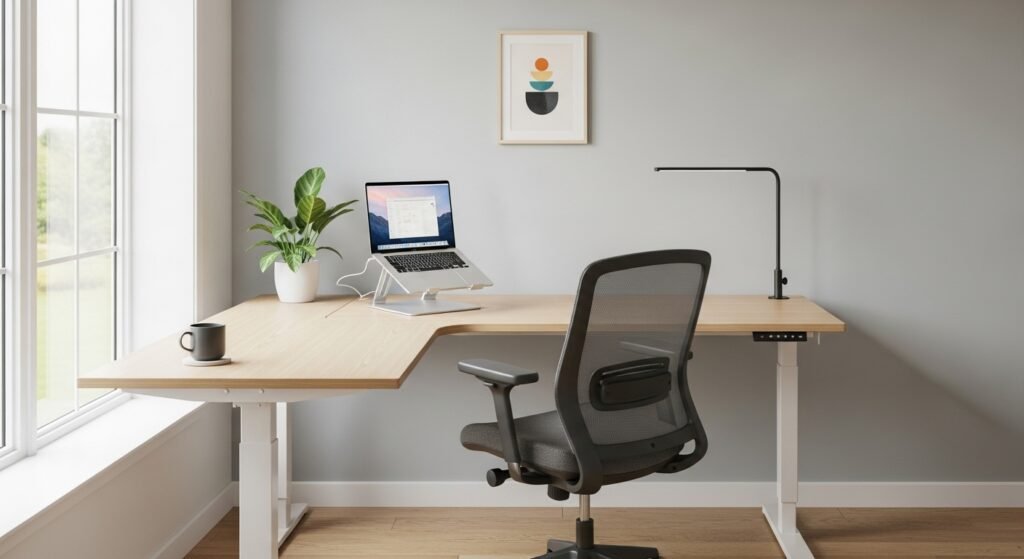
An ergonomic home office setup solves these issues by designing a workspace that supports your body’s natural posture, reduces physical strain, and improves efficiency. With the right adjustments to your desk, chair, monitor, lighting, and keyboard placement, you can dramatically improve your comfort and productivity.
In this complete ergonomic home office setup guide, you’ll learn how to create a healthier workstation, prevent common work-from-home injuries, and build a workspace that supports both your physical well-being and professional performance.
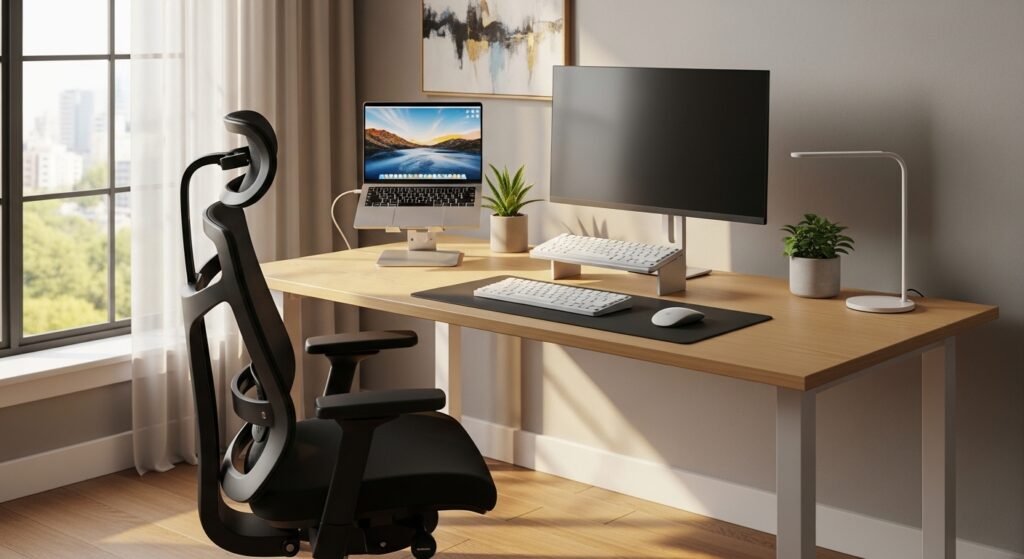
Why Ergonomic Home Office Design Matters
Ergonomics is the science of designing environments that fit the human body. When your workspace is properly aligned with your posture and movement patterns, you reduce unnecessary strain on muscles and joints.
Without ergonomic support, remote workers commonly experience:
- Lower back pain
- Neck stiffness
- Wrist strain
- Eye fatigue
- Headaches
- Reduced productivity
A well-designed ergonomic setup can significantly improve:
- Comfort during long work sessions
- Focus and cognitive performance
- Energy levels throughout the day
- Long-term musculoskeletal health
Even small adjustments to your workstation can make a major difference in daily comfort and productivity.
Essential Elements of an Ergonomic Home Office Setup
Creating an ergonomic workspace involves optimizing several key components.
1. Ergonomic Chair
Your chair is the most important part of your home office setup.
A high-quality ergonomic chair supports the natural curve of your spine and encourages healthy sitting posture.
Key features to look for:
- Adjustable seat height
- Lumbar support for lower back
- Adjustable armrests
- Breathable material
- Tilt and recline functionality
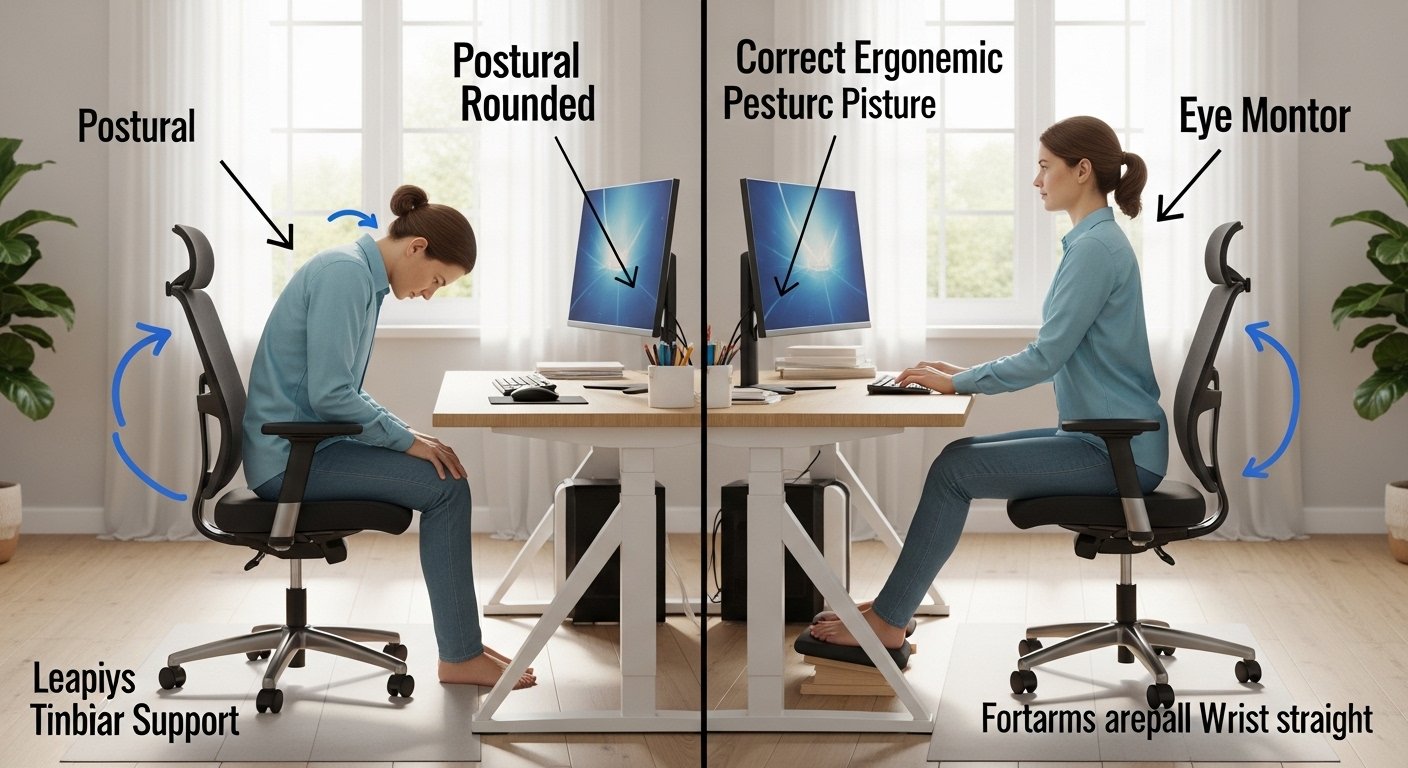
Proper sitting posture
When seated:
- Feet should be flat on the floor
- Knees should be at a 90-degree angle
- Lower back should be supported
- Shoulders relaxed
This posture prevents excessive pressure on your spine.
2. Desk Height and Position
Your desk should allow comfortable arm positioning while typing or writing.
Ideal desk positioning
- Elbows at approximately 90 degrees
- Wrists straight while typing
- Shoulders relaxed
For most people, a desk height of 28–30 inches works well, but adjustable desks provide the best ergonomic flexibility.
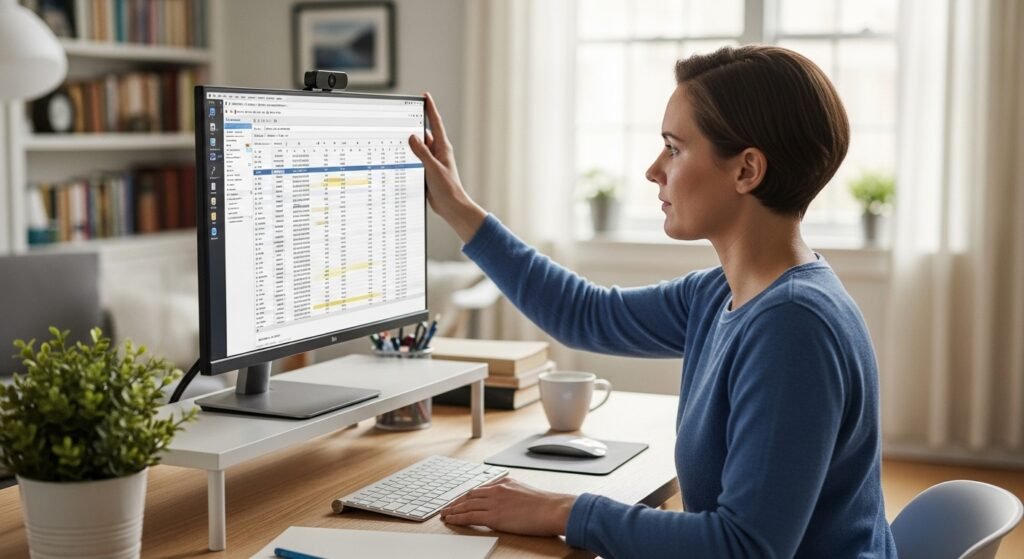
3. Monitor Placement
Improper monitor positioning is one of the most common causes of neck pain.
Correct monitor placement
- Top of the screen at eye level
- Monitor about 20–30 inches away from your eyes
- Screen slightly tilted upward
This position keeps your neck in a neutral position and reduces strain.
4. Keyboard and Mouse Placement
Typing posture is another critical ergonomic factor.
Proper keyboard placement
- Keyboard directly in front of you
- Wrists straight and neutral
- Hands slightly below elbow level
A separate ergonomic keyboard and mouse can significantly reduce wrist strain.
5. Lighting for Eye Comfort
Poor lighting contributes to digital eye strain.
Ideal lighting setup
- Natural light when possible
- Adjustable desk lamp
- Anti-glare screen positioning
- Avoid direct overhead lighting
Proper lighting reduces eye fatigue and improves concentration.
Comparison Table: Basic vs Ergonomic Home Office Setup
| Feature | Basic Setup | Ergonomic Setup |
|---|---|---|
| Chair | Dining chair or couch | Adjustable ergonomic chair |
| Monitor | Laptop screen below eye level | External monitor at eye height |
| Desk | Fixed height | Adjustable or standing desk |
| Keyboard | Laptop keyboard | External ergonomic keyboard |
| Lighting | Overhead room lighting | Natural light + desk lamp |
| Posture | Slouched or leaning forward | Neutral spine alignment |
Upgrading to an ergonomic workspace can dramatically improve comfort and long-term health.
Practical Steps to Create an Ergonomic Home Office
Even without expensive equipment, you can improve your workspace quickly.
Step 1: Raise Your Monitor
If using a laptop, elevate it using:
- Laptop stands
- Stacked books
- Adjustable monitor risers
This prevents neck bending.
Step 2: Improve Chair Support
If you don’t have an ergonomic chair, add:
- Lumbar support pillow
- Seat cushion
- Footrest
These simple tools help maintain proper posture.
Step 3: Use an External Keyboard and Mouse
Laptop keyboards force awkward hand positioning.
Using separate devices allows better arm alignment and reduces wrist strain.
Step 4: Take Regular Movement Breaks
Even the best ergonomic setup cannot replace movement.
Experts recommend the 20-8-2 rule:
- 20 minutes sitting
- 8 minutes standing
- 2 minutes moving
Frequent movement prevents stiffness and improves circulation.
Step 5: Optimize Screen Settings
Reduce eye strain by adjusting:
- screen brightness
- text size
- blue light filters
Many devices also include night mode or eye comfort settings.
Science-Backed Benefits of Ergonomic Workspaces
Research consistently shows that ergonomic workspaces improve both health and productivity.
Reduced Musculoskeletal Pain
Proper posture reduces strain on the neck, shoulders, and back.
Improved Productivity
Comfortable workers maintain focus longer and experience fewer interruptions due to discomfort.
Lower Risk of Repetitive Strain Injuries
Ergonomic keyboards and mouse placement protect wrists and hands.
Better Mental Focus
Physical comfort improves concentration and reduces fatigue.
These benefits explain why many companies now invest heavily in ergonomic workplace design.
Frequently Asked Questions
What is the best ergonomic home office setup?
The best ergonomic home office setup includes an adjustable chair with lumbar support, a desk at elbow height, a monitor positioned at eye level, and an external keyboard and mouse for proper hand positioning.
How high should my monitor be for an ergonomic setup?
The top of the monitor should be at or slightly below eye level, and the screen should be about 20–30 inches from your eyes to reduce neck and eye strain.
Do I need an expensive ergonomic chair?
Not necessarily. While ergonomic chairs provide the best support, you can improve comfort using lumbar cushions, seat pads, and proper posture adjustments.
Can a standing desk improve ergonomics?
Yes. Standing desks help reduce prolonged sitting and encourage movement, which improves circulation and reduces back strain.
How often should I take breaks while working from home?
Experts recommend taking a short break every 30–60 minutes to stretch, stand, or walk briefly.
Common Ergonomic Mistakes to Avoid
Many remote workers unknowingly create unhealthy work habits.
Avoid these common mistakes:
- Working from a couch or bed
- Keeping the laptop too low
- Leaning forward toward the screen
- Ignoring posture for long periods
- Using chairs without back support
Correcting these issues can significantly improve daily comfort.
Final Thoughts: Build a Healthier Workspace Today
Your home office should support your body—not strain it.
An ergonomic home office setup improves posture, prevents injuries, reduces fatigue, and boosts productivity. By adjusting your chair, desk, monitor height, and lighting, you can transform your workspace into a healthier and more efficient environment.
You don’t need an expensive renovation to get started. Even small changes—like raising your monitor, improving chair support, or adding a keyboard—can dramatically improve your comfort.
Take a few minutes today to evaluate your workspace and implement these ergonomic strategies. Your body, focus, and long-term health will thank you for it.
✨ About Artisan Anthology
At Artisan Anthology, we curate timeless digital creations designed to inspire and elevate every part of your lifestyle. Our collection includes brand books, digital templates, recipes, ebooks, wardrobe planners, fashion guides, printable wall art, and elegant home décor designs. We also specialize in wedding cards, invitations, baby shower cards, and engagement cards, each crafted to celebrate life’s most meaningful moments.
For professionals and dreamers alike, our CV templates, guided journals, and manifestation planners are created with intention to help you tell your story beautifully and authentically.
✨ Discover our full collection of digital products here → ArtisanAnthology.xyz