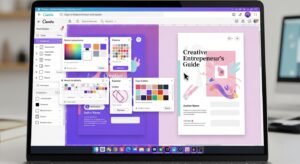
In 2025, digital planning isn’t just a trend — it’s a lifestyle revolution. Whether you’re a busy student, a business owner, or a creative dreamer, the right digital planner app can completely transform how you organize your days, track goals, and stay motivated.
But with so many options — from GoodNotes and Notability to Zinnia, Planner 5D, and Xodo — how do you know which app truly fits your lifestyle?
In this guide, you’ll learn:
- The best apps for digital planning in 2025
- Which features actually matter
- A comparison table for easy decision-making
- Expert tips to make your planner look stunning
- And how to choose the one that aligns with you
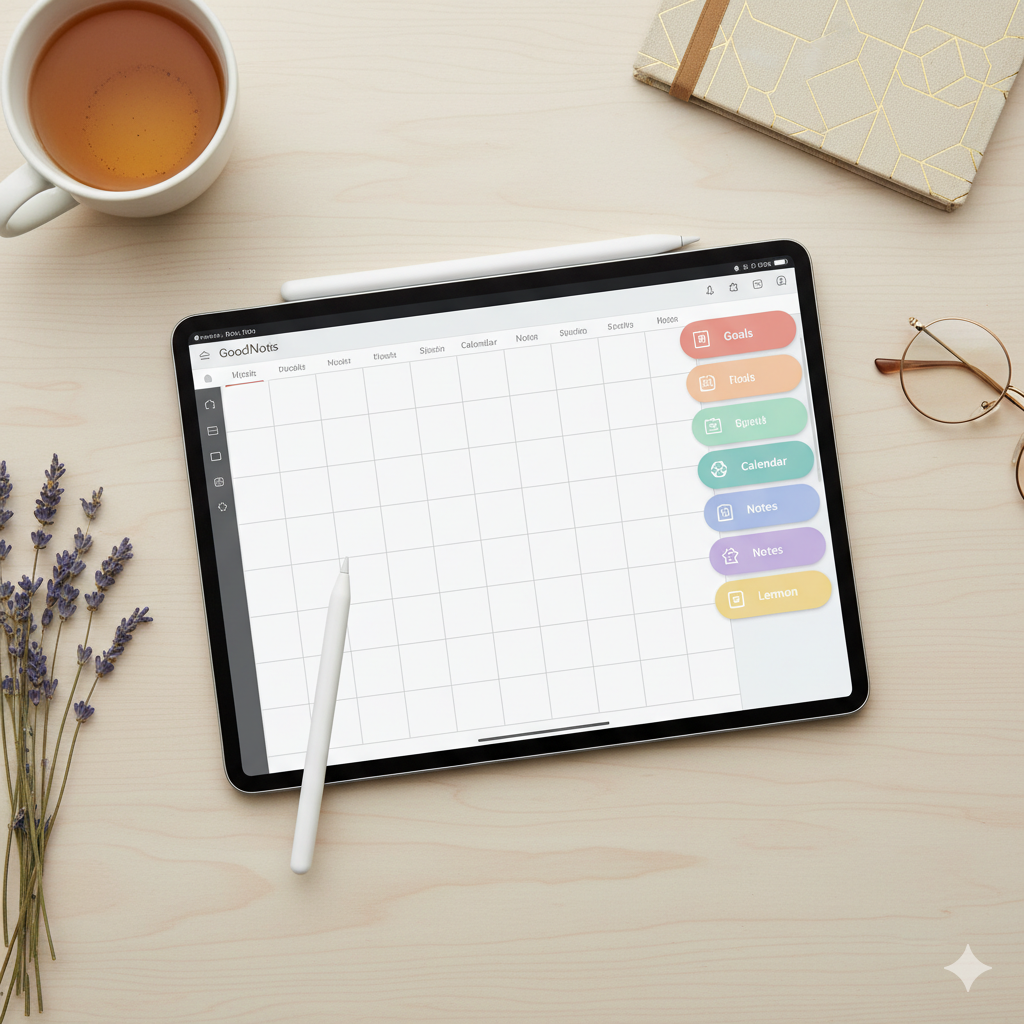
✨ What Makes a Great Digital Planning App?
Before diving into the list, let’s look at what separates a great digital planning app from a basic note-taker.
Key features to look for:
- 🖊️ Apple Pencil or stylus support
- 💾 Cloud syncing (so you never lose progress)
- 🎨 Customizable stickers and layouts
- 🧭 Easy navigation with hyperlinks
- 💻 Cross-platform compatibility
- 🩶 Lag-free performance with large planner files
Whether you’re a minimalist planner or a sticker addict, the right app should feel intuitive and inspiring — not overwhelming.
💎 The 7 Best Digital Planning Apps for 2025
1. GoodNotes 6
Best for: iPad users who love realistic handwriting and organization.
GoodNotes continues to dominate 2025 with its sleek interface, responsive Apple Pencil support, and flawless import of PDF planners.
Pros:
- Ultra-smooth writing
- Hyperlink-friendly navigation
- Beautiful pen and highlighter options
Cons: - iPad-only (limited for Android users)
- Premium templates cost extra
💡 Expert Tip: Pair your GoodNotes app with a minimalist digital planner for aesthetic focus.
2. Notability
Best for: Students, professionals, and note-takers who like audio integration.
Notability stands out with audio recording, note replay, and easy PDF imports for planners.
Pros:
- Record lectures or meetings
- Multi-note view
- Cloud syncing via iCloud or Google Drive
Cons: - Limited sticker customization
- Some templates require paid upgrades
3. Zinnia Journal & Planner
Best for: Creatives who want a scrapbook-meets-planner feel.
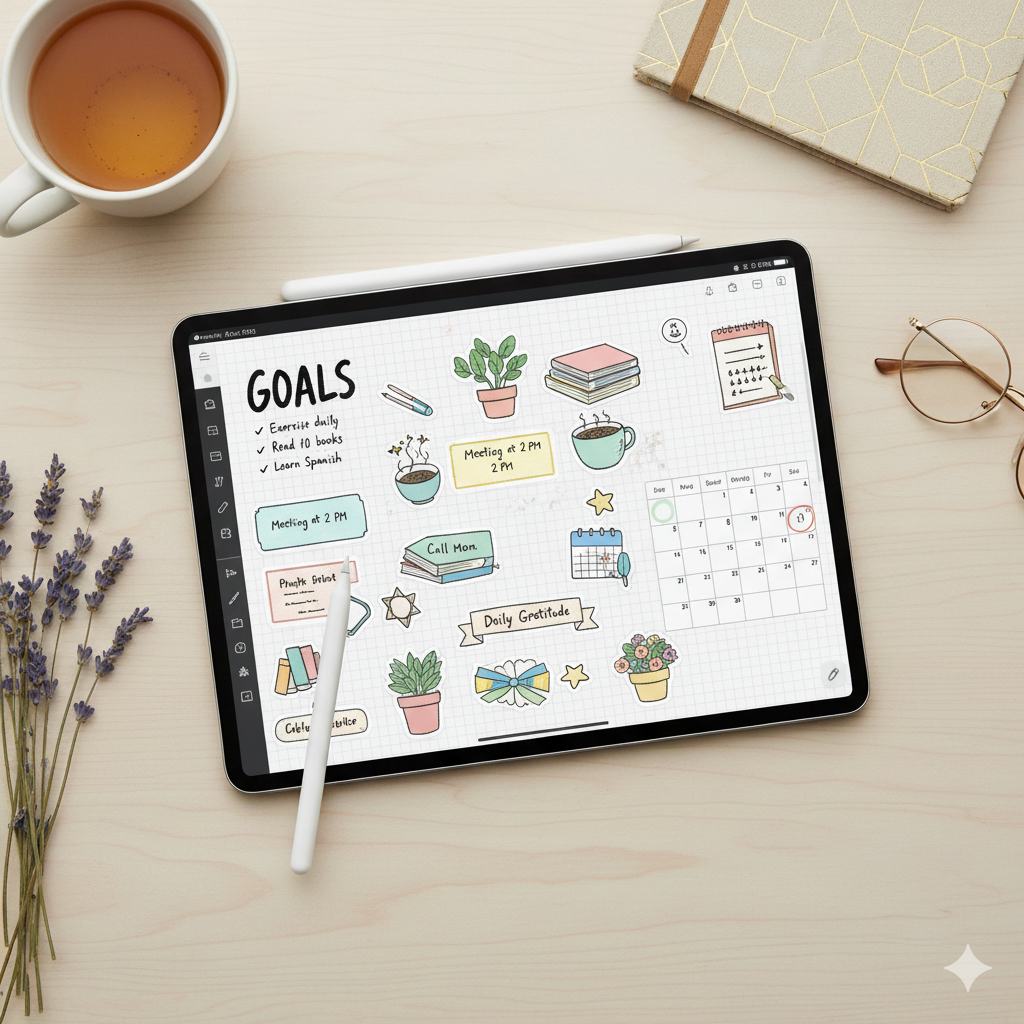
Zinnia is perfect for those who love stickers, doodles, and collaging. It feels like digital bullet journaling — but prettier.
Pros:
- Drag-and-drop stickers, fonts, washi tapes
- Built-in templates for mood boards & trackers
- Aesthetic community inspiration feed
Cons: - Subscription-based
- Only available on iOS
4. Xodo
Best for: Android & Windows users looking for a free option.
If you’re not on Apple, Xodo is a fantastic alternative that works beautifully for importing and annotating digital planners.
Pros:
- 100% free
- Works on Android, Windows, and iOS
- Syncs with Google Drive & Dropbox
Cons: - Fewer creative tools
- Interface is more functional than pretty
5. Noteshelf
Best for: Professionals who balance creativity with productivity.
Noteshelf combines the smoothness of GoodNotes with the structure of Notability. It’s ideal for those who want aesthetic control + powerful performance.
Pros:
- Handwriting-to-text conversion
- Multiple pen styles and colors
- Templates for journaling & planning
Cons: - Fewer free resources
- Syncing can lag with large planners

6. ZoomNotes
Best for: Advanced planners who love infinite zoom and precision.
If you’re into technical layouts or super-detailed habit tracking, ZoomNotes is a hidden gem.
Pros:
- Infinite canvas
- Layered note-taking
- Advanced tools for precision work
Cons: - Steeper learning curve
- Interface feels dated
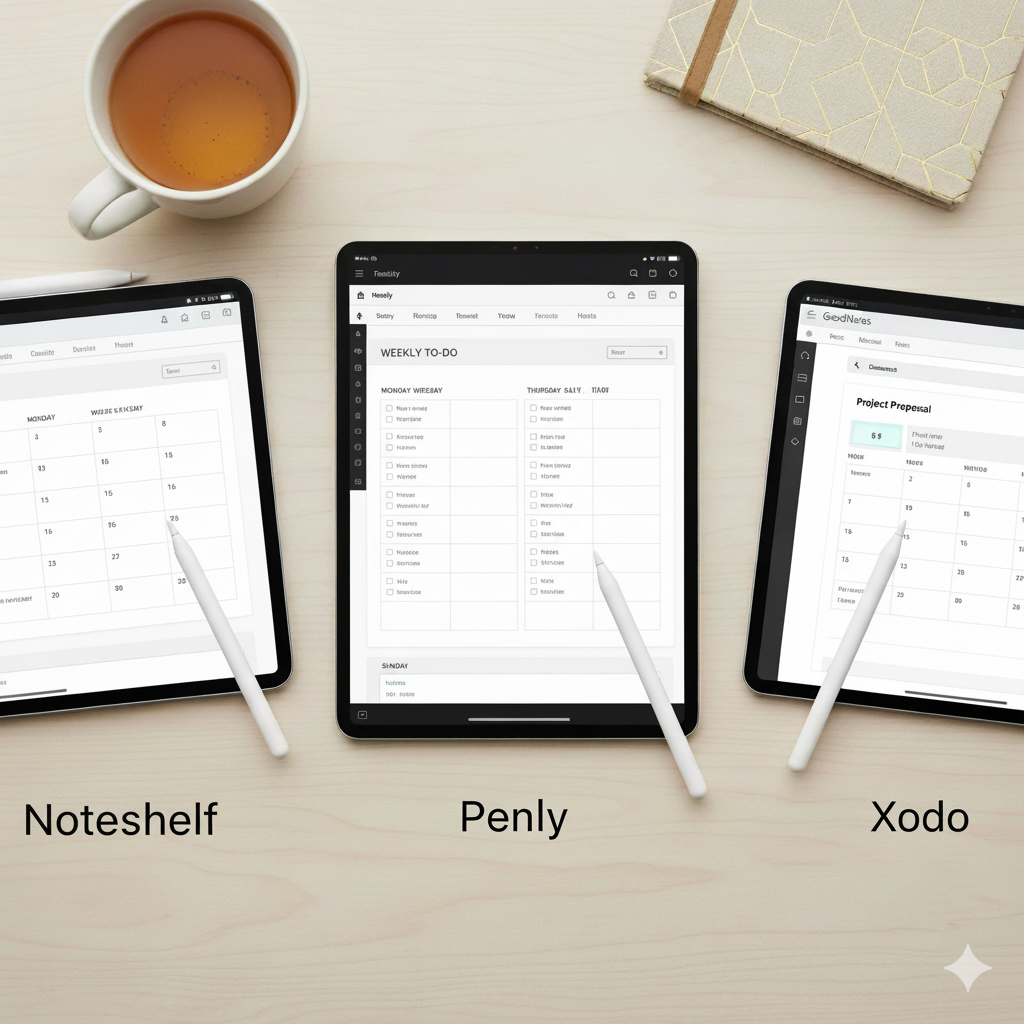
7. Penly
Best for: Android users seeking aesthetic planning on a budget.
Penly has taken over Android planning communities with its sticker-friendly interface and hyperlink compatibility.
Pros:
- One-time purchase
- Works perfectly with PDF planners
- Built-in sticker organization
Cons: - No Apple Pencil support (Android only)
- Fewer customization options than Zinnia
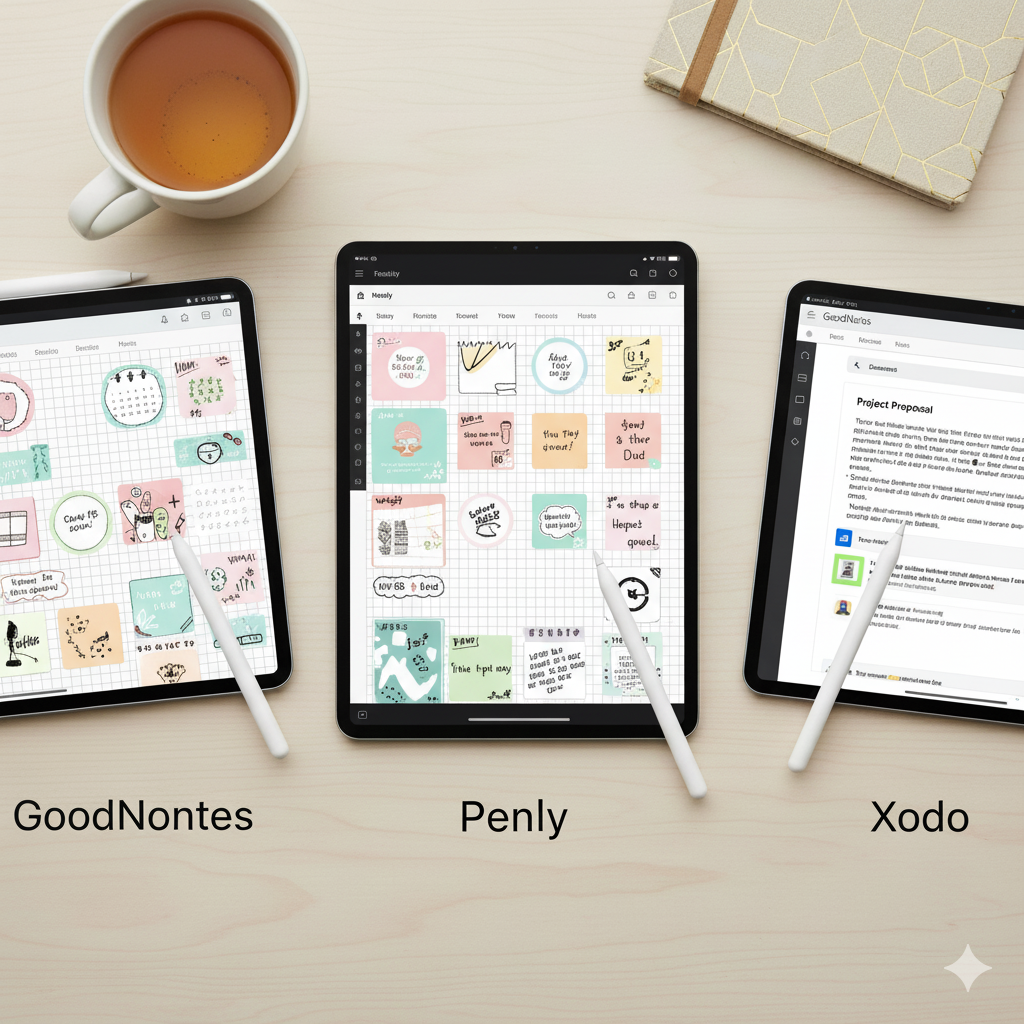
🧭 Comparison Table: Best Apps for Digital Planning (2025)
| App Name | Platform | Price | Best For | Key Features | Aesthetic Rating |
|---|---|---|---|---|---|
| GoodNotes 6 | iPad, Mac | $9.99 | Professionals & students | Hyperlinks, handwriting, folders | ★★★★★ |
| Notability | iPad, Mac | Free + Premium | Students | Audio notes, multitasking | ★★★★☆ |
| Zinnia | iOS | $9.99/month | Creatives | Stickers, templates, journaling | ★★★★★ |
| Xodo | Android, iOS, Windows | Free | Beginners | Sync, annotations | ★★★☆☆ |
| Noteshelf | iPad, Android | $9.99 | Professionals | Text conversion, templates | ★★★★☆ |
| ZoomNotes | iPad, Mac | $7.99 | Advanced users | Infinite zoom, layers | ★★★☆☆ |
| Penly | Android | $5.99 | Android users | Stickers, hyperlinks | ★★★★☆ |
🌷 How to Choose the Right Digital Planning App for You
Your choice depends on:
- 🧠 Your platform: iPad vs Android vs Windows
- 🎨 Your planning style: Creative vs minimalistic
- 💼 Your goal: Productivity vs journaling vs goal tracking
Example:
If you’re a student, go for Notability.
If you’re an artist or visual planner, Zinnia is perfect.
If you love simplicity and reliability, GoodNotes wins hands-down.
💡 Expert Tips to Maximize Your Digital Planning Experience
- Use pre-linked PDF planners for smoother navigation.
- Back up your planners weekly to iCloud or Google Drive.
- Combine digital stickers and widgets for motivation.
- Experiment with fonts — like Montserrat, Playfair Display, or Poppins.
- Use Pinterest to discover planner spreads for inspiration.
❓ FAQs
Q1: What is the best free app for digital planning?
Answer: Xodo is the best free app for beginners. It’s available on Android, iOS, and Windows and supports imported PDF planners.
Q2: Which app works best with Apple Pencil?
Answer: GoodNotes and Noteshelf both provide smooth, pressure-sensitive handwriting that feels exactly like writing on paper.
Q3: Can I use Canva to create planners for these apps?
Answer: Yes! Canva is perfect for designing aesthetic, hyperlink-enabled PDF planners that can be imported into GoodNotes or Zinnia.
Q4: Which app is best for Android users?
Answer: Penly is the top-rated choice for Android due to its sticker integration, hyperlink support, and budget-friendly price.
Q5: What app do most Etsy digital planner sellers recommend?
Answer: Most Etsy sellers design their templates in Canva and optimize them for GoodNotes since it dominates the iPad market.
💬 Conclusion: Choose Your Planner, Design Your Life
In 2025, digital planning isn’t just about organization — it’s about creativity, mindfulness, and empowerment. Whether you use GoodNotes, Zinnia, or Penly, the best app is the one that aligns with your daily rhythm.
If you’re ready to start designing your dream planner or sell your own templates, visit Artisan Anthology — your digital hub for aesthetic, customizable planner templates that sell and inspire.
✨ Turn your planning into art. Start your journey today.
✨ About Artisan Anthology
At Artisan Anthology, we curate timeless digital creations designed to inspire and elevate every part of your lifestyle. Our collection includes brand books, digital templates, recipes, ebooks, wardrobe planners, fashion guides, printable wall art, and elegant home décor designs. We also specialize in wedding cards, invitations, baby shower cards, and engagement cards, each crafted to celebrate life’s most meaningful moments.
For professionals and dreamers alike, our CV templates, guided journals, and manifestation planners are created with intention to help you tell your story beautifully and authentically.
✨ Discover our full collection of digital planners here → artisananthology.xyz