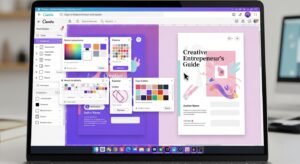
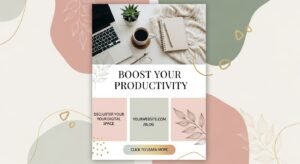
If you’re using an iPad to plan your life, design notes, track goals, or run your business, digital planners are your next-level tool. Unlike traditional paper planners, digital planners let you tap, scroll, hyperlink, erase, and redesign — all within your iPad or favourite note-taking app.
With the increasing demand for minimal, aesthetic, and hyperlinked PDF planners compatible with apps like GoodNotes and Notability, designers and planners have never had more options.
In this guide, you’ll discover:
- ✅ What to look for in the best digital planners for iPad
- 📊 A comparison table of top templates and app compatibility
- 🛒 Beautiful template suggestions (with links you can follow)
- 🧭 How to choose and get the most out of your iPad planner
- 📎 FAQs and design tips for digital planning success
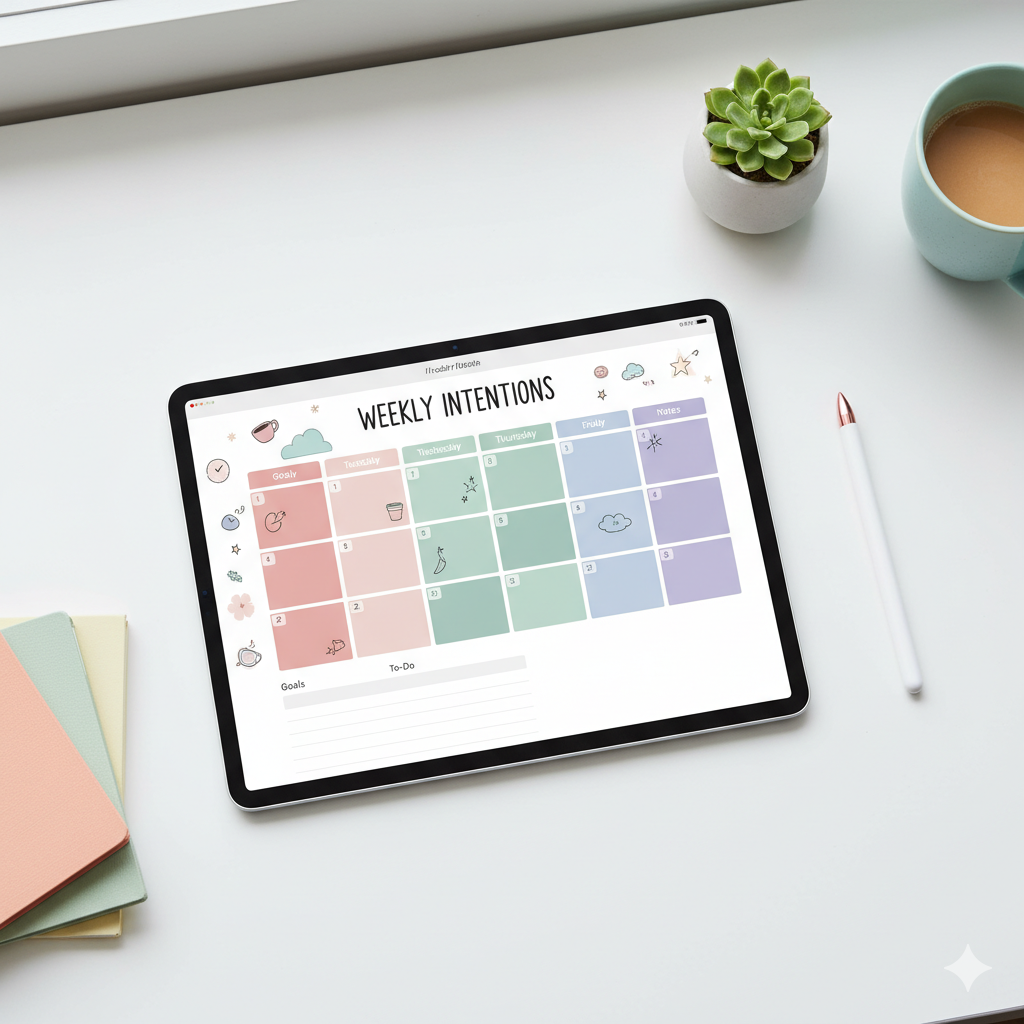
🧭 What Makes a Digital Planner Great for iPad?
When selecting a digital planner template for your iPad, consider these key features:
| Feature | Why It Matters | Quick Tip |
|---|---|---|
| Hyperlinked Tabs & Pages | Allows quick navigation like a real planner | Look for “hyperlinked PDF” in description |
| Daily, Weekly & Monthly Layouts | Versatility for different planning needs | Choose “undated” if you want lifetime use |
| Compatible Format (PDF, PNG, GoodNotes file) | Ensures it works in your preferred app | Confirm compatibility with your app |
| Aesthetic Design & Layout | Motivates consistent use and aligns with your brand | Preview cover + inside pages |
| Size & Orientation | iPad screens have unique size/orientation needs | Check if it’s optimized for iPad or iPad Pro |
| Customization Options | Enables you to personalize for your style | Choose templates that allow color/fonts edits |
These features separate “good” from “great” digital planners. For example, OnPlanners offers a wide library of planners sized, styled, and hyperlinked for iPads.
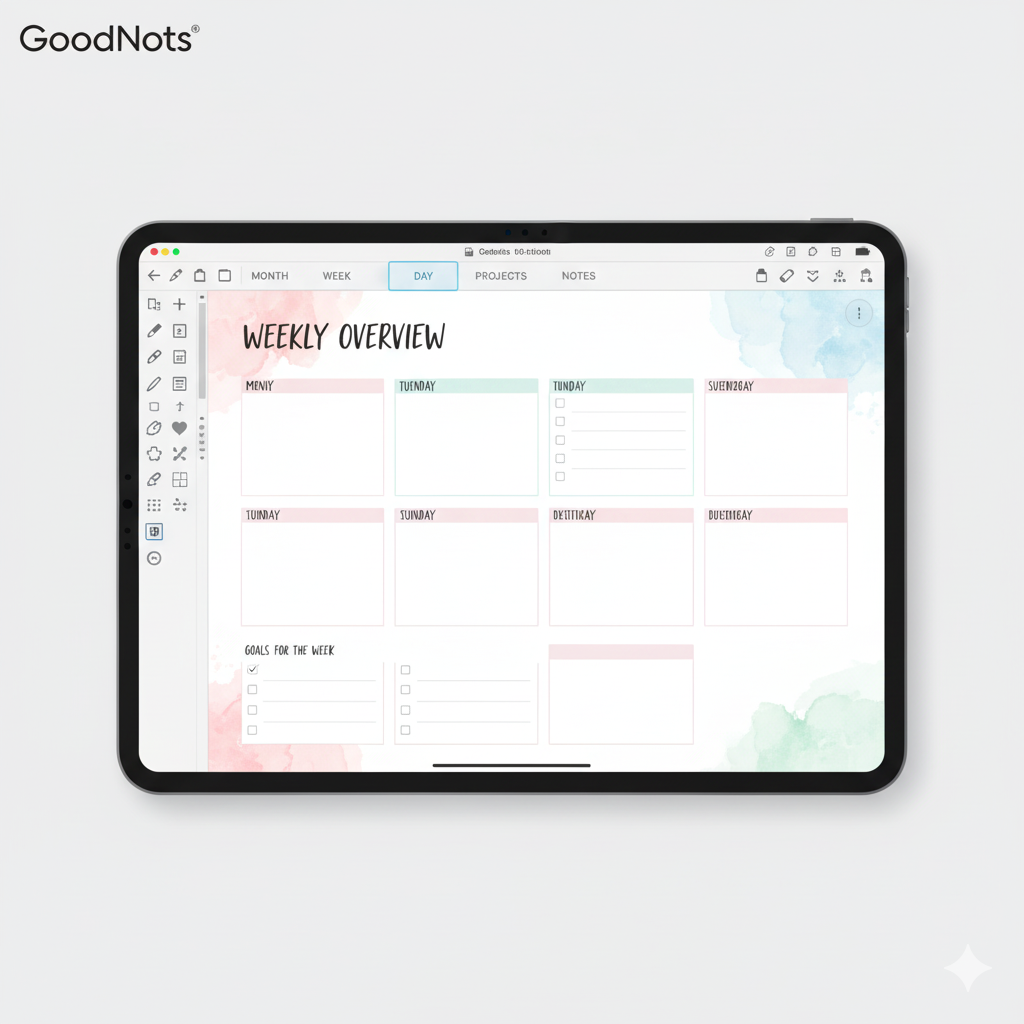
📚 Comparison Table: Top Digital Planner Templates for iPad in 2025
| Planner Template | App Compatibility | Format/Size | Style & Ideal For | Link Example* |
|---|---|---|---|---|
| Ultimate Digital Planner – Light & Dark Themes | GoodNotes/Notability (iPad/Android) | PDF & PNG, Landscape & Portrait | Life, Business, Goal-getting | OnPlanners – Daily Digital Planner PDF |
| Minimalist Undated iPad Planner | GoodNotes (iPad) | Hyperlinked PDF, Portrait | Creatives, Freelancers, Students | Etsy “Minimal Undated Digital Planner iPad” |
| 2025-2027 All-in-One Planner Bundle | GoodNotes/Notability | Multi-year PDF Bundle | Entrepreneurs, Blog-preneurs | Etsy “2025 2026 2027 All-in-One Digital Planner” |
| Aesthetic Pastel Digital Planner for iPad | GoodNotes/Notability | PDF + Stickers Pack | Lifestyle Influencers, Journaling | Pinterest “Free iPad planner template” search |
*These links are examples of listings from the referenced websites.
🎯 How to Choose the Right Digital Planner Template for Your iPad
1. Identify Your Planning Style & Needs
Are you mapping business strategy, tracking fitness, planning meals, or journaling? Choose a planner with layouts matching your habits.
2. Check App Compatibility
Ensure the template supports whichever app you use — GoodNotes, Notability, Xodo, etc. The description should state compatibility.
3. Consider Layout & Size
Portrait vs. landscape orientation matters. Some prefer portrait for note-taking, others landscape for wide views. Verify size (iPad, iPad Pro, Mini).
4. Aesthetic Alignment
Your planner should visually motivate you. If you’re into minimal design, choose white space, clean fonts and muted colors. If you’re creative, pick colorful, playful styles.
5. Hyperlinks & Fillable Features
Hyperlinks make navigation smooth. If you want interactive checklists or links, ensure the planner supports clickable sections.
6. Customization Ability
Some templates let you edit colors, fonts, covers. This is great if you want branding alignment or want to turn it into a digital product.
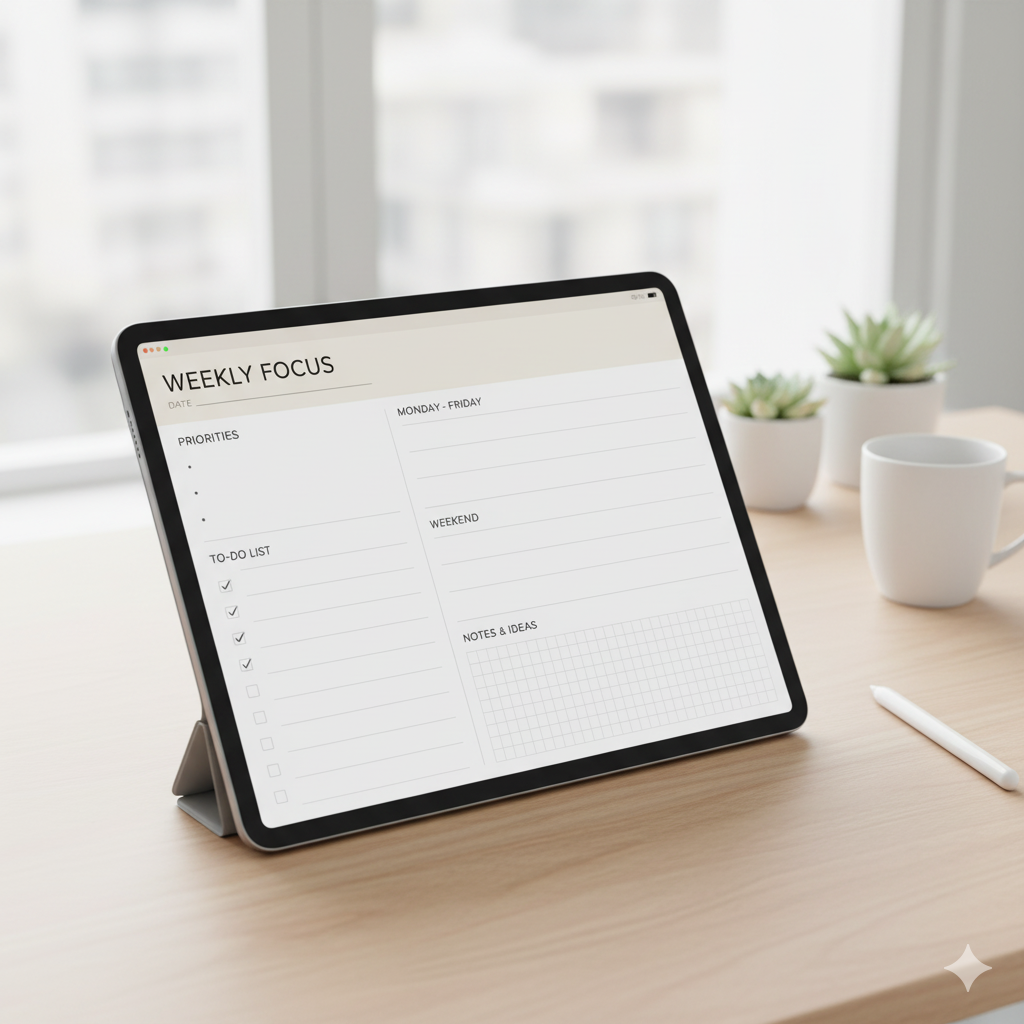
🌟 Beautiful Template Suggestions You Can Follow Today
- OnPlanners Daily Digital Planner for iPad (Light & Dark theme)
- Minimalist Undated Digital Planner for iPad – Etsy Listing
- Free Digital Planner Templates for iPad – Canva Library (you can adapt them)
These give you both inspiration and ready-to-download options. If you’re a creator wanting to resell or brand your own, you can use these as templates or design your own variant.
🤔 FAQs
Q1: What format should digital planners for iPad be?
Most are PDF or hyperlinked PDF, compatible with GoodNotes or Notability. Some come with PNG versions. PDF is easiest.
Q2: Can I use a digital planner on iPad without Apple Pencil?
Yes — you can still tap, type, and use touch navigation. Apple Pencil adds handwriting and annotation features but isn’t mandatory.
Q3: Are iPad digital planners better than paper planners?
For many users, yes. They’re reusable, searchable, hyperlinked, space-saving, and environmentally friendly. But if you prefer handwriting on paper only, a physical planner may still suit you.
Q4: Will digital planners work on Android tablets too?
Some do, but many are optimized for iPad and apps like GoodNotes. Always check the listing for “iPad & Android” compatibility.
Q5: Can I design and sell my own iPad digital planner template?
Absolutely. Create a hyperlinked PDF, design inside Canva or InDesign, list it on Etsy or your shop, and market through Pinterest and Instagram. Use keywords like “digital planner template for iPad” for visibility.

✅ Conclusion: Step Into the Future of Planning with Your iPad
If you’re ready to organize your life, up your productivity, or create a digital product to sell — the best digital planners for iPad users offer unmatched flexibility, style, and value.
Pick a planner that fits your lifestyle or brand, ensure compatibility with your device/app, check for hyperlinked layouts, and get inspired by minimalist or aesthetic designs. Then load it onto your iPad, start planning, or start selling.
👉 Action Step:
Visit one of the template listings above or browse the free Canva library, download your favorite iPad planner, import it into GoodNotes (or your app), and begin customizing it today. Your iPad is now your ultimate planning tool.
Stay organized, stay inspired, and make planning fun again.
About Artisan Anthology
At Artisan Anthology, we curate timeless digital creations designed to inspire and elevate every part of your lifestyle. Our collection includes brand books, digital templates, recipes, ebooks, wardrobe planners, fashion guides, printable wall art, and elegant home décor designs. We also specialize in wedding cards, invitations, baby shower cards, and engagement cards, each crafted to celebrate life’s most meaningful moments.
For professionals and dreamers alike, our CV templates, guided journals, and manifestation planners are created with intention to help you tell your story beautifully and authentically.
✨ Discover our full collection of digital planners here → artisananthology.xyz