Fonts do more than just make text look pretty—they define your brand personality, set the tone of your planner, and create emotional connections with your users. Whether you’re selling digital planners on Etsy, designing your own productivity tool in Canva, or customizing layouts for GoodNotes or Notability, the right font selection can make your planner stand out and sell faster.
In this guide, we’ll explore the best fonts for digital planners that give a sleek, modern aesthetic. You’ll also learn how to pair fonts, maintain readability, and stay consistent with your planner’s theme.
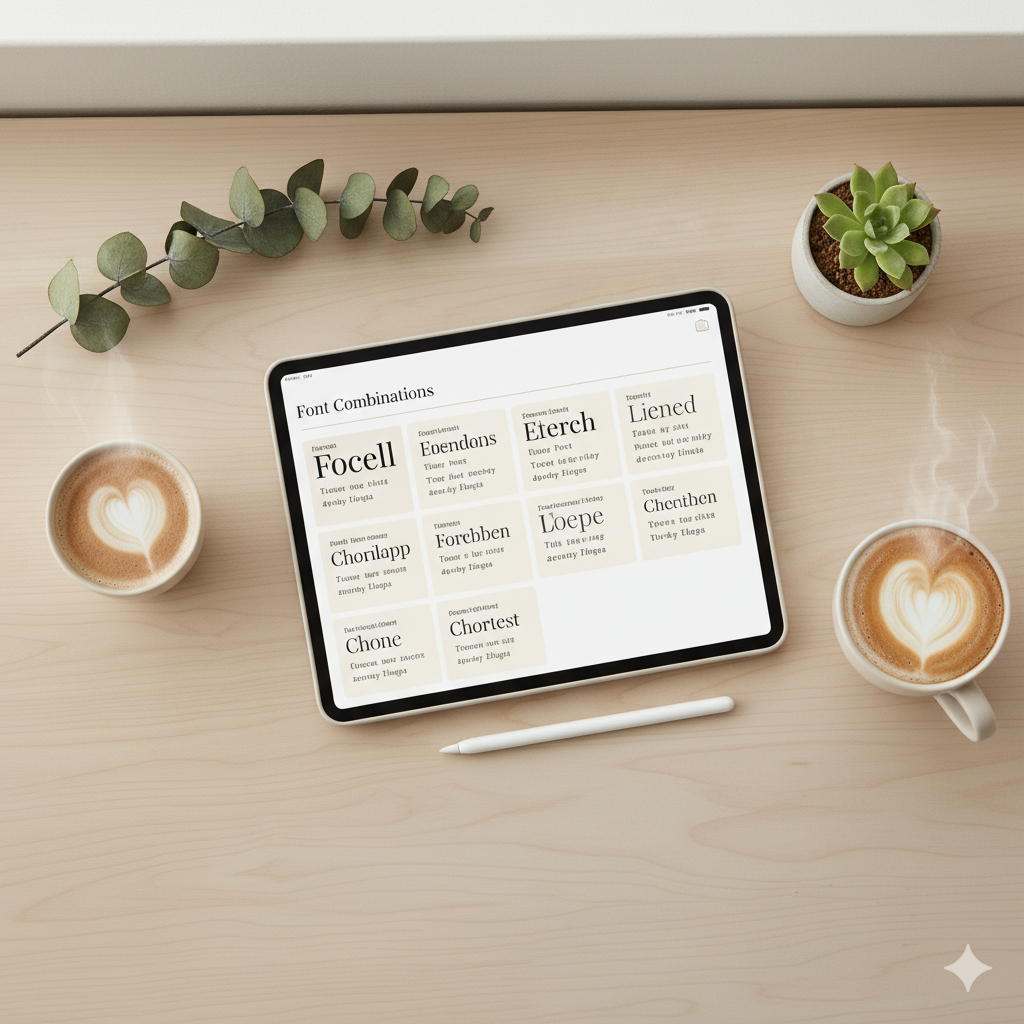
What Makes a Font “Modern” for Digital Planners?
Modern fonts are clean, minimal, and versatile. They help create balance and focus in digital spaces, especially for tablet or iPad users. A modern planner font should be:
| Feature | Why It Matters | Example Fonts |
|---|---|---|
| Readable on small screens | Ensures clarity on iPads or phones | Poppins, Inter |
| Minimalist & neutral | Complements all color schemes | Montserrat, Lato |
| Stylish yet practical | Adds personality without clutter | Playfair Display, Raleway |
| Consistent weights available | Keeps sections balanced | Open Sans, Nunito Sans |
Top 10 Best Fonts for Digital Planners (Free & Premium)
Here’s a curated list of fonts that blend modern aesthetics with digital usability.
1. Poppins
- Style: Geometric, clean, and trendy.
- Perfect for: Minimalist productivity planners or clean academic layouts.
- Pair with: Playfair Display for elegant contrast.
2. Montserrat
- Style: Modern and structured.
- Perfect for: Business or goal-setting planners.
- Why it works: Great readability and professional vibe.
3. Raleway
- Style: Elegant with thin lines.
- Perfect for: Feminine or lifestyle planners.
- Pro Tip: Use bold headings and light paragraph weights for balance.
4. Lora
- Style: Modern serif.
- Perfect for: Aesthetic or self-care planners.
- Bonus: Looks stunning on light beige or pastel themes.
5. Nunito Sans
- Style: Rounded and friendly.
- Perfect for: Daily planners or student templates.
- Pair with: Merriweather for contrast.
6. Inter
- Style: Designed for screens.
- Perfect for: Tech-inspired or productivity planners.
- Why it’s great: Highly legible at all sizes.
7. Playfair Display
- Style: Classy serif with high contrast.
- Perfect for: Goal or manifestation planners.
- Pair with: Sans-serif fonts like Lato or Raleway.
8. DM Sans
- Style: Balanced and clean.
- Perfect for: Neutral, aesthetic digital planners.
- Best for: Planners with soft, muted tones.
9. Quicksand
- Style: Rounded and playful.
- Perfect for: Creative or journaling planners.
- Why it’s great: Gives an approachable, friendly tone.
10. Cormorant Garamond
- Style: Elegant serif.
- Perfect for: Luxury planner designs or personal branding.
- Pair with: Sans-serif like Montserrat for harmony.

Font Pairing Guide for Modern Digital Planners
| Header Font | Body Font | Vibe | Use Case |
|---|---|---|---|
| Playfair Display | Lato | Elegant & Professional | Business or brand planners |
| Montserrat | Open Sans | Minimal & Clean | Productivity or fitness planners |
| Raleway | Nunito Sans | Soft & Feminine | Self-care or lifestyle planners |
| Poppins | Inter | Tech & Sleek | Academic or digital organization planners |
| Cormorant Garamond | DM Sans | Luxurious & Modern | Brand identity or luxury planners |
How to Choose Fonts That Match Your Planner’s Personality
Every planner has a purpose — and your font choice should mirror that:
- Goal Planner: Go bold and structured (e.g., Montserrat Bold)
- Wellness Planner: Soft, rounded fonts (e.g., Nunito Sans, Raleway)
- Luxury Planner: Mix serif with sans-serif (Cormorant Garamond + DM Sans)
- Student Planner: Use simple, modern fonts (Inter, Lato, Poppins)
- Manifestation Journal: Add elegance (Playfair Display, Lora)
Tips for Using Fonts in Canva for Digital Planners
- Stick to 2 fonts max — one for headings, one for body text.
- Adjust letter spacing (+10% for headings) for a premium look.
- Use uppercase for section titles — gives a clean digital layout.
- Test on iPad or GoodNotes — to ensure readability.
- Use Canva font effects (shadow or lift) subtly for emphasis.
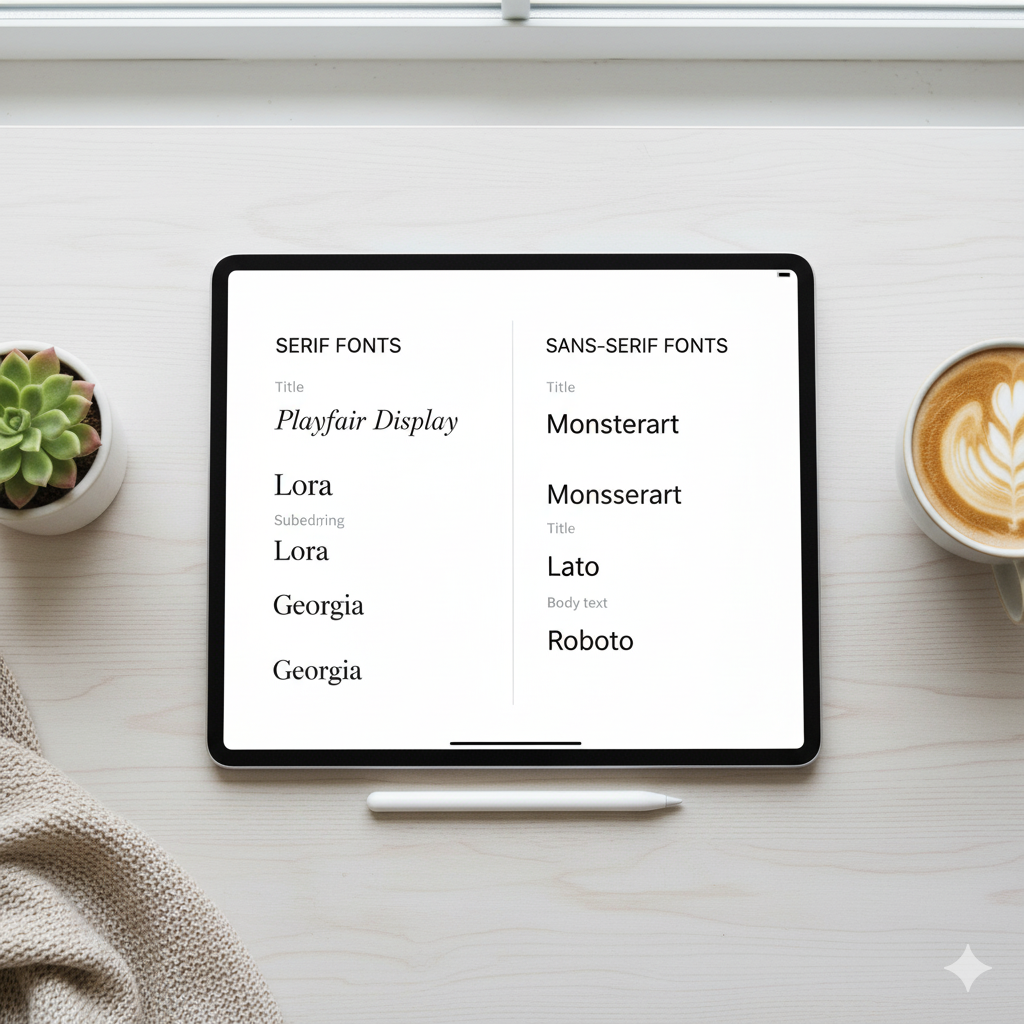
Comparison Table: Free vs Premium Fonts for Digital Planners
| Category | Free Fonts (Canva & Google Fonts) | Premium Fonts (Creative Market, Envato) |
|---|---|---|
| Examples | Poppins, Montserrat, Raleway | Glamour Absolute, Tan Nimbus, Futura Now |
| Customization | Basic | Advanced ligatures & alternates |
| Usage Rights | Personal & commercial (varies) | Extended commercial allowed |
| Ideal For | Beginners or Etsy sellers | Designers & premium templates |
FAQs
Q1: What are the best free fonts for digital planners?
Free fonts like Poppins, Montserrat, and Raleway are modern, professional, and available in Canva and Google Fonts.
Q2: How many fonts should I use in a digital planner?
Use 1–2 fonts: one for headings and one for body text to maintain consistency and avoid clutter.
Q3: Can I use Canva fonts for commercial use?
Yes, most Canva Pro fonts are licensed for commercial use. Always double-check Canva’s licensing terms before selling templates.
Q4: What font size is best for iPad digital planners?
For iPad use: 14–18pt for headers and 10–12pt for body text ensures clarity and comfort.
Q5: How do I make fonts look cohesive in my planner?
Stick to a theme—pair serif and sans-serif fonts with similar moods or letter spacing for balance.

Conclusion: Your Fonts Define Your Planner’s Personality
Fonts are the voice of your planner. Choosing the right one can transform a plain layout into a cohesive, beautiful design that enhances focus and productivity. Whether you’re creating planners for yourself or selling templates on Etsy, your typography choices define how users feel while planning their goals.
💡 Ready to create your own? Explore Canva’s font library or download my curated brand font pack designed for modern planner creators on Etsy and Payhip.

✨ About Artisan Anthology
At Artisan Anthology, we curate timeless digital creations designed to inspire and elevate every part of your lifestyle. Our collection includes brand books, digital templates, recipes, ebooks, wardrobe planners, fashion guides, printable wall art, and elegant home décor designs. We also specialize in wedding cards, invitations, baby shower cards, and engagement cards, each crafted to celebrate life’s most meaningful moments.
For professionals and dreamers alike, our CV templates, guided journals, and manifestation planners are created with intention to help you tell your story beautifully and authentically.
✨ Discover our full collection of digital planners here → ArtisanAnthology.xyz