You could have the most beautiful digital planner template in the world—but if your mockups don’t stop the scroll, your sales will stall.
On Etsy, mockups are more than visuals; they are your digital storefront, your first impression, and your silent salesperson.
If you’re wondering how to create stunning digital planner mockups that sell, this guide reveals every pro-level trick to make your listings look irresistible, boost clicks, and rank higher on Etsy search in 2025.
🌿 Why Mockups Matter in Etsy Success
Mockups aren’t just decoration — they’re a powerful visual strategy.
When done right, a mockup helps customers instantly imagine owning your product. That emotional connection leads to:
- Higher click-through rates
- Longer listing engagement
- More “Add to Cart” conversions
- Better Etsy ranking
In other words — a great mockup is the difference between browsed and bought.
🪞 What Makes a Digital Planner Mockup “Stunning”?
A truly stunning digital planner mockup has three elements:
- Aesthetic composition – clean, balanced, and on-brand.
- Emotional storytelling – reflects the lifestyle or mindset your planner promotes.
- Platform-optimized design – looks flawless on Etsy thumbnails, Pinterest, and mobile screens.
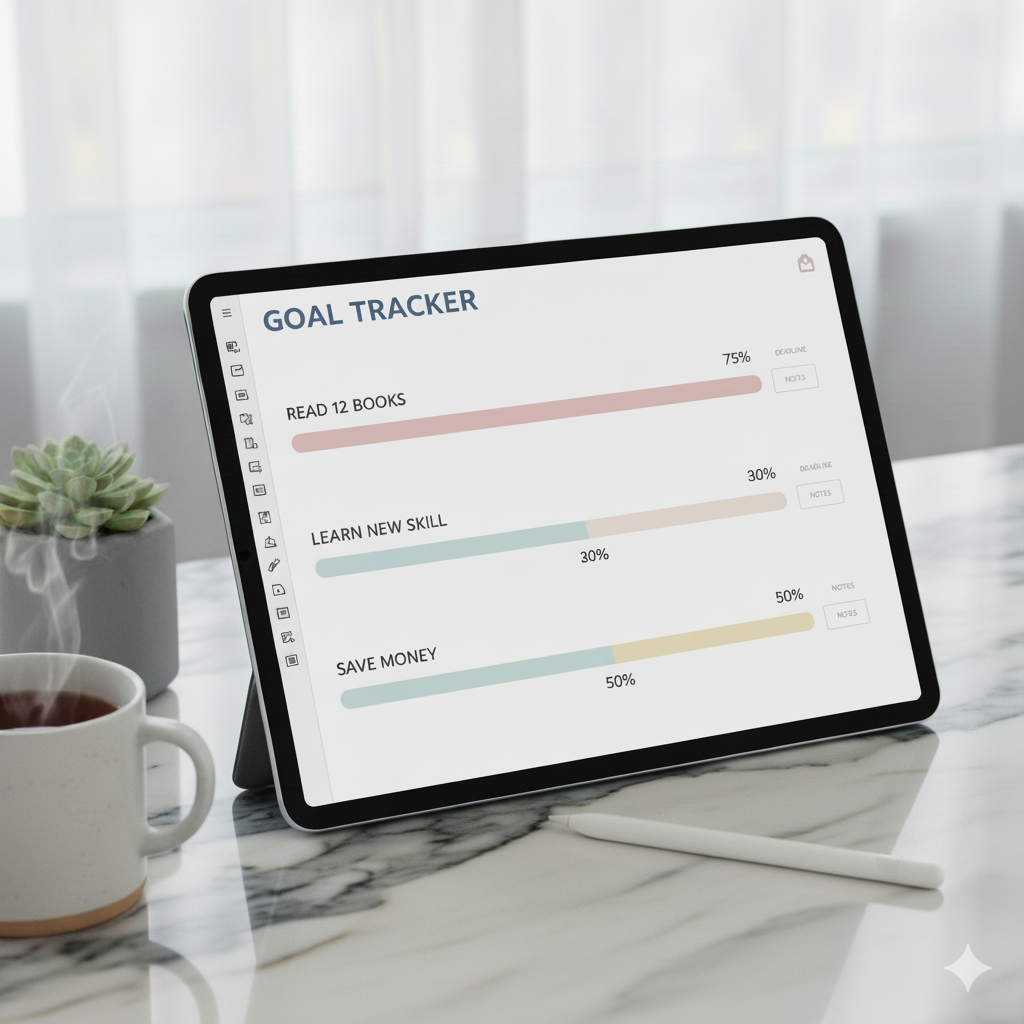
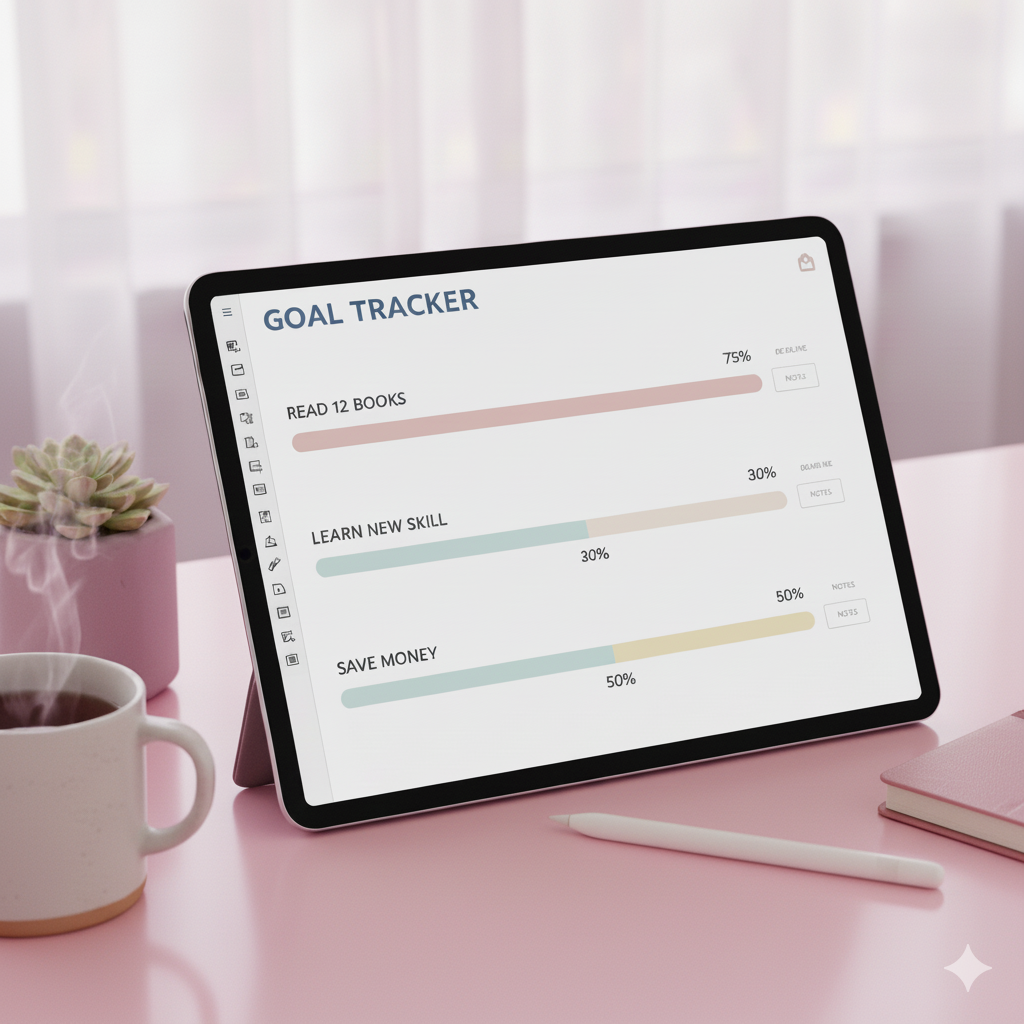
💬 Example: A “That Girl Planner” mockup might feature a chic iPad on a marble desk with coffee, gold stationery, and sunlight streaming in — minimalist, yet aspirational.
🎨 Step-by-Step: How to Create Stunning Digital Planner Mockups for Etsy
1. Choose the Right Mockup Style
Your mockup’s theme should reflect your brand.
| Style Type | Best For | Visual Mood |
|---|---|---|
| Minimalist | Productivity planners | Clean, light backgrounds |
| Feminine & Chic | Manifestation or That Girl planners | Pink tones, gold accents |
| Professional | Business or academic planners | Neutral tones, crisp fonts |
| Cozy & Lifestyle | Journaling planners | Warm tones, coffee, textures |
💬 Tip: Use consistent lighting and props across all listings for brand harmony.
2. Select High-Quality Devices & Props
Use mockups featuring realistic devices:
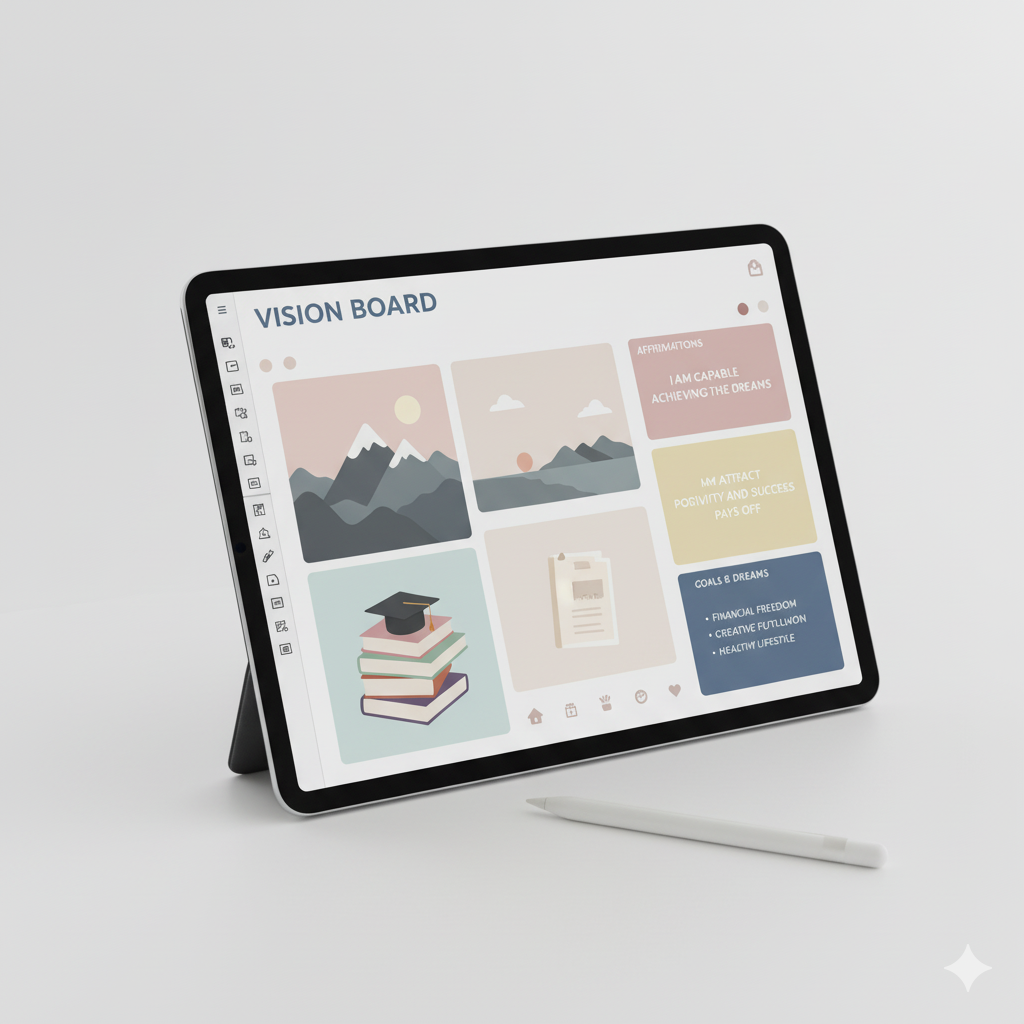
- iPad (for GoodNotes planners)
- iPhone (for mobile layouts)
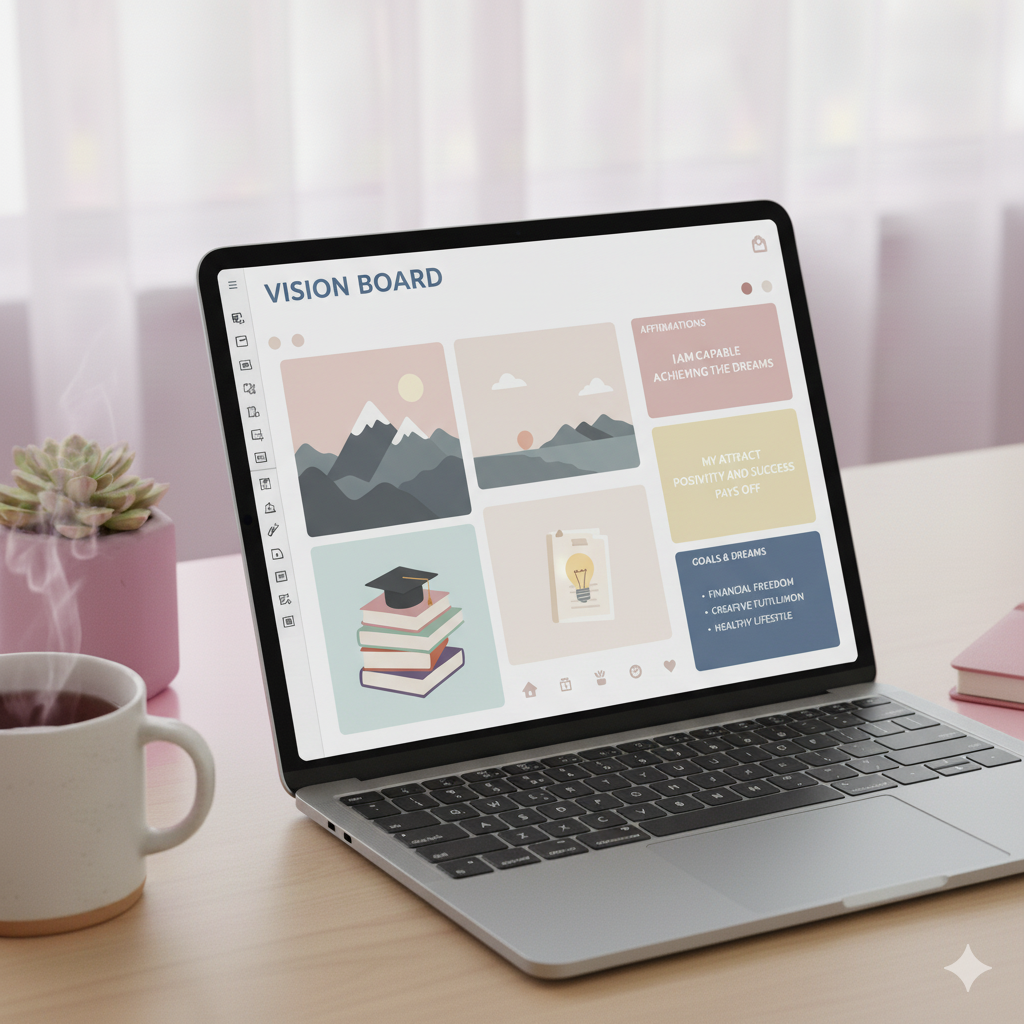
- Laptop or desktop (for business planners)
Include props that support your niche — pens, candles, notebooks, or coffee mugs.
Avoid: Overly cluttered or pixelated mockups. Clarity sells better than chaos.
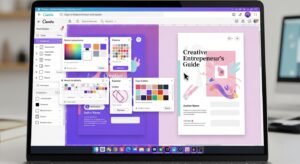
3. Use Canva or Smart Object Mockups
If you’re not a Photoshop pro, Canva is your best friend.
💻 Canva Method:
- Upload your planner pages (PDF/JPG).
- Choose “Smart Mockups” → “Devices” option.
- Adjust background, shadows, and brightness for realism.
🧩 Photoshop Method:
- Use Smart Object layers to drag and drop your planner page into the device frame.
- Add realistic shadow overlays and reflections.
💬 Pro Tip: Keep 20–30 mockups per product bundle for variety across listings and platforms.
4. Focus on Realistic Lighting
Lighting is what makes a mockup look expensive.
Use natural, diffused light — not harsh or overly bright filters.
💬 Tip: Slight warm tones (around 5600K) make mockups feel more inviting.
5. Add Brand Elements
Your mockup should whisper your brand identity.
Include subtle touches like:
- Brand colors
- Fonts from your Etsy banner
- Your shop watermark (small and elegant)
💬 Pro Tip: Add your logo in a lower corner at 40% opacity for protection and branding.
6. Use Contextual Scenes
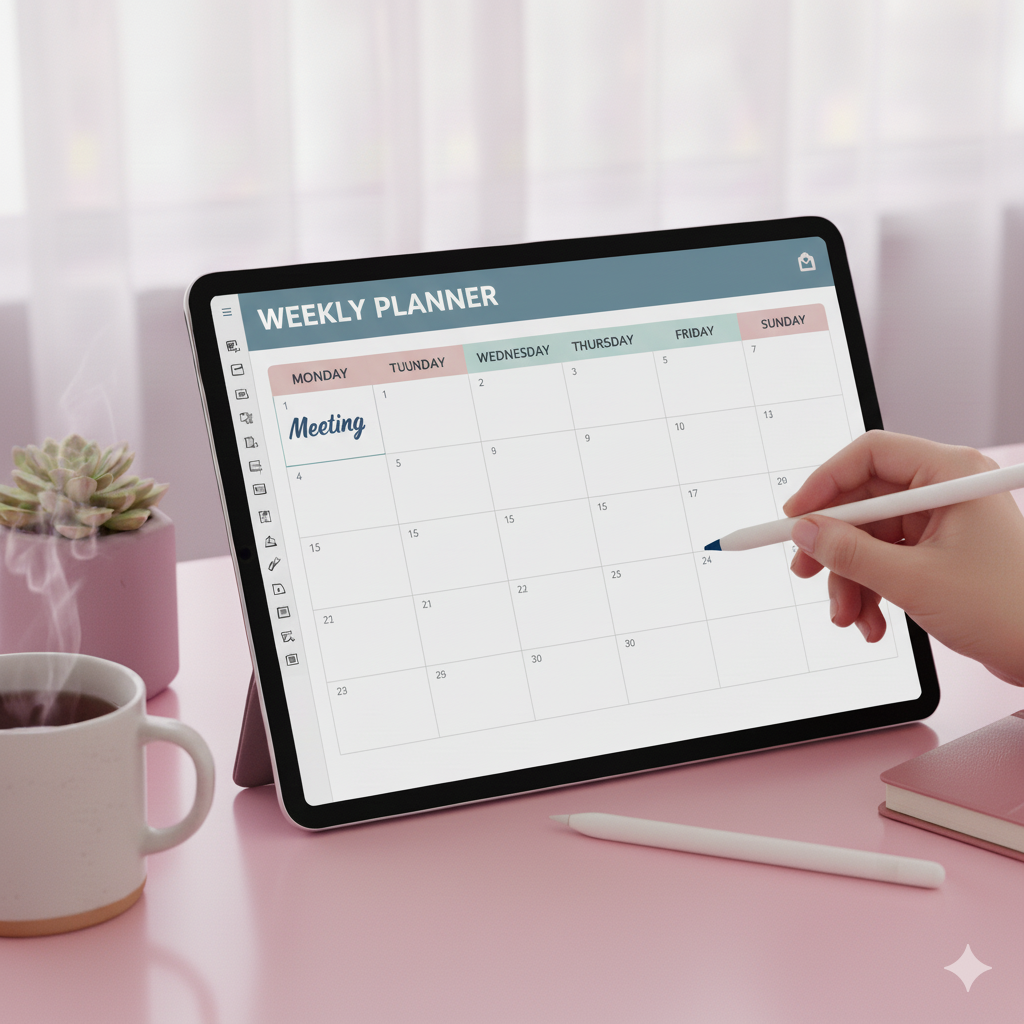
Show your digital planner in use.
Instead of just showing flat pages, include:
- A stylus writing on it
- A hand scrolling through it
- A cozy background (coffee, plant, desk setup)
💬 Why It Works: It helps buyers visualize themselves using your planner — triggering emotional purchase intent.
7. Optimize Image Size for Etsy
Etsy favors listings that load fast and stay crisp.
Follow these golden rules:
- Image size: 2000 x 2000 px
- File format: JPG (80% quality for speed)
- Name file:
digital-planner-mockup-etsy-productivity-template.jpg - ALT text: Use keyword-rich descriptions (examples below 👇)
🧰 Comparison Table: Canva vs Photoshop for Planner Mockups
| Feature | Canva | Photoshop |
|---|---|---|
| Ease of Use | Beginner-friendly | Advanced-level |
| Smart Mockups | Built-in (limited) | Fully editable layers |
| Customization | Moderate | Unlimited |
| Speed | Fast for bulk designs | Slower but precise |
| Ideal For | Etsy sellers, beginners | Brand designers, advanced sellers |
💬 Verdict: Canva is perfect for fast, beautiful mockups. Photoshop offers the creative edge for luxury branding.
🪄 Advanced Tips to Make Your Mockups Stand Out
- Use Depth & Shadow Layers: Add light shadows under devices for realism.
- Highlight Best Features: Showcase planner’s cover, habit tracker, or daily layout clearly.
- Show Multiple Angles: Front view, close-up, lifestyle scene — it tells a story.
- Add Text Overlays: “Editable in Canva” or “GoodNotes Compatible” badges boost conversions.
- Bundle Visual Variety: Create a mockup carousel that shows your planner’s key pages, usability, and vibe.
💬 FAQs
❓ How do I make digital planner mockups for Etsy?
You can create digital planner mockups using Canva Smart Mockups or Photoshop Smart Objects. Add device frames, props, and your planner screenshots to create realistic, clickable visuals.
❓ What size should Etsy mockup images be?
The recommended size is 2000 x 2000 pixels for high-quality thumbnails and optimized loading time.
❓ Can I use free mockups from Canva for Etsy?
Yes, Canva offers free mockup templates. However, using Pro mockups or custom-designed scenes will make your listings stand out.
❓ How many mockups should I upload per Etsy listing?
Ideally, 8–10 mockup images — including lifestyle, close-up, and product demonstration — help increase buyer trust and conversion rates.
❓ How do I make my mockups look realistic?
Use natural lighting, subtle shadows, and contextual props (desk, coffee, stationery). Avoid over-editing or harsh filters.
📈 Checklist Before Uploading Your Mockups on Etsy
- Rename image files with long-tail keywords
- Add keyword-rich ALT text
- Maintain consistent color tone with your Etsy shop banner
- Include at least one lifestyle mockup per product
- Add your brand watermark subtly
- Keep file size under 2 MB for faster loading
🪞 BONUS: Mockup Aesthetic Combinations That Convert
| Planner Type | Ideal Aesthetic | Props to Include |
|---|---|---|
| Productivity Planner | Minimal white + black | Laptop, pen, coffee cup |
| Manifestation Journal | Soft pink + beige | Crystals, affirmations, gold pen |
| Business Planner | Navy + grey | Notebook, glasses, tablet |
| Wellness Tracker | Pastel green + linen | Candle, plant, smoothie |
| Student Planner | Bright tones | Books, stationery, laptop |
🩵 Conclusion: Your Mockups Are Your Brand’s First Impression
Every click on Etsy starts with an image.
If your mockup tells the right story — clean, cohesive, and emotionally aligned — you’re halfway to a sale before the shopper even reads your description.
💬 Final Tip: Treat your mockups as part of your brand — not an afterthought. When your visuals inspire confidence and emotion, your listings become irresistible.
✨ Ready to elevate your Etsy store?
Explore editable Canva mockup templates from Artisan Anthology — designed to help you create scroll-stopping visuals that convert.
✨ About Artisan Anthology
At Artisan Anthology, we curate timeless digital creations designed to inspire and elevate every part of your lifestyle. Our collection includes brand books, digital templates, recipes, ebooks, wardrobe planners, fashion guides, printable wall art, and elegant home décor designs. We also specialize in wedding cards, invitations, baby shower cards, and engagement cards, each crafted to celebrate life’s most meaningful moments.
For professionals and dreamers alike, our CV templates, guided journals, and manifestation planners are created with intention to help you tell your story beautifully and authentically.
✨ Discover our full collection of digital planners here → ArtisanAnthology.xyz