We’ve all had those days where our to-do lists never end, sticky notes cover every surface, and deadlines sneak up on us. That’s not chaos — that’s a lack of structure.
In 2025, the best way to bring order to the madness is through a daily digital planner — a modern tool that blends productivity, creativity, and technology. Whether you’re a student, business owner, or content creator, a digital planner helps you turn chaos into clarity by keeping everything beautifully organized in one place.
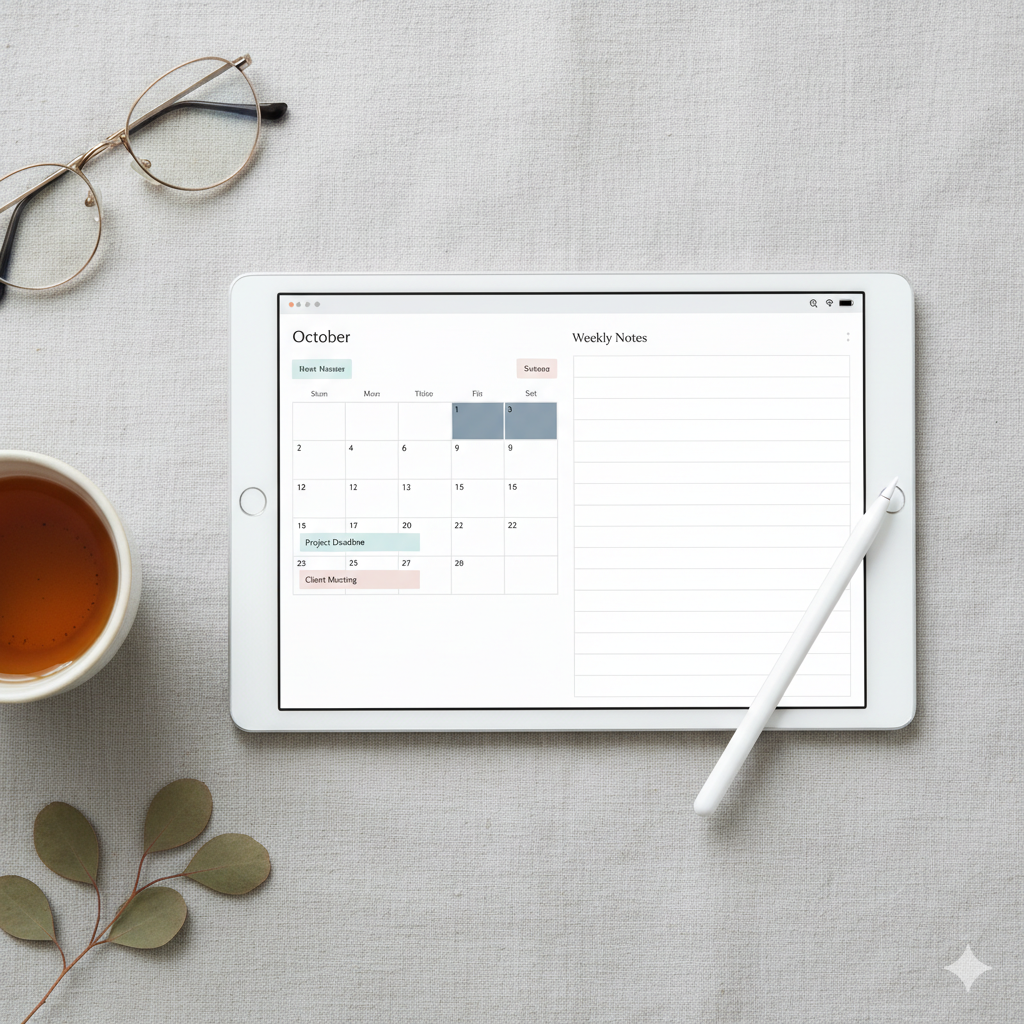
💻 Why a Daily Digital Planner Changes Everything
Digital planners are not just an upgrade from paper — they’re a productivity revolution. Here’s why:
| Benefit | Why It Matters | Example |
|---|---|---|
| Instant Organization | Keep all tasks, goals, and notes in one space | Daily dashboards |
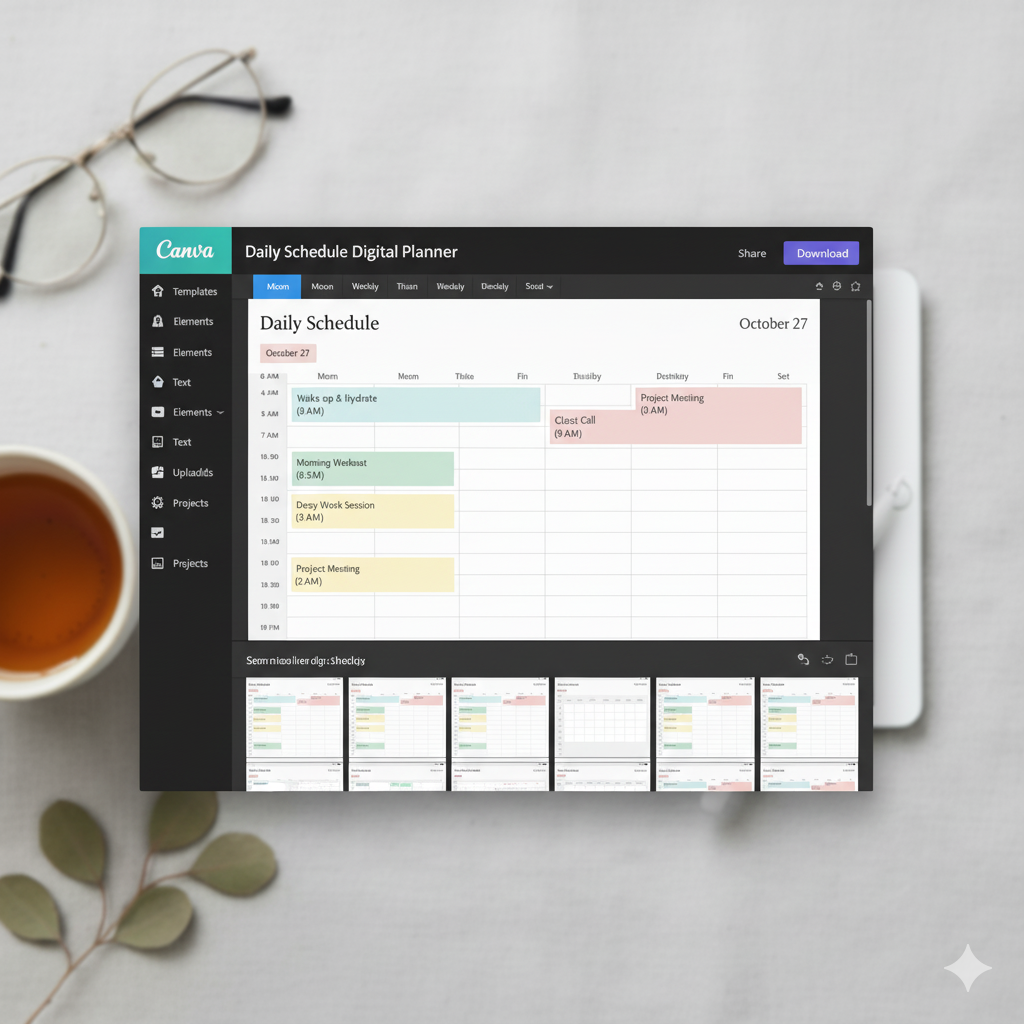
| Customization | Adjust pages, colors, and layouts to match your routine | Canva + GoodNotes templates |
| Visual Planning | Add widgets, icons, and stickers for motivation | Habit trackers & progress bars |
| Eco-Friendly | No more paper waste or endless notebooks | 100% reusable templates |
| Sync Anywhere | Access from iPad, tablet, or laptop seamlessly | Cloud-sync planners |
💬 Pro Tip: Choose a daily planner template that includes to-do lists, reflection prompts, and time blocks to maximize focus.
🕰️ Step-by-Step: How to Turn Chaos Into Clarity
Here’s your roadmap to transform your daily routine from messy to meaningful:
1. Start With a Morning Mind Dump
Before planning, empty your mind. List everything — tasks, ideas, worries, goals — without editing.
Then categorize:
- 💼 Work tasks
- 🏡 Personal errands
- 💖 Wellness & self-care
- ✨ Creative goals
This gives you a clean slate to work from.
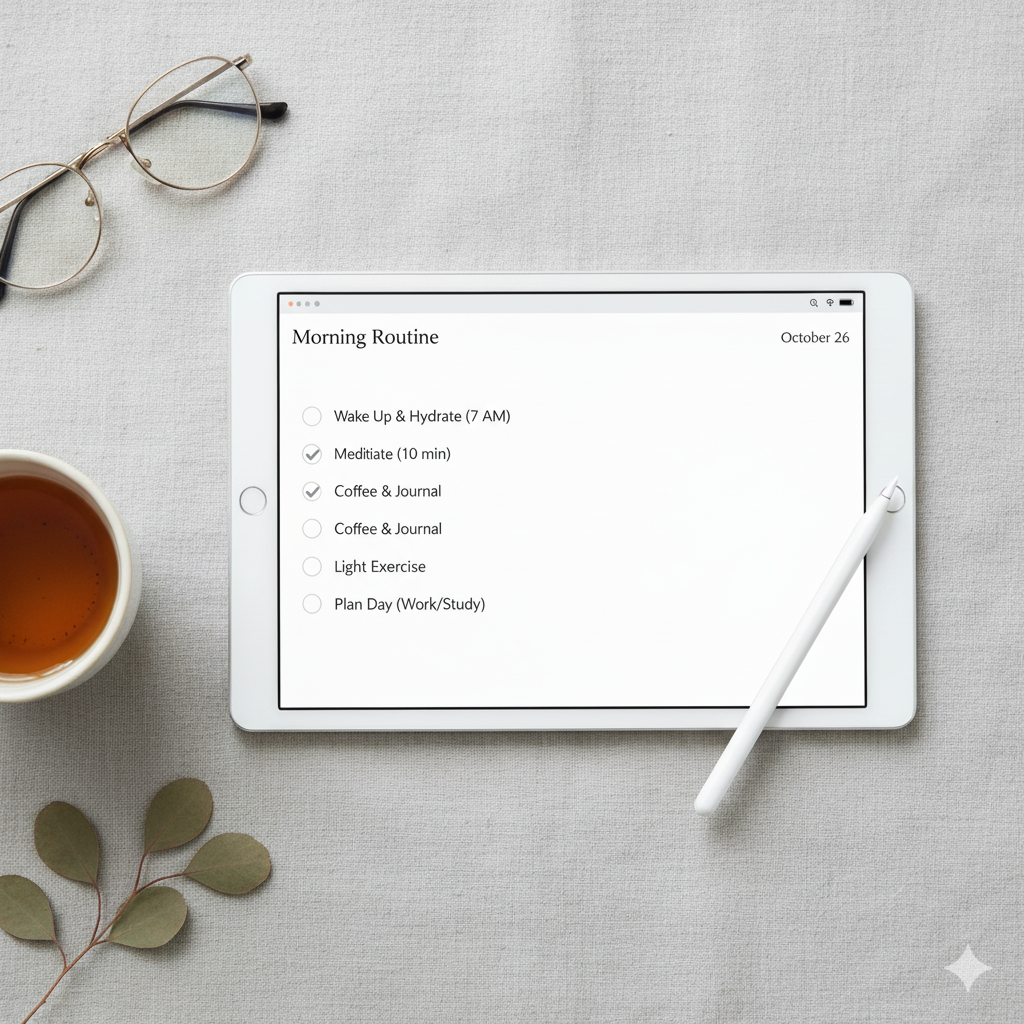
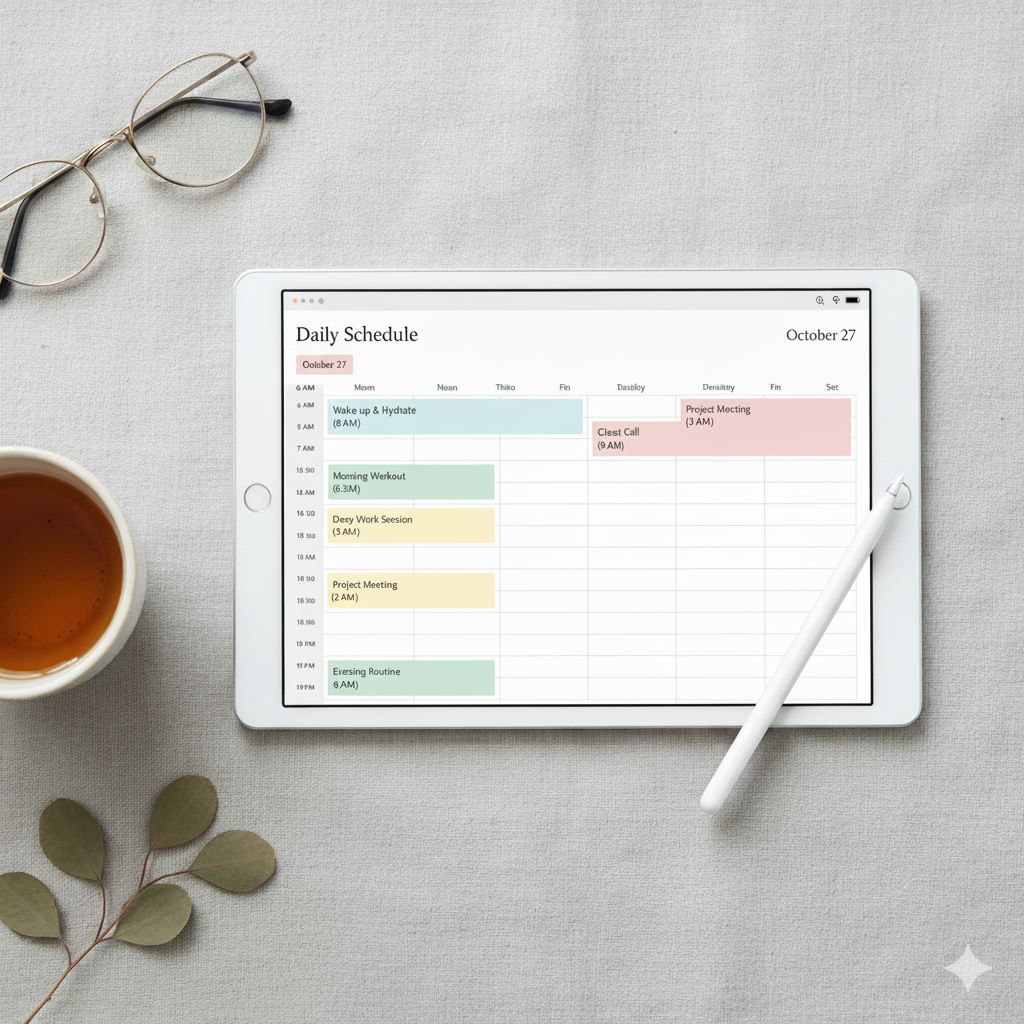
2. Use Time Blocking for Focus
Time blocking helps you assign tasks to specific time slots, reducing overwhelm.
Example layout:
| Time | Task | Priority |
|---|---|---|
| 7:00–8:00 AM | Morning routine & breakfast | High |
| 9:00–11:00 AM | Work/project focus | High |
| 1:00–2:00 PM | Lunch + relax | Low |
| 3:00–5:00 PM | Admin & planning | Medium |
💡 Digital planners allow easy color-coding — use pink for work, beige for breaks, and gold for goals.
3. Set 3 Non-Negotiable Daily Goals
Clarity comes from simplicity.
Choose three tasks that must get done today, and make them visible on your planner’s homepage.
🪶 Example:
- Finalize Etsy listing designs
- Post Pinterest pin batch
- Review client proposal
Once those are complete, you’ll feel accomplished — even if nothing else gets done.
4. Add Reflection & Gratitude Sections
Even 5 minutes of reflection helps reinforce consistency.
Include these prompts:
- What went well today?
- What could I improve?
- What am I grateful for?
💬 This not only builds awareness but strengthens your mental clarity over time.
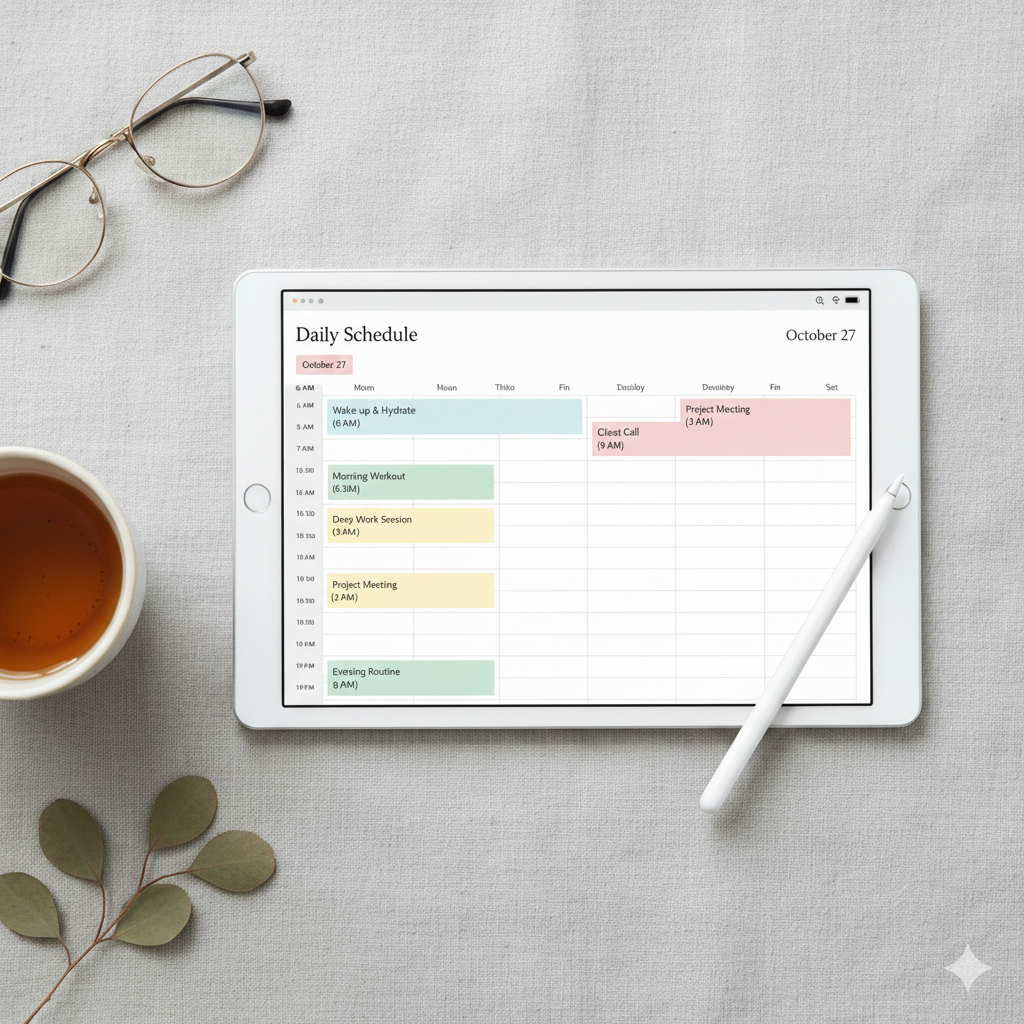
5. Use Automation Tools & Reminders
Most digital planners (like GoodNotes, Notion, or Canva templates) support:
- Linked daily pages
- Auto-generated habit trackers
- Built-in reminders
These make staying consistent effortless.
🌸 Daily Digital Planner Layout Ideas
When choosing or creating your planner, look for sections that support clarity and flow.
| Planner Section | Purpose | Example Template Page |
|---|---|---|
| Daily Overview | Snapshot of your day | Schedule + priorities |
| Task Tracker | Organize to-dos by priority | Checkbox layout |
| Notes Section | Brain dump & ideas | Blank note grid |
| Habit Tracker | Build consistency | 30-day tracker |
| Weekly Recap | Reflect & reset | Progress + goals |
🚫 Common Mistakes Beginners Make
Avoid these clarity killers:
❌ Overloading your planner with too many tasks
❌ Skipping daily reviews
❌ Using a cluttered or hard-to-read design
❌ Ignoring habit tracking
❌ Forgetting to celebrate wins
🎯 Remember: A clear planner equals a clear mind.
❓ FAQs
Q1: What is the best daily digital planner app?
A: The top apps in 2025 are GoodNotes, Notion, and Zinnia, offering hyperlinked layouts and full customization for clarity and focus.
Q2: How can I use a digital planner to reduce stress?
A: By offloading mental clutter into an organized digital space, you free up focus and energy for creativity and problem-solving.
Q3: Can I use a daily planner on both iPad and laptop?
A: Yes — most planners designed in Canva or PDF format are compatible across devices with syncing support.
Q4: What’s the best layout for beginners?
A: Start with a minimalist daily layout featuring morning goals, time blocking, and reflection space.
Q5: How long does it take to build planner consistency?
A: With daily use, clarity and habit building typically take 2–3 weeks to feel natural.
🌟 Conclusion: Bring Calm to the Chaos
Clarity doesn’t happen by chance — it’s designed.
A daily digital planner gives you control over your time, helps you prioritize what truly matters, and transforms everyday overwhelm into focused productivity.
So if you’re ready to:
✅ Simplify your schedule
✅ Stay consistent effortlessly
✅ Feel accomplished every day
Then it’s time to download your favorite daily digital planner template and start organizing your life beautifully.
💖 Explore the Artisan Anthology Collection — a curated library of elegant, editable digital planners for clarity, consistency, and success.
✨ About Artisan Anthology
At Artisan Anthology, we curate timeless digital creations designed to inspire and elevate every part of your lifestyle. Our collection includes brand books, digital templates, recipes, ebooks, wardrobe planners, fashion guides, printable wall art, and elegant home décor designs. We also specialize in wedding cards, invitations, baby shower cards, and engagement cards, each crafted to celebrate life’s most meaningful moments.
For professionals and dreamers alike, our CV templates, guided journals, and manifestation planners are created with intention to help you tell your story beautifully and authentically.
✨ Discover our full collection of digital planners here → ArtisanAnthology.xyz