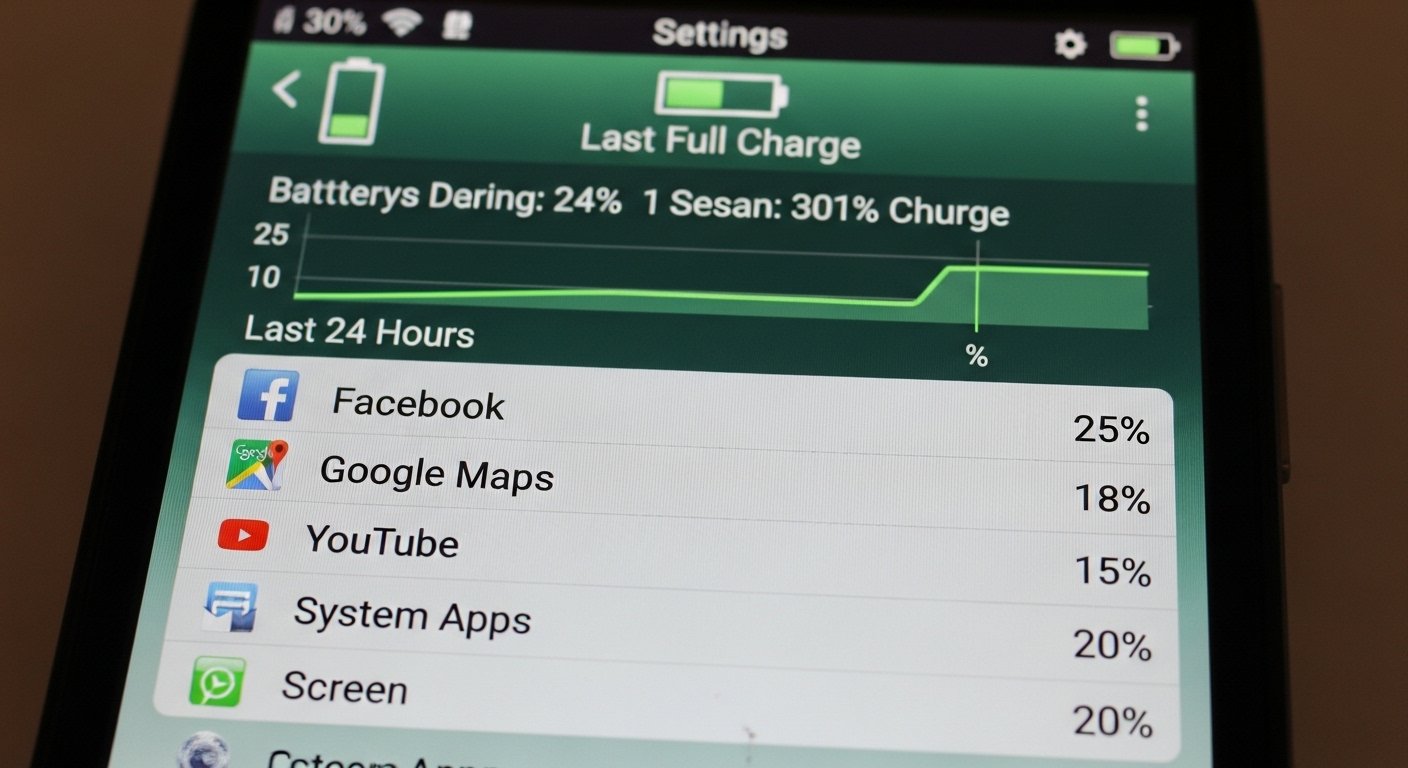
Is your old smartphone dying before lunchtime? You’re not alone. As devices age, battery performance naturally declines — but replacing your phone isn’t always necessary. With the right optimization strategies, you can extend the battery life of an old smartphone and make it last for months or even years longer.
This complete 2026 guide covers:
✔ How to improve old smartphone battery performance
✔ Hidden settings that drain battery fast
✔ Practical battery-saving tips that actually work
✔ When to replace the battery vs upgrade the device
✔ Advanced tweaks for power users
If you’re searching for how to make an old phone battery last longer, this step-by-step guide will help you maximize performance without spending money.
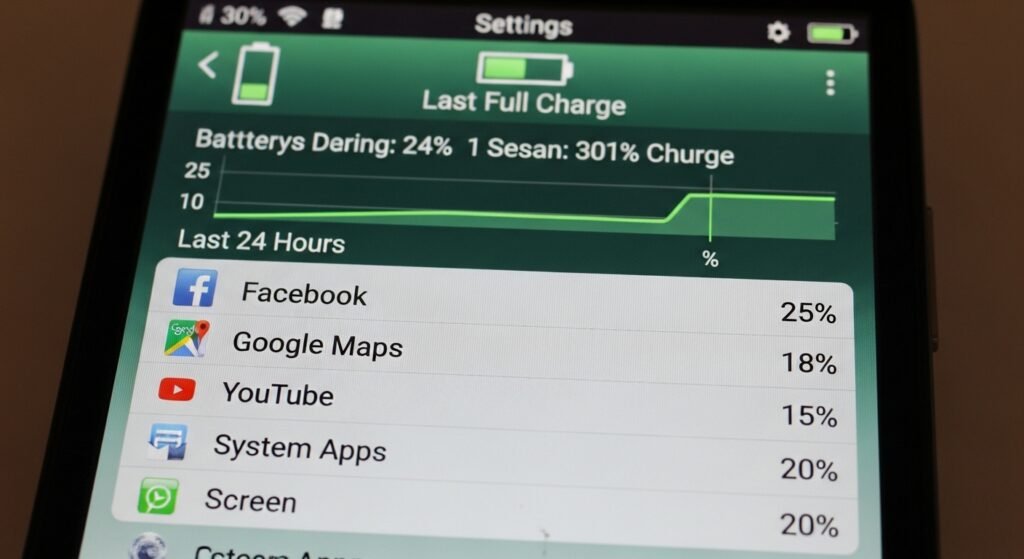
Why Old Smartphones Lose Battery Life
Before fixing the problem, understand the cause.
1. Battery Degradation
Lithium-ion batteries degrade after:
- 300–500 full charge cycles
- 2–3 years of daily use
Symptoms:
✔ Faster battery drain
✔ Sudden shutdowns
✔ Overheating
2. Software Updates
New OS versions often demand:
- More RAM
- More background processes
- Higher CPU usage
Older hardware struggles, causing battery drain.
3. Background Apps
Many apps:
✔ Sync constantly
✔ Track location
✔ Run push notifications
Even when not in use.
Quick Fix Checklist (Immediate Results)
If you need instant improvement:
✔ Lower screen brightness
✔ Enable battery saver mode
✔ Turn off Bluetooth/Wi-Fi when unused
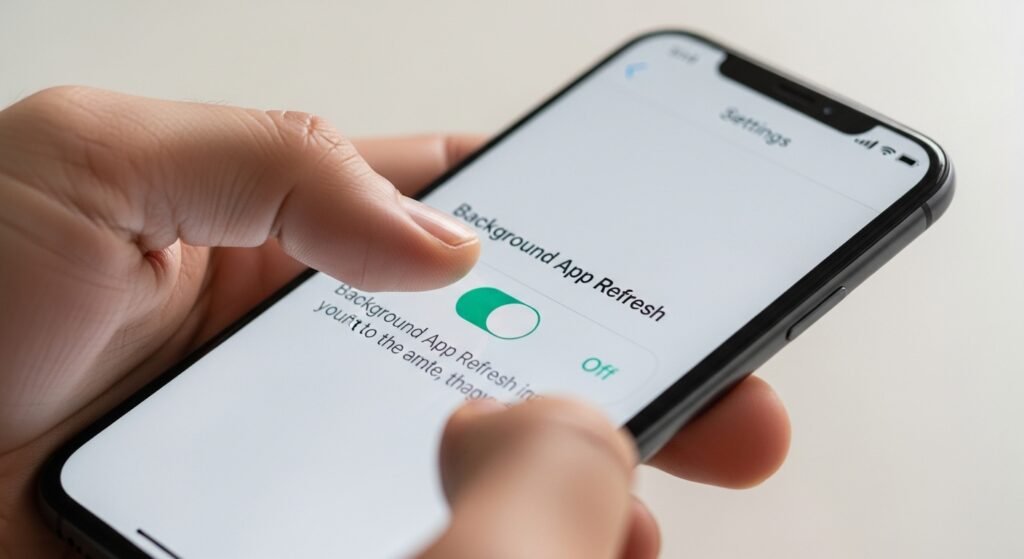
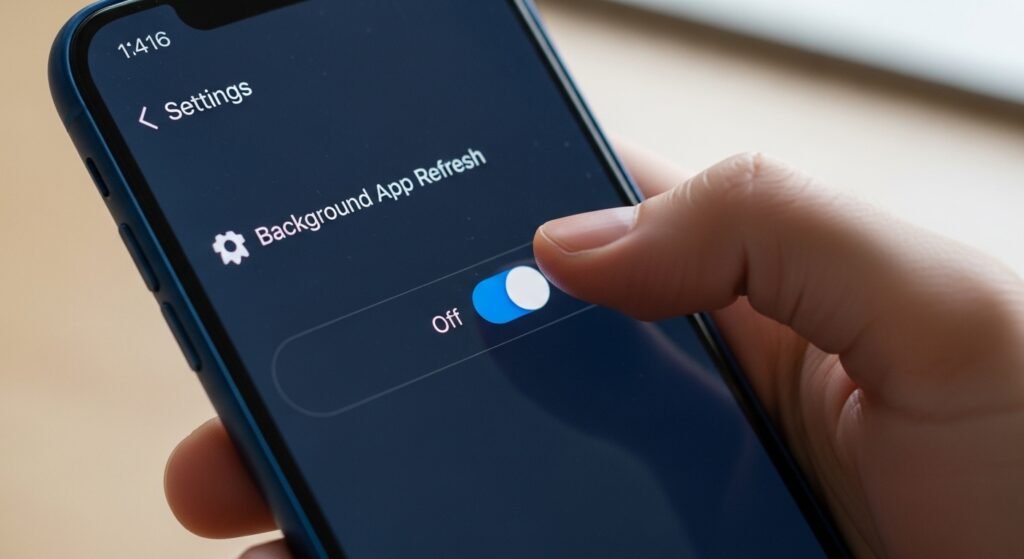
✔ Disable background refresh
✔ Reduce push notifications
✔ Turn off always-on display
These simple tweaks can increase daily battery life by 20–40%.
Step-by-Step Guide to Improve Old Smartphone Battery Life
Step 1: Check Battery Health
Most smartphones allow you to check:
- Battery capacity percentage
- Usage by app
- Charging history
If battery health is below 80%, consider replacement.
Step 2: Reduce Screen Power Usage
The display consumes the most power.
Optimize Screen Settings:
✔ Lower brightness manually
✔ Disable adaptive brightness (sometimes inefficient)
✔ Reduce screen timeout to 30 seconds
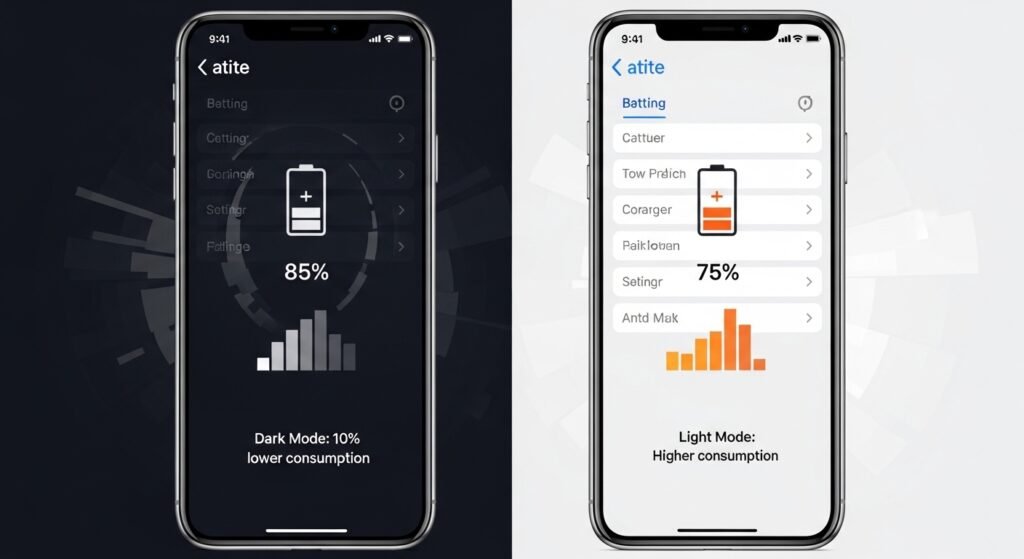
✔ Switch to dark mode
✔ Use static wallpapers
Dark mode can significantly improve battery life on OLED screens.
Step 3: Manage Background Apps
Open battery usage settings and:
✔ Restrict high-drain apps
✔ Disable auto-start for non-essential apps
✔ Remove unnecessary widgets
Apps like social media and messaging platforms often consume the most energy.
Step 4: Disable Location Services
Location tracking drains battery quickly.
Set location to:
✔ “While using app”
✔ Turn off background GPS
✔ Disable Wi-Fi and Bluetooth scanning
Step 5: Optimize Connectivity
Poor signal = higher battery drain.
✔ Use Wi-Fi instead of cellular when possible
✔ Enable airplane mode in low-signal areas
✔ Turn off 5G if unnecessary
Advanced Battery Optimization Techniques
1. Turn Off Background Sync
Disable:
- Email auto-sync
- Cloud backup frequency
- Social media background refresh
2. Limit Push Notifications
Notifications wake your screen and CPU frequently.
Turn off:
✔ Non-essential alerts
✔ Promotional notifications
3. Disable Animations (Advanced Users)
Reducing system animations:
✔ Improves responsiveness
✔ Reduces GPU load
4. Factory Reset for Fresh Start
If battery drains abnormally:
✔ Back up data
✔ Perform factory reset
✔ Reinstall only essential apps
This removes hidden background processes.
Should You Replace the Battery?
| Scenario | Replace Battery | Upgrade Phone |
|---|---|---|
| Battery health <80% | ✅ Yes | ❌ |
| Phone is slow but functional | ✅ | ❌ |
| OS no longer supported | ❌ | ✅ |
| Hardware failing | ❌ | ✅ |
| Budget tight | ✅ | ❌ |
Battery replacement is often cheaper than buying a new phone.
Best Charging Practices for Old Phones
1. Avoid 0–100% Cycles
Ideal range:
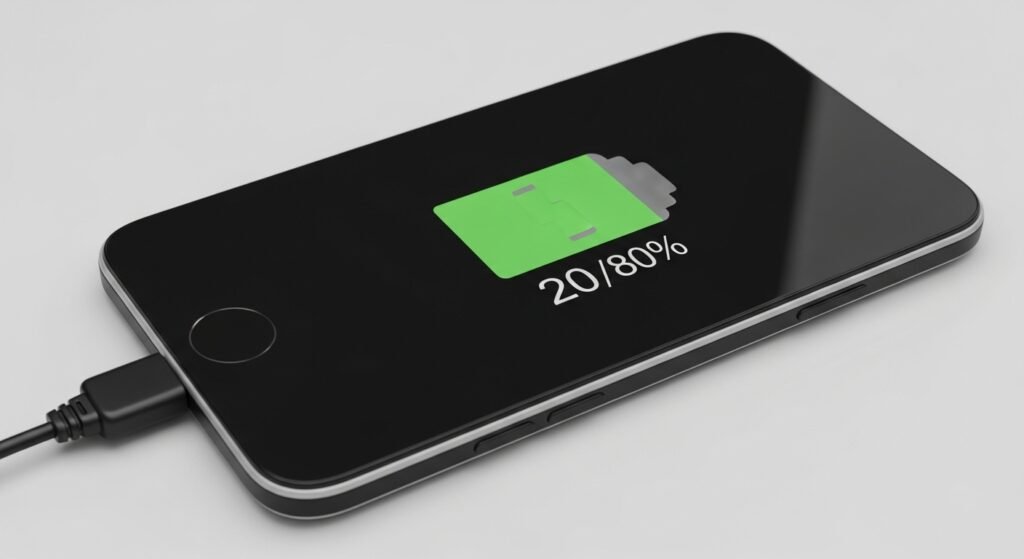
✔ Keep between 20% and 80%
2. Avoid Overnight Charging
Long full charges increase battery wear.
3. Use Original Charger
Cheap chargers can:
❌ Overheat battery
❌ Reduce lifespan
4. Keep Phone Cool
Heat accelerates battery degradation.
✔ Avoid gaming while charging
✔ Remove case during heavy tasks
Common Battery Drain Causes
✔ High screen brightness
✔ Background social apps
✔ Poor network signal
✔ Live wallpapers
✔ Automatic app updates
✔ Malware apps
Signs It’s Time for Battery Replacement
✔ Phone dies at 30%
✔ Sudden shutdowns
✔ Battery swelling
✔ Phone overheating
✔ Charging takes extremely long
Battery Life Comparison Before and After Optimization
| Setting Change | Estimated Improvement |
|---|---|
| Dark mode enabled | 5–15% |
| Background app restriction | 10–25% |
| Lower brightness | 10–20% |
| Location restriction | 5–10% |
| Connectivity optimization | 5–15% |
Combined improvements can extend usage by 1–3 additional hours daily.
Tips for Low-End or Very Old Phones
✔ Use lightweight app versions
✔ Uninstall heavy games
✔ Disable automatic updates
✔ Reduce home screen widgets
✔ Use static themes
Lightweight versions of apps consume less power.
When Software Tweaks Aren’t Enough
If your phone still drains fast:
✔ Replace battery
✔ Install lightweight OS version
✔ Use phone as secondary device
✔ Use as Wi-Fi-only device
Eco-Friendly Benefits
Extending battery life:
✔ Reduces electronic waste
✔ Saves money
✔ Reduces environmental impact
Keeping a phone for an extra year significantly lowers carbon footprint.
FAQs
How can I make my old smartphone battery last longer?
Lower screen brightness, restrict background apps, enable battery saver, reduce location tracking, and avoid full 0–100% charge cycles.
Does dark mode really save battery on old phones?
Yes, especially on OLED screens. Dark mode reduces pixel power consumption and can improve battery life by 5–15%.
Is it worth replacing an old phone battery?
If battery health is below 80% and the phone still performs well, replacing the battery is usually more cost-effective than buying a new device.
Why does my old phone battery drain so fast?
Common reasons include battery degradation, background apps, high brightness, poor signal strength, and outdated system processes.
Should I upgrade my phone instead?
Upgrade only if:
- OS is unsupported
- Hardware is failing
- Battery replacement cost is too high
Action Plan: Extend Your Phone’s Battery Today
- Check battery health
- Enable dark mode
- Restrict background apps
- Optimize connectivity
- Follow smart charging habits
- Replace battery if needed
You can gain 2–3 extra hours of daily usage immediately with these steps.
Final Thoughts: Make Your Old Phone Last Longer
You don’t need a new smartphone every two years.
By optimizing settings, managing apps, and improving charging habits, you can:
✔ Extend battery lifespan
✔ Improve daily performance
✔ Save money
✔ Reduce e-waste
Small changes make a big difference.
Start today. Adjust just three settings.
Your old smartphone can still deliver strong performance — with the right battery optimization strategy.
✨ About Artisan Anthology
At Artisan Anthology, we curate timeless digital creations designed to inspire and elevate every part of your lifestyle. Our collection includes brand books, digital templates, recipes, ebooks, wardrobe planners, fashion guides, printable wall art, and elegant home décor designs. We also specialize in wedding cards, invitations, baby shower cards, and engagement cards, each crafted to celebrate life’s most meaningful moments.
For professionals and dreamers alike, our CV templates, guided journals, and manifestation planners are created with intention to help you tell your story beautifully and authentically.
✨ Discover our full collection of digital products here → ArtisanAnthology.xyz