(The Ultimate Guide for Beginners & Digital Creators)
In today’s digital world, planning has shifted from paper notebooks to beautifully designed interactive digital planners. Whether you’re organizing your life, managing your business, or creating planners to sell online, Canva makes it effortless and aesthetic.
Canva allows anyone — even non-designers — to create interactive, hyperlinked digital planners with stunning visuals, flexible layouts, and beautiful covers.
In this complete guide, we’ll walk you through how to make your own digital planner in Canva, step-by-step — even if you’ve never designed anything before.
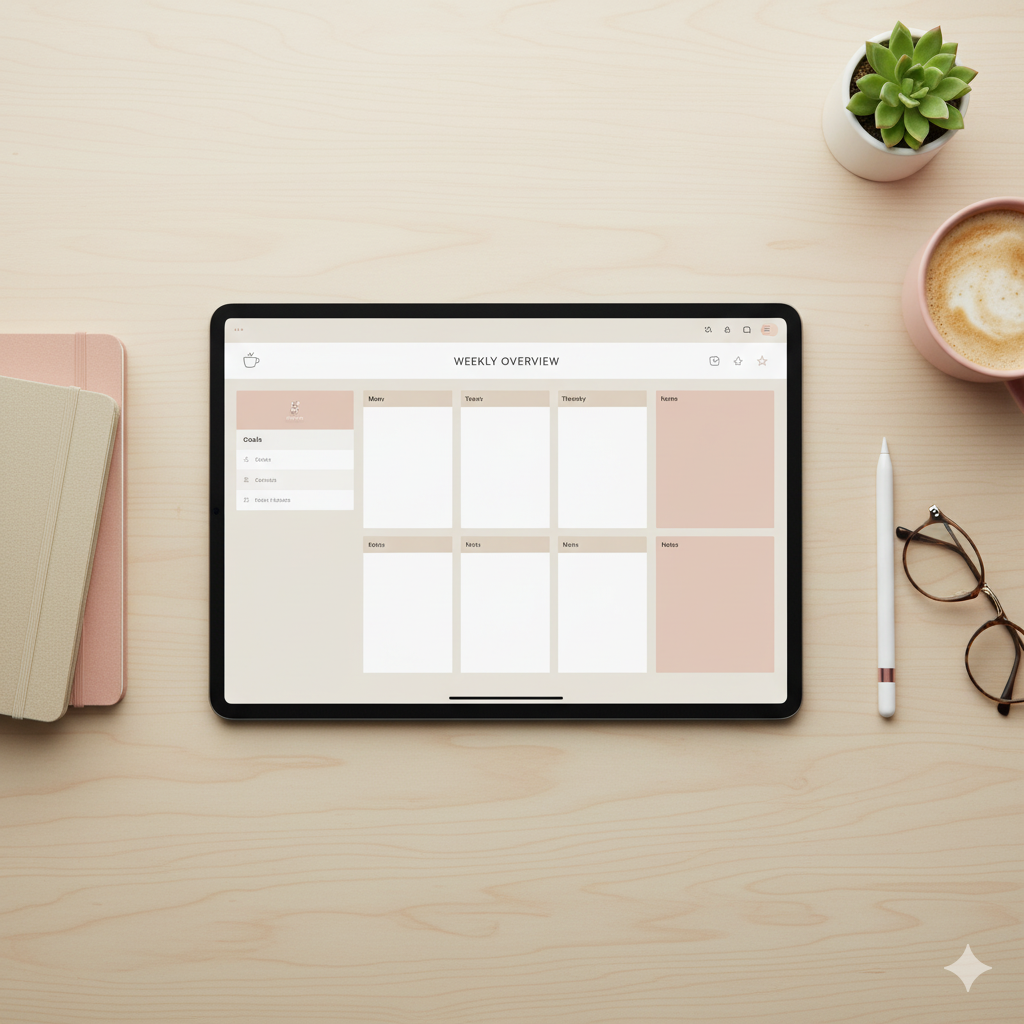
🪞 Step 1: Decide on Your Digital Planner Type
Before you open Canva, decide what kind of digital planner you want to create.
| Type of Planner | Best For | Examples |
|---|---|---|
| Daily Planner | Busy professionals & students | Daily productivity planner, To-do tracker |
| Weekly Planner | Balanced scheduling | Weekly focus planner, Work-life planner |
| Monthly Planner | Goal setters & entrepreneurs | Business tracker, Content calendar |
| Life Planner | All-in-one organization | Self-care, fitness, finance, journaling |
| Niche Planner | Etsy or audience-specific | Manifestation planner, Wedding planner |
Pro Tip: Start with one niche (e.g., “That Girl Planner” or “Minimalist Life Planner”) — it’s easier to brand and sell effectively.
🎨 Step 2: Open Canva and Set the Dimensions
For most digital planners, use landscape orientation (11 x 8.5 inches).
This size looks beautiful on iPads, tablets, and laptops.
Steps:
- Go to Canva → Create a Design → Custom Size
- Set 11 x 8.5 inches (or A4 Landscape)
- Click Create New Design
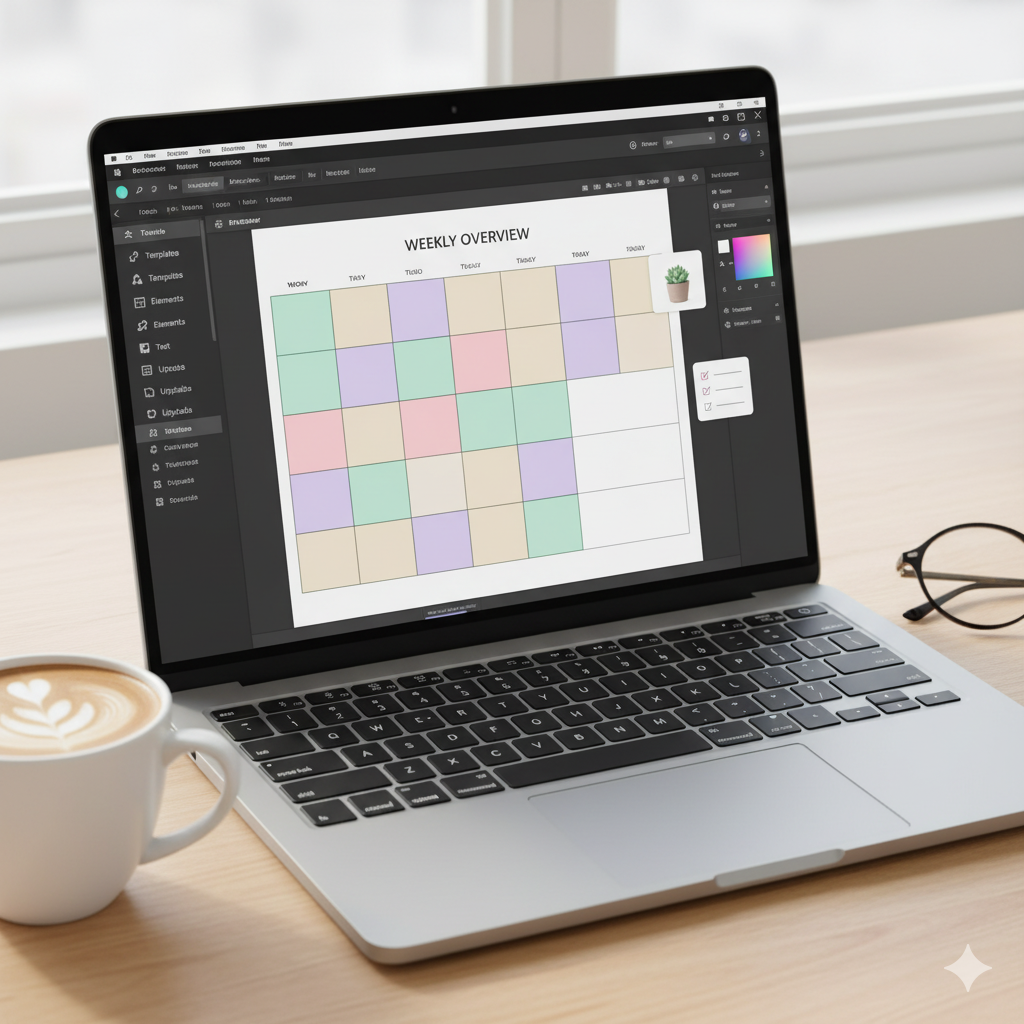
✨ Step 3: Design Your Cover Page
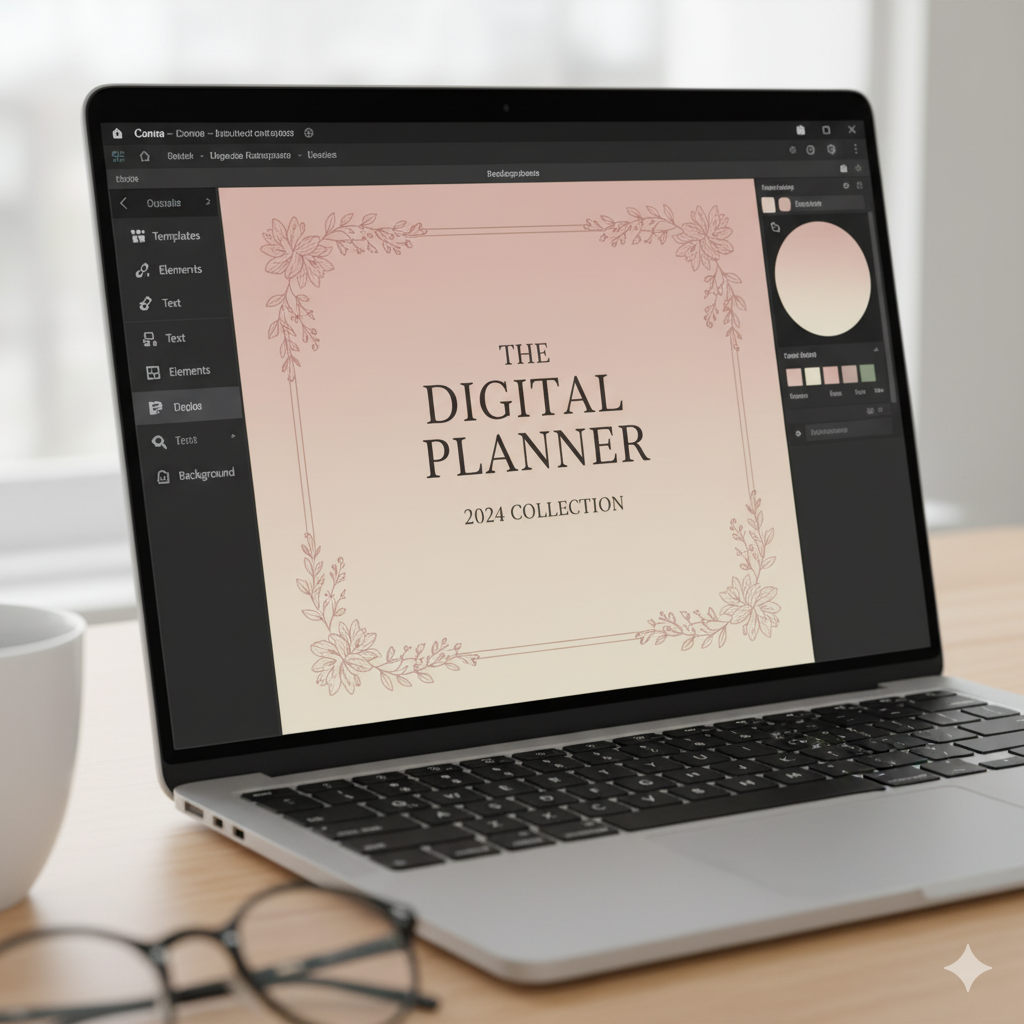
The cover sets the tone for your entire planner.
Choose something that fits your brand style — clean, feminine, bold, or minimal.
Design Tips:
- Use elegant fonts like Playfair Display, Lora, or DM Serif Text
- Add soft color gradients (beige, blush, nude, sage green)
- Include your planner title + year (e.g., “2025 Productivity Planner”)
Pro Tip: Use Canva’s “Elements → Frames → Notebook mockup” for realistic looks.
🗂️ Step 4: Create Planner Sections & Pages
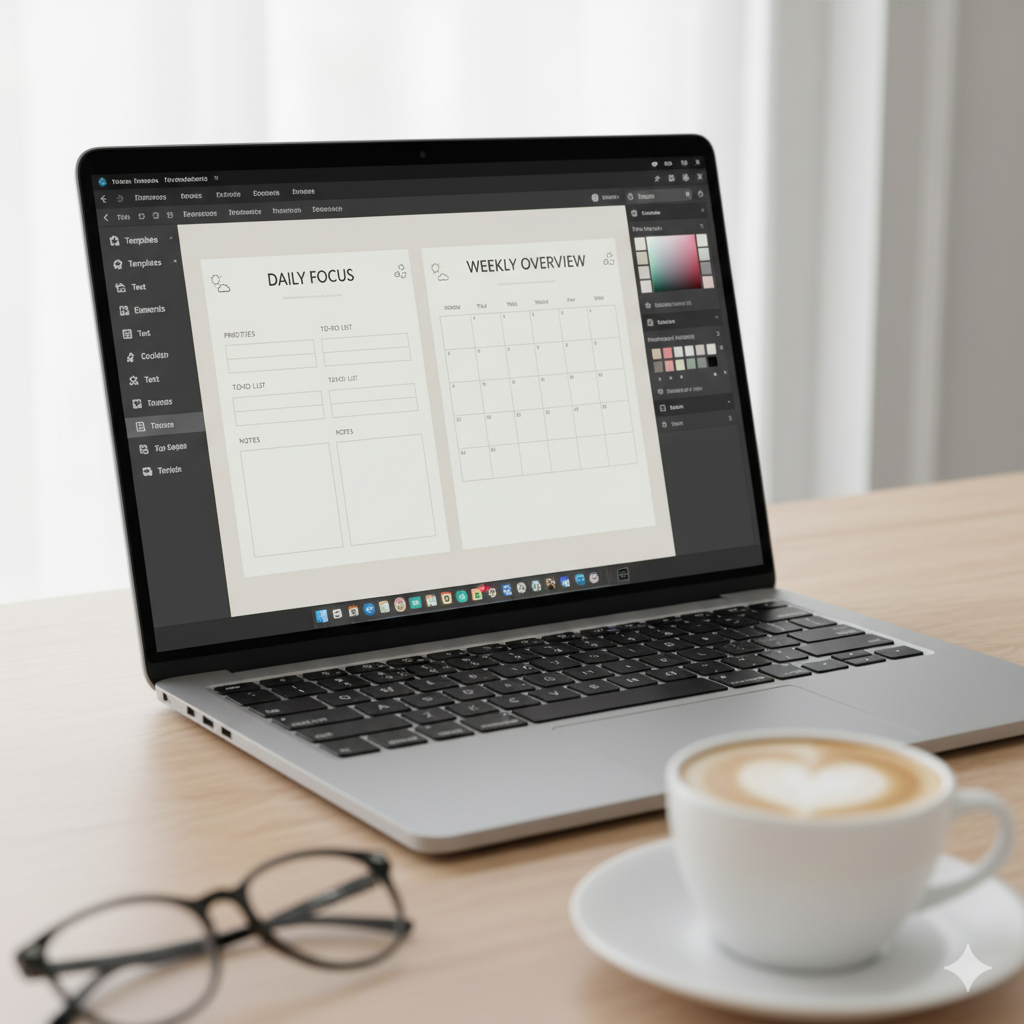
Here are must-have planner pages for any digital planner:
| Section | Purpose | Canva Element to Use |
|---|---|---|
| Index / Hyperlinked Tabs | For navigation | Rectangles + hyperlinks |
| Daily / Weekly Pages | Time-blocking & to-do lists | Grids + lines |
| Goal Tracker | Visual goal setting | Charts + progress bars |
| Finance / Budget Page | Expense tracking | Tables |
| Vision Board | Manifestation section | Image frames |
| Notes Page | Flexibility | Dotted paper texture |
🔗 Step 5: Add Hyperlinks for Interactive Navigation
Digital planners aren’t just PDFs — they’re clickable experiences.
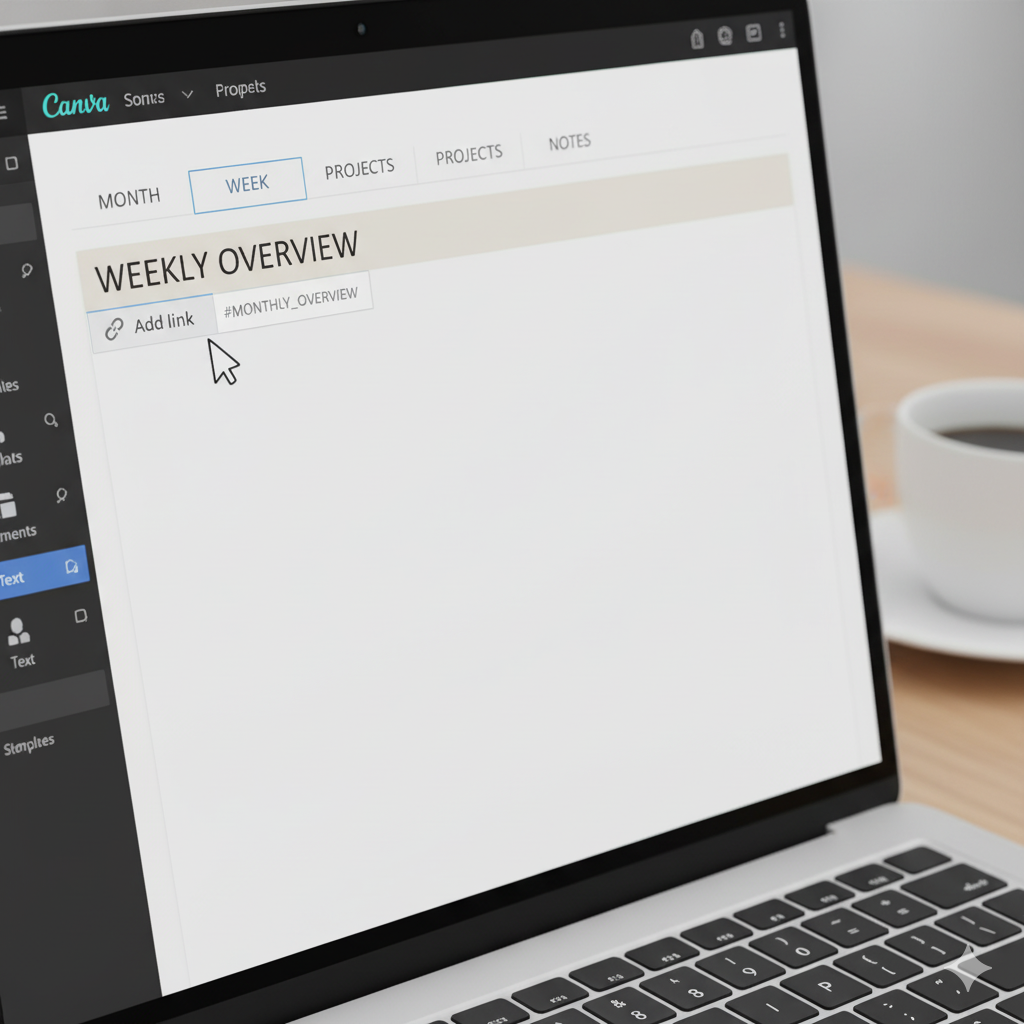
How to hyperlink in Canva:
- Select any button or text (like “January” or “Notes”)
- Click the link icon 🔗
- Type the page number or section name
- Download as PDF Standard with hyperlinks enabled
Now your planner behaves like an app — with clickable tabs that jump between pages!
💡 Step 6: Export as a Hyperlinked PDF
When you’re done designing:
- Click Share → Download → PDF Standard
- Enable “Flatten PDF” and “Include hyperlinks”
You can now upload your digital planner to GoodNotes, Notability, or iPad apps and test it yourself.
💰 Step 7: Sell or Share Your Digital Planner
Here’s where the magic happens!
Top platforms to sell your planner:
| Platform | Best For | Commission |
|---|---|---|
| Etsy | Aesthetic templates | ~6.5% |
| Payhip | Direct sales | 0% monthly |
| Gumroad | Simple setup | 10% free plan |
| Shopify | Full brand control | Subscription-based |
Pro Tip: Use Pinterest to post mockups + keywords like “Digital Life Planner Canva Template” to attract organic clicks fast.
🌷 Step 8: Make It Aesthetic & Brand-Aligned
A digital planner’s appeal = visual + functional.
Focus on color balance, white space, and typography harmony.
Trending styles (2025):
- Neutral minimalism (beige, taupe, white)
- Clean serif fonts
- Feminine line art and icons
- Modern productivity vibes
🌟 Comparison Table: Canva vs. Other Tools
| Feature | Canva | Keynote | PowerPoint | Affinity Designer |
|———-|——–|———–|—————-|
| Ease of Use | ⭐⭐⭐⭐⭐ | ⭐⭐⭐ | ⭐⭐⭐ | ⭐⭐ |
| Templates | Thousands | Limited | Limited | Few |
| Hyperlinks | Yes | Yes | Yes | Partial |
| Beginner Friendly | ✅ | ❌ | ⚠️ | ❌ |
| Free Version | Yes | No | No | No |
Canva is the best free + accessible tool for beginners and Etsy sellers alike.
🧠 Expert Tips for Digital Planner Creators
✅ Use frames + grids for alignment consistency
✅ Add index page for easier navigation
✅ Always test hyperlinks before selling
✅ Create two versions — Light Mode and Dark Mode
✅ Use mockups for Pinterest and Etsy previews
💬 FAQs
Q1. Can I sell Canva digital planners commercially?
Yes, if you design them from scratch using Canva’s free elements or with Canva Pro’s license, you can sell them on Etsy or Payhip.
Q2. How do I make my digital planner clickable?
By using Canva’s link tool to connect text and shapes to other pages, then exporting as PDF with hyperlinks.
Q3. What’s the best size for a digital planner?
For iPads and GoodNotes: 11 x 8.5 inches landscape works perfectly.
Q4. Can I use free Canva templates for selling?
Not directly — you must modify them significantly or create your own pages for resale rights.
Q5. Which app is best for using digital planners?
GoodNotes, Notability, and Xodo are top picks for iPad users.
🪞 Conclusion: Turn Your Ideas into a Beautiful, Profitable Planner
Creating your own digital planner in Canva is more than a creative project — it’s a profitable skill.
Whether you’re planning to use it personally or sell it online, your Canva-designed planner can bring clarity, productivity, and income into your life.
✨ Start today:
Open Canva → Choose a layout → Design your dream planner → Upload it to Etsy.
Your next bestseller could be just a few clicks away. 💖
About Artisan Anthology
At Artisan Anthology, we curate timeless digital creations designed to inspire and elevate every part of your lifestyle. Our collection includes brand books, digital templates, recipes, ebooks, wardrobe planners, fashion guides, printable wall art, and elegant home décor designs. We also specialize in wedding cards, invitations, baby shower cards, and engagement cards, each crafted to celebrate life’s most meaningful moments.
For professionals and dreamers alike, our CV templates, guided journals, and manifestation planners are created with intention to help you tell your story beautifully and authentically.
✨ Discover our full collection of digital planners here → artisananthology.xyz