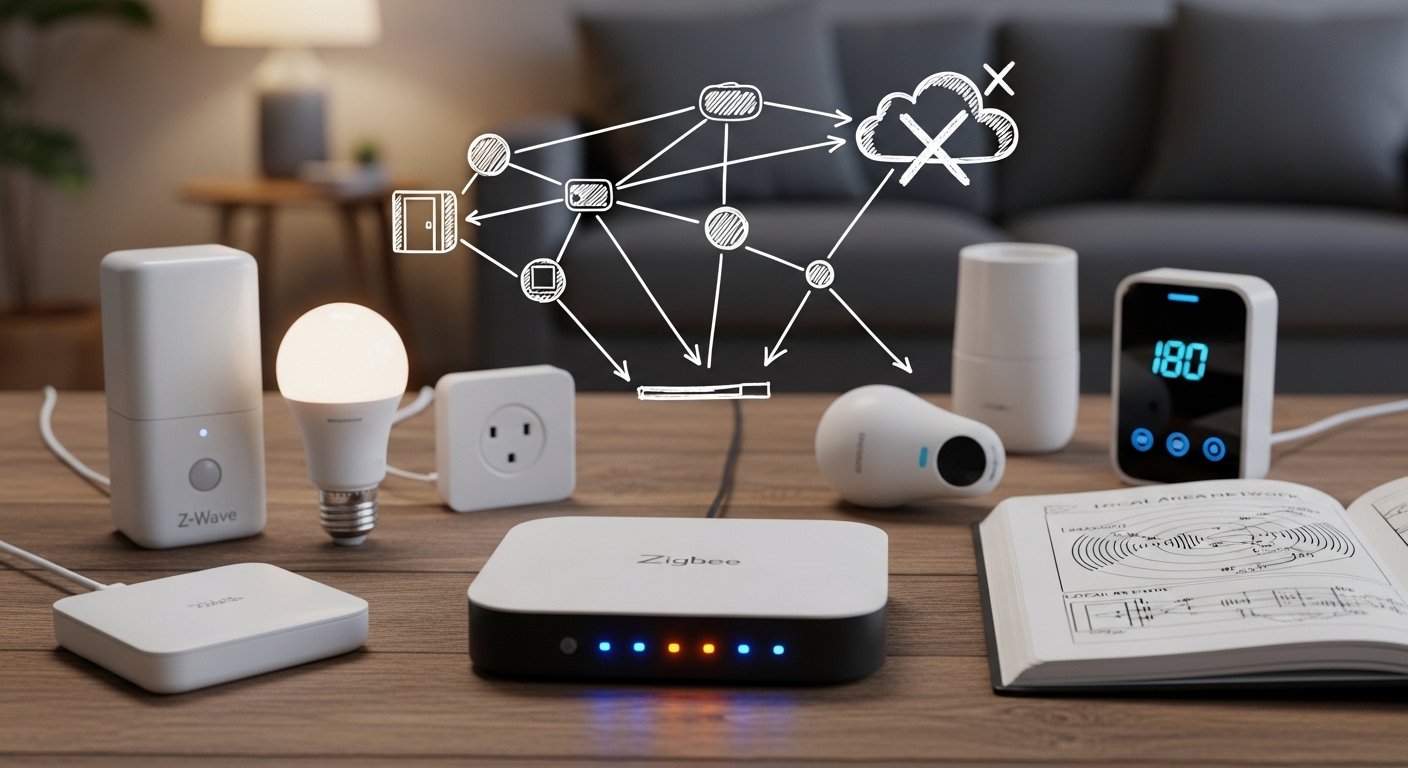
A smart home doesn’t have to depend on the cloud. In fact, running a smart home hub without internet is one of the best ways to achieve:
✔ Total privacy
✔ Faster response times
✔ Zero cloud outages
✔ Full local control
This guide shows you how to build a fully functional offline smart home system that works even when your internet is down.
We’ll cover:
- Local smart home hubs
- Compatible devices
- Step-by-step setup
- Security benefits
- Limitations and solutions
If you want a privacy-first, offline smart home, this is your complete roadmap.
What Is an Offline Smart Home Hub?
An offline smart home hub controls your devices using:
- Local network (LAN)
- Local automation rules
- On-device processing
No cloud servers. No data sharing.
All automations run inside your home network.
Benefits of a Smart Home Without Internet
1. Maximum Privacy
Your:
✔ Camera feeds
✔ Motion data
✔ Door sensors
✔ Usage patterns
never leave your home.
2. Faster Automations
Local processing means:
⚡ Instant lights
⚡ Immediate motion triggers
⚡ No cloud delays
3. Works During Internet Outages
Your smart home continues to function even if your ISP is down.
4. No Subscription Fees
Cloud-based smart homes often require paid services.
Offline setups are free after hardware purchase.
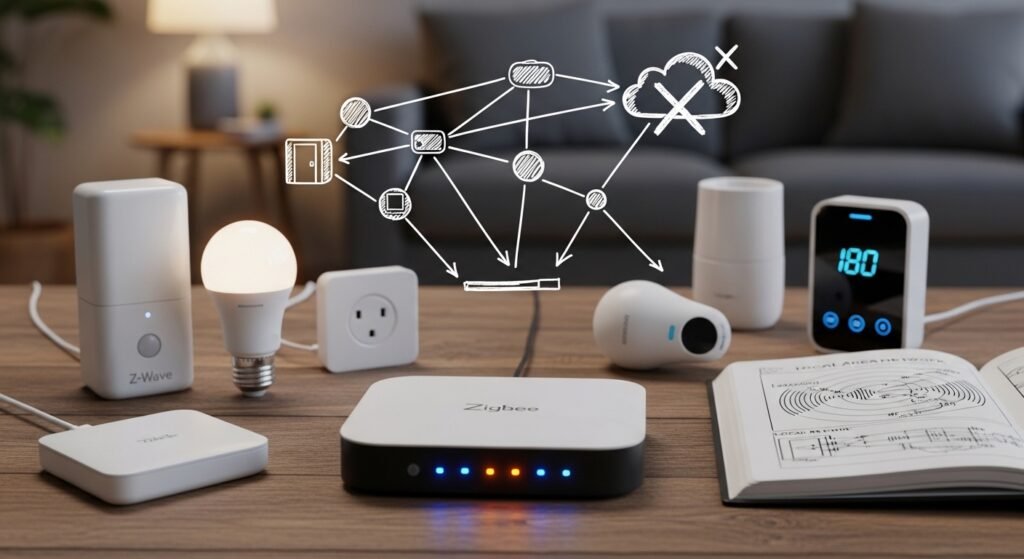
Core Components of an Offline Smart Home
1. Local Smart Home Hub
This is the brain of your system.
It runs automations and controls devices locally.
Features to look for:
✔ Local device support
✔ Zigbee / Z-Wave compatibility
✔ Local dashboards
✔ Offline automation engine
2. Local Communication Protocols
Use protocols that don’t require internet:
✔ Zigbee
✔ Z-Wave
✔ Thread (local mode)
✔ Bluetooth Low Energy (BLE)
✔ LAN-based Wi-Fi devices with local API
Avoid cloud-only devices.
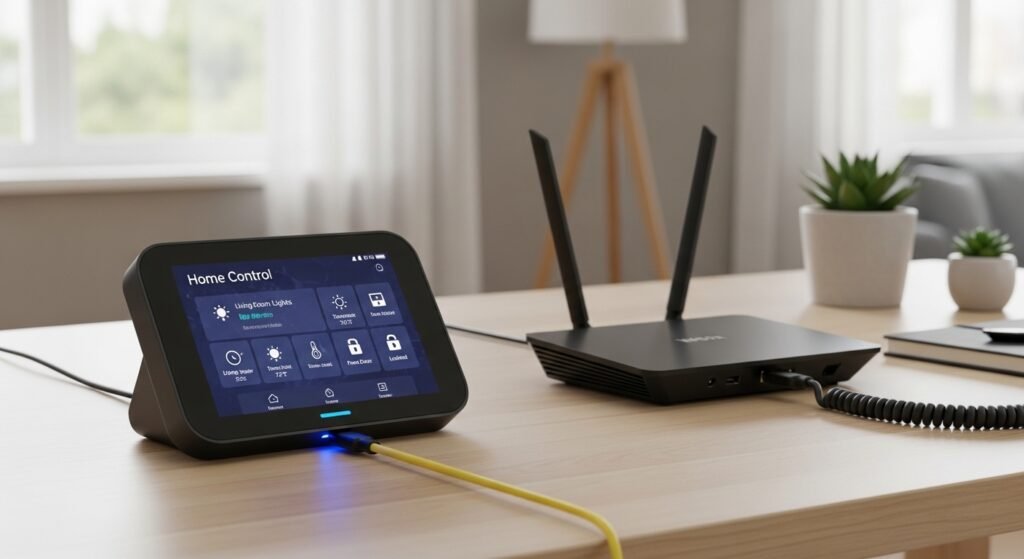
3. Local Dashboard
A local web interface lets you:
- Control lights
- View sensors
- Run automations
from any device on your home network.
Devices That Work Offline
Best Offline-Compatible Devices
✔ Smart bulbs (Zigbee/Z-Wave)
✔ Motion sensors
✔ Door/window sensors
✔ Smart switches
✔ Smart plugs
✔ Thermostats with local control
Devices That Usually Require Internet
❌ Cloud cameras
❌ Voice assistants (for voice processing)
❌ Cheap Wi-Fi smart plugs with no local API
Choose local-first hardware.
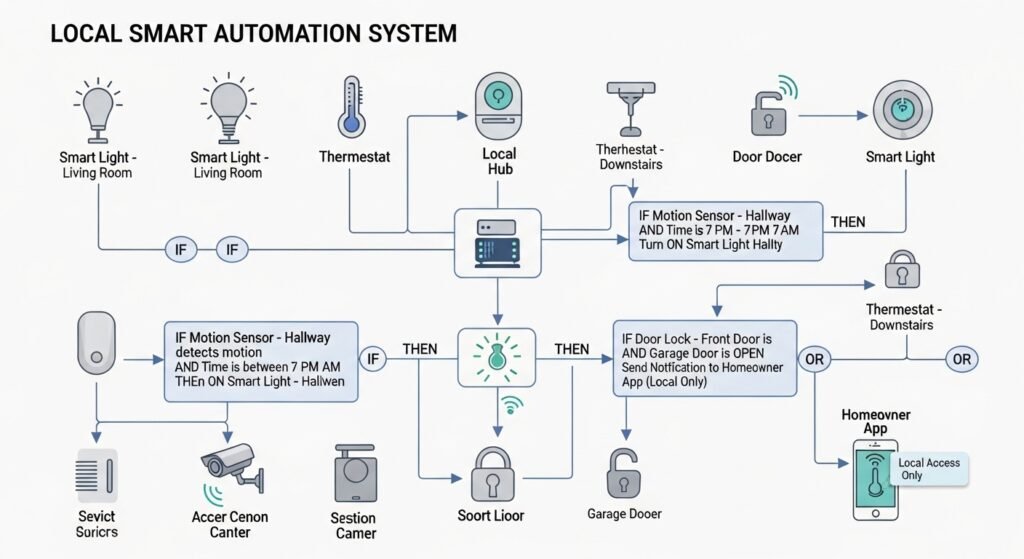
Step-by-Step Offline Smart Home Setup
Step 1: Set Up Your Local Hub
Install your hub on:
- Mini PC
- Raspberry Pi
- Local server
Connect it to your router via Ethernet for stability.
Step 2: Disable Cloud Dependencies
During setup:
✔ Skip cloud login
✔ Disable remote access
✔ Use local IP dashboard
Step 3: Pair Local Devices
Add devices using:
- Zigbee pairing mode
- Z-Wave inclusion
- Local LAN discovery
All pairing happens inside your home network.
Step 4: Create Local Automations
Examples:
- Motion → turn on light
- Door open → send local alert
- Sunset → dim lights
These run without internet.
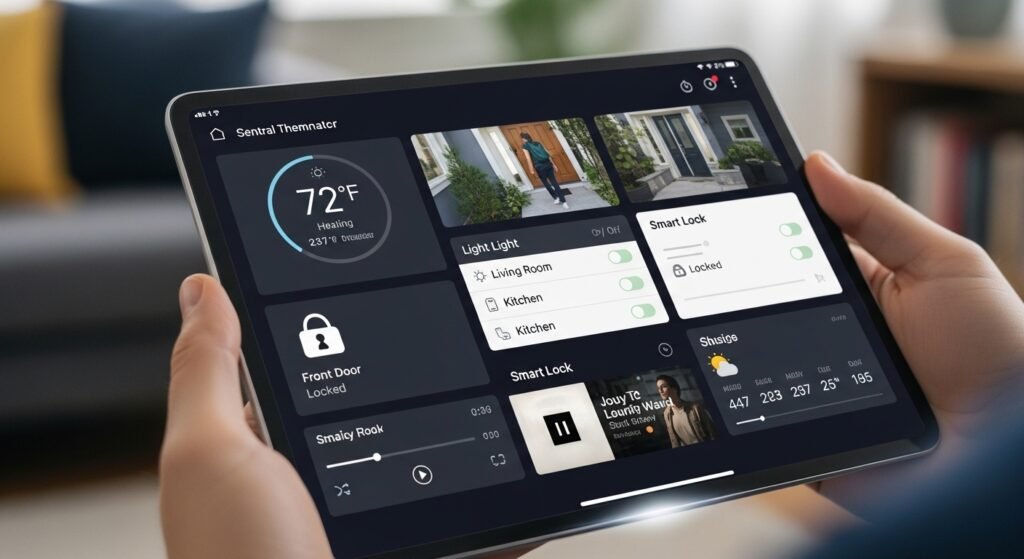
Step 5: Build a Local Control Panel
Create a dashboard for:
✔ Lighting control
✔ Sensor status
✔ Energy monitoring
✔ Scenes and routines
Accessible from phones, tablets, or wall panels on your LAN.
Offline Smart Home vs Cloud Smart Home
| Feature | Offline Smart Home | Cloud Smart Home |
|---|---|---|
| Privacy | Full local control | Data sent to cloud |
| Speed | Instant | Internet latency |
| Reliability | Works offline | Stops during outages |
| Cost | No subscriptions | Often monthly fees |
| Security | No external exposure | Cloud attack surface |
| Remote access | Requires VPN | Built-in cloud access |
Security Advantages of Offline Smart Homes
No Cloud Breach Risk
Your devices are not exposed to internet attacks.
Local-Only Network Access
Only users on your LAN can control devices.
No Vendor Data Collection
Your usage patterns stay private.
Limitations of an Offline Smart Home
No Native Voice Control
Cloud voice assistants need internet.
Solution:
Use local voice processing or manual controls.
No Remote Access by Default
You can’t control your home from outside.
Solution:
Use a VPN for secure remote access.
Firmware Updates May Require Internet
Update devices manually when needed.
Advanced Offline Smart Home Features
Local Energy Monitoring
Track power usage without cloud analytics.
Local AI Automations
Use on-device AI for:
✔ Occupancy detection
✔ Smart lighting patterns
✔ Security alerts
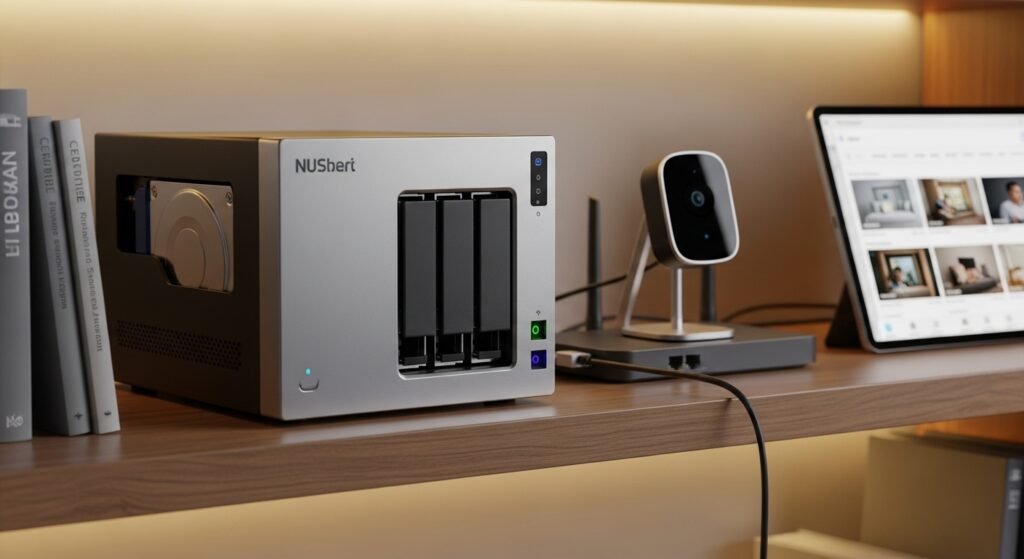
Local Camera Storage
Store footage on:
- NAS
- Local server
No cloud subscriptions.
Best Practices for Offline Smart Homes
✔ Use Ethernet for the hub
✔ Keep devices on a dedicated IoT VLAN
✔ Disable internet access for IoT devices
✔ Back up your hub configuration
✔ Use a UPS for power outages
Offline Smart Home Use Cases
Privacy-Focused Homes
No cloud cameras. No tracking.
Rural or Low-Internet Areas
Full functionality without stable internet.
Security-Conscious Users
Minimal attack surface.
Smart Energy Optimization
Local automations for efficient power use.
Cost Breakdown
| Component | Budget Setup | Advanced Setup |
|---|---|---|
| Hub | Raspberry Pi | Mini PC server |
| Protocol | Zigbee USB | Zigbee + Z-Wave |
| Storage | SD card | NAS |
| Power backup | None | UPS |
Offline setups are scalable and cost-effective.
Future of Offline Smart Homes (2026+)
Trends include:
✔ Local AI voice assistants
✔ Matter local control
✔ Edge computing automations
✔ Privacy-first home ecosystems
The industry is shifting toward local-first smart homes.
Action Plan: Build Your Offline Smart Home
Start today:
- Choose a local smart home hub
- Buy Zigbee or Z-Wave devices
- Pair devices locally
- Create offline automations
- Build a LAN dashboard
- Add local storage for cameras
- Use VPN for remote access (optional)
You can build a fully offline smart home in a weekend.
Final Thoughts: Smart Homes Should Be Private
A smart home should serve you — not a cloud company.
With an offline smart home hub, you get:
✔ Total privacy
✔ Faster automation
✔ No subscriptions
✔ Full control
Start with a local hub and one device.
Expand gradually.
Your home becomes smarter, faster, and completely private.
✨ About Artisan Anthology
At Artisan Anthology, we curate timeless digital creations designed to inspire and elevate every part of your lifestyle. Our collection includes brand books, digital templates, recipes, ebooks, wardrobe planners, fashion guides, printable wall art, and elegant home décor designs. We also specialize in wedding cards, invitations, baby shower cards, and engagement cards, each crafted to celebrate life’s most meaningful moments.
For professionals and dreamers alike, our CV templates, guided journals, and manifestation planners are created with intention to help you tell your story beautifully and authentically.
✨ Discover our full collection of digital products here → ArtisanAnthology.xyz