Remote work is now permanent — but most home offices still rely on outdated perimeter security. A simple router password and antivirus are no longer enough.
Enter Zero-Trust security, a modern model based on one principle:
Never trust. Always verify.
This guide explains how to build a zero-trust home office security setup that protects your:
✔ Financial data
✔ Client files
✔ Crypto wallets
✔ Business documents
✔ Smart devices
Even if you’re a freelancer, creator, or remote employee, you can implement enterprise-grade security at home.
What Is Zero-Trust Security?
Zero-Trust means:
- Every device must be verified
- Every user must be authenticated
- Every connection must be encrypted
- Access is granted based on least privilege
No device or app is trusted by default — even inside your own network.
Why Home Offices Need Zero-Trust in 2026
Modern risks include:
✔ Phishing attacks
✔ Router exploits
✔ IoT device breaches
✔ Credential stuffing
✔ Public Wi-Fi interception
Traditional “trust the home network” models no longer work.
Core Principles of a Zero-Trust Home Setup
1. Identity First
Every login requires:
- Strong password
- Multi-factor authentication (MFA)
- Device verification
2. Device Security
Only approved, patched, encrypted devices can access sensitive data.
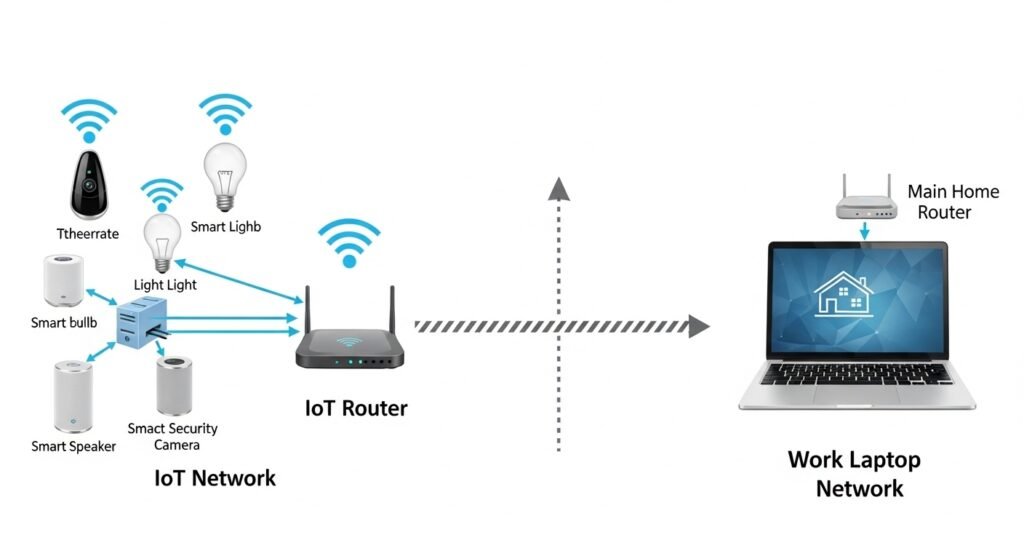
3. Network Segmentation
Separate:
✔ Work devices
✔ Personal devices
✔ Smart home devices
4. Least Privilege Access
Apps and users only get minimum permissions required.
Essential Components of a Zero-Trust Home Office
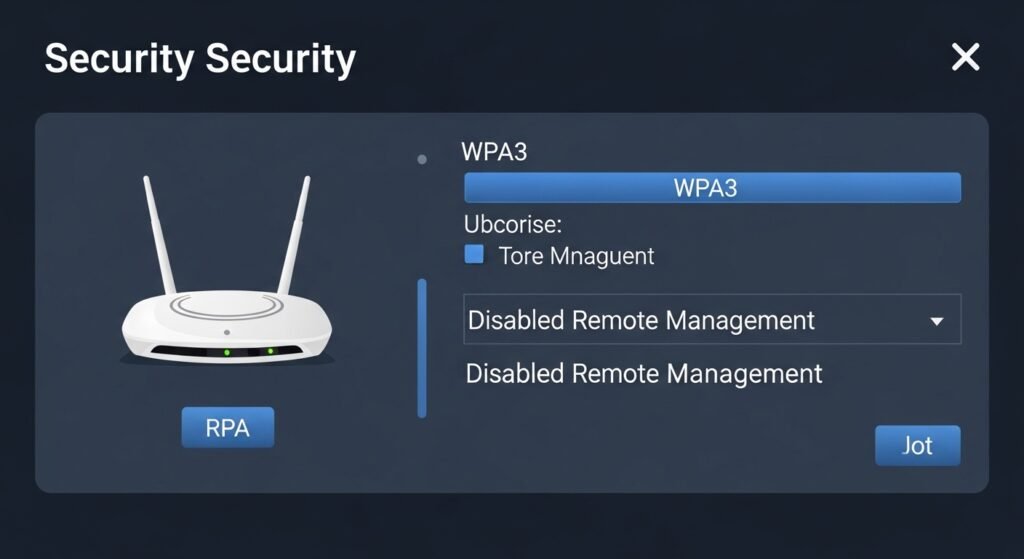
1. Secure Router Configuration
Your router is your first firewall.
Best practices:
✔ Change default admin credentials
✔ Enable WPA3 encryption
✔ Disable remote management
✔ Create separate VLANs or guest networks
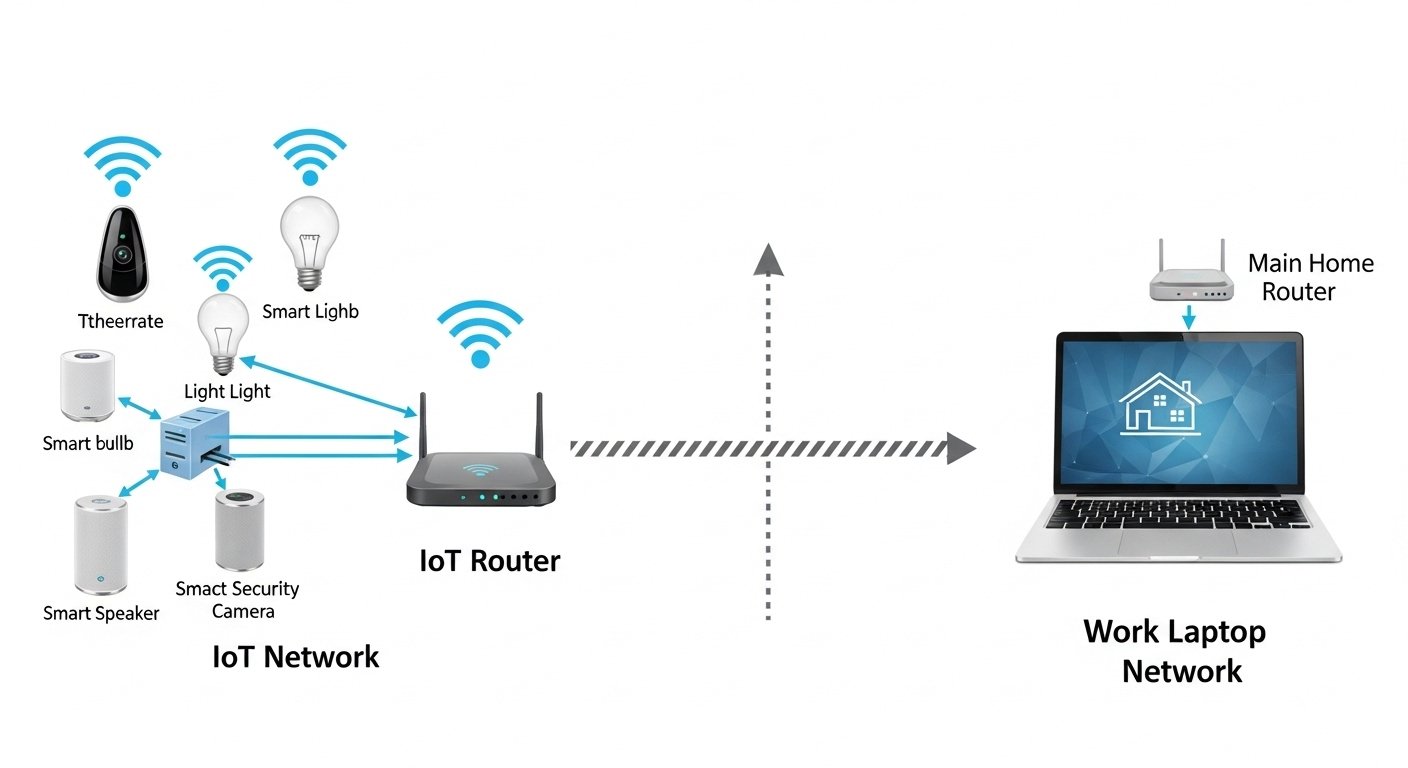
2. Separate Work Network
Create:
- Work-only SSID
- IoT-only SSID
- Guest network
This prevents lateral movement if one device is compromised.
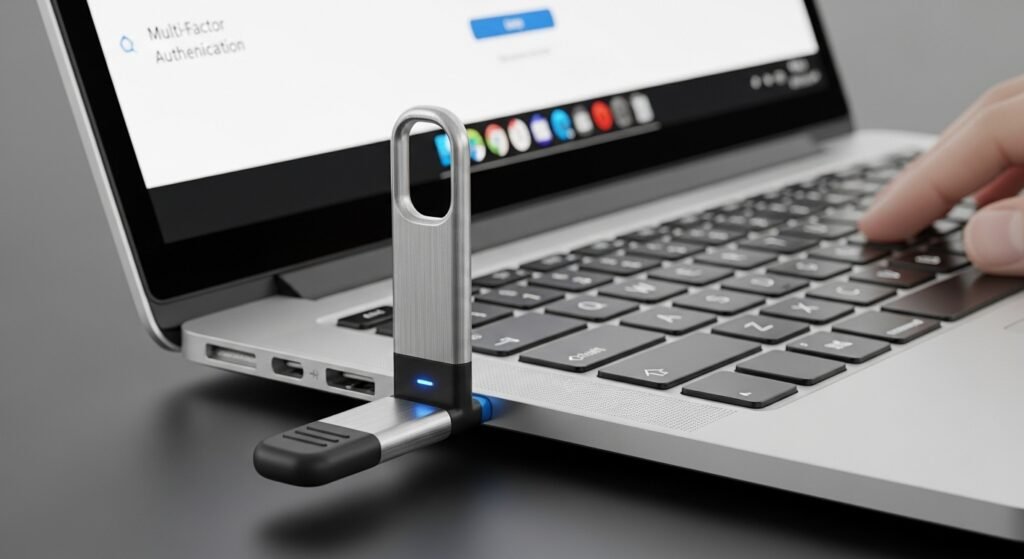
3. Multi-Factor Authentication Everywhere
Enable MFA for:
✔ Email
✔ Cloud storage
✔ Password manager
✔ Financial accounts
✔ Developer tools
Use:
- Authenticator apps
- Hardware security keys (preferred)
4. Password Manager
Use a zero-knowledge password manager to:
✔ Generate unique passwords
✔ Store credentials securely
✔ Prevent password reuse
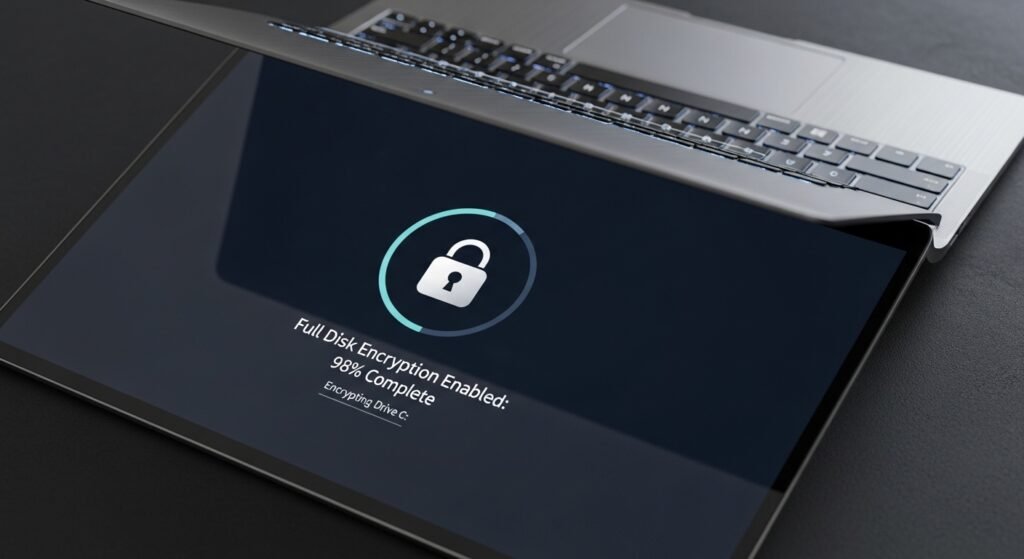
5. Endpoint Protection
Every device should have:
✔ Full-disk encryption
✔ Auto OS updates
✔ Firewall enabled
✔ Anti-malware protection
6. Zero-Trust Access to Files
Use:
- Encrypted cloud storage
- Role-based access control
- Expiring file links
7. VPN with Device Verification
A modern VPN should:
✔ Require device posture checks
✔ Use strong encryption
✔ Log access attempts
Avoid always-on VPNs without identity controls.
Zero-Trust Network Architecture for Home Offices
Basic layout:
Internet → Secure Router → Segmented Networks → Verified Devices → Encrypted Apps
Each layer adds verification and isolation.
Zero-Trust Tools for Home Users
Identity
✔ MFA apps
✔ Hardware keys
✔ Passkeys
Network
✔ VLAN-capable router
✔ DNS filtering
✔ Secure VPN
Devices
✔ Endpoint security software
✔ Disk encryption
✔ Patch management
Data
✔ Encrypted backups
✔ Zero-knowledge storage
✔ Access control policies
Practical Step-by-Step Setup
Step 1: Harden Your Router
- Update firmware
- Disable WPS
- Enable WPA3
- Create multiple SSIDs
Step 2: Segment Your Network
Network example:
| Network | Devices |
|---|---|
| Work | Laptop, work phone |
| Personal | Personal laptop, tablet |
| IoT | Smart TV, cameras |
| Guest | Visitors |
Step 3: Enforce Strong Authentication
Use:
✔ Passphrases (16+ characters)
✔ MFA everywhere
✔ Hardware keys for critical accounts
Step 4: Encrypt All Devices
Enable:
- BitLocker / FileVault / Linux encryption
- Auto-lock after inactivity
Step 5: Implement Least Privilege
✔ Remove admin rights for daily use
✔ Restrict app permissions
✔ Use separate work profiles
Step 6: Secure Backups
Follow the 3-2-1 rule:
- 3 copies of data
- 2 different media types
- 1 offline backup
Zero-Trust vs Traditional Home Security
| Feature | Traditional | Zero-Trust |
|---|---|---|
| Network trust | Trusted LAN | Verify every device |
| Authentication | Password only | MFA + device checks |
| Segmentation | None | VLANs / SSIDs |
| Access control | Full access | Least privilege |
| Monitoring | Minimal | Continuous verification |
| Breach impact | High | Contained |
Common Mistakes to Avoid
❌ Using same password everywhere
❌ Keeping IoT on work network
❌ No MFA on email
❌ Ignoring router firmware updates
❌ Admin account for daily work
❌ No encrypted backups
Advanced Zero-Trust Enhancements
DNS Filtering
Blocks:
✔ Phishing domains
✔ Malware callbacks
✔ Crypto drain sites
Device Posture Checks
Only allow access if:
✔ OS updated
✔ Firewall enabled
✔ Disk encrypted
Activity Monitoring
Track:
✔ Login attempts
✔ File access
✔ New device connections
Zero-Trust for Freelancers and Creators
If you handle:
✔ Client files
✔ Payment data
✔ Contracts
✔ Digital products
You need zero-trust to:
- Prevent data leaks
- Protect intellectual property
- Maintain client trust
Cost of a Zero-Trust Home Setup
| Component | Budget | Advanced |
|---|---|---|
| Router | Basic secure | VLAN-capable |
| MFA | Free app | Hardware key |
| VPN | Standard | Device-aware VPN |
| Backups | External drive | Encrypted + cloud |
| Endpoint security | Built-in | Premium EDR |
Most setups are low cost but high impact.
Future of Home Office Security
By 2026:
✔ Passkeys will replace passwords
✔ On-device AI will detect threats
✔ Zero-trust routers will be standard
✔ Identity-based networking will dominate
Early adopters gain massive security advantage.
Action Plan: Build Your Zero-Trust Home Office Today
Follow this checklist:
- Update and harden your router
- Create separate networks (work, personal, IoT)
- Enable MFA on all critical accounts
- Use a password manager
- Encrypt all devices
- Remove admin rights for daily use
- Implement secure backups
- Add DNS filtering and VPN
You can implement a basic zero-trust setup in one afternoon.
Final Thoughts: Security Is Your Responsibility
Your home office is now your company perimeter.
Zero-trust gives you:
✔ Strong identity protection
✔ Network isolation
✔ Data encryption
✔ Breach containment
You don’t need an enterprise budget — just the right strategy.
Start with MFA and network segmentation today.
Layer additional controls over time.
✨ About Artisan Anthology
At Artisan Anthology, we curate timeless digital creations designed to inspire and elevate every part of your lifestyle. Our collection includes brand books, digital templates, recipes, ebooks, wardrobe planners, fashion guides, printable wall art, and elegant home décor designs. We also specialize in wedding cards, invitations, baby shower cards, and engagement cards, each crafted to celebrate life’s most meaningful moments.
For professionals and dreamers alike, our CV templates, guided journals, and manifestation planners are created with intention to help you tell your story beautifully and authentically.
✨ Discover our full collection of digital products here → ArtisanAnthology.xyz