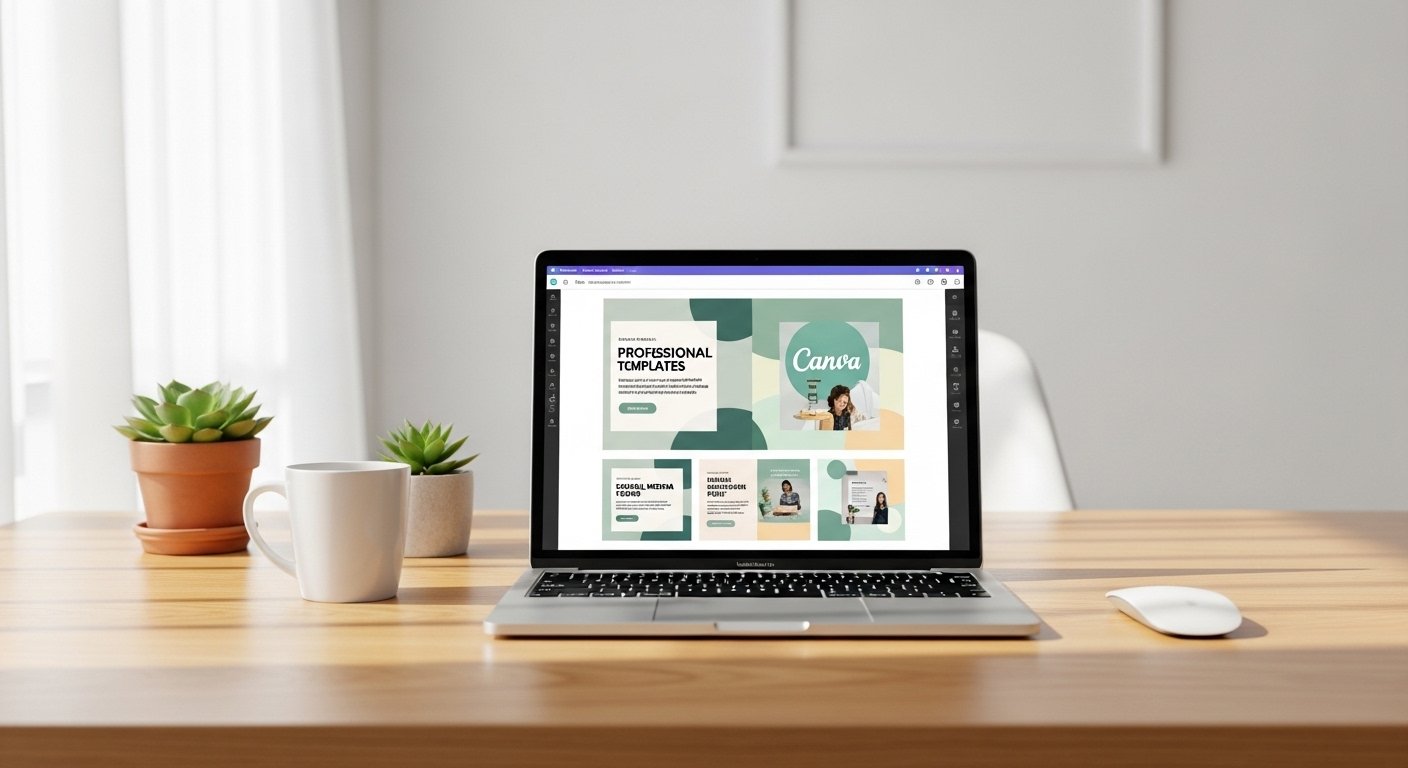
In 2026, Canva templates have become one of the most profitable digital products for creators, Etsy sellers, and online entrepreneurs. From social media kits to planners and brand templates, the demand for ready-to-use, aesthetic, and conversion-focused designs is exploding.
But here’s the truth:
👉 Not all templates sell
👉 Not all designs convert
To succeed, you need to create high-converting Canva templates—designs that don’t just look good, but actually sell consistently.
This guide will show you exactly how to design Canva templates that convert into sales, even if you’re a beginner.
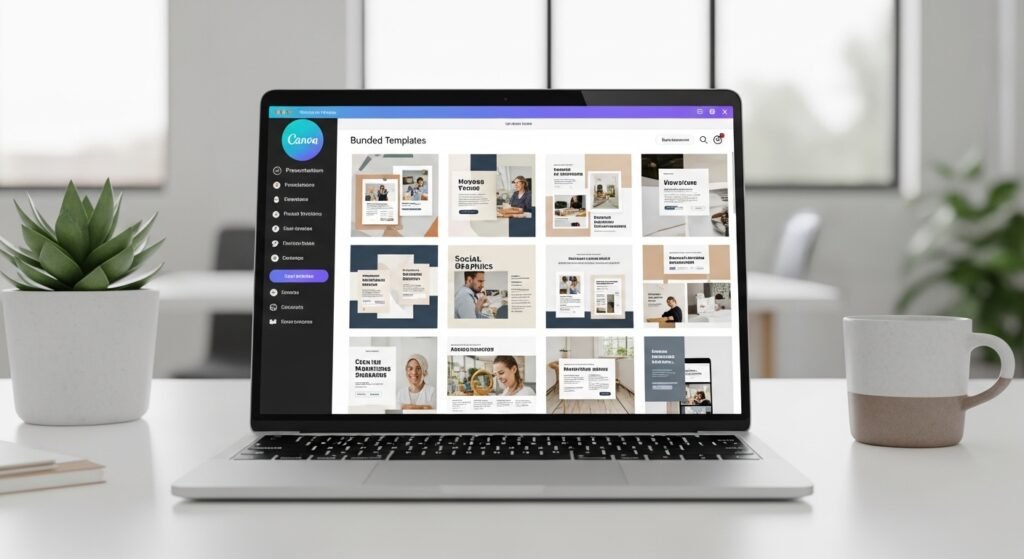
What Are High-Converting Canva Templates?
High-converting templates are designs that:
✔ Solve a specific problem
✔ Look professional and aesthetic
✔ Are easy to edit and use
✔ Encourage purchase decisions
💡 Golden Insight: Great design attracts—but strategic design converts.
Why Some Canva Templates Fail (And Others Go Viral)
❌ Common Mistakes:
- Overcomplicated layouts
- No clear purpose
- Poor typography
- No niche targeting
✅ What Works:
- Clean design
- Clear value
- Strong visual hierarchy
- Audience-focused content
Best-Selling Canva Template Types in 2026
🔥 High-Demand Categories:
- Pinterest pin templates
- Instagram carousel templates
- Media kits
- Digital planners
- Ebook templates
💡 These niches have high demand and repeat buyers.
Comparison Table: High-Converting vs Low-Converting Templates
| Factor | High-Converting Templates | Low-Converting Templates |
|---|---|---|
| Design | Clean & modern | Cluttered |
| Purpose | Clear | Confusing |
| Fonts | Readable | Hard to read |
| Colors | Consistent | Random |
| Usability | Easy | Complicated |
Step-by-Step: How to Design High-Converting Canva Templates
Step 1: Choose a Profitable Niche
Focus on:
- Content creators
- Small businesses
- Coaches
- Etsy sellers
💡 Use long-tail keywords like:
- canva templates for instagram business growth
- pinterest pin templates high conversion design
Step 2: Understand Your Target Audience
Ask:
- What problem are they facing?
- What design will help them?
Step 3: Plan Your Template Structure
Before designing:
- Outline pages/slides
- Define purpose
- Keep layout simple
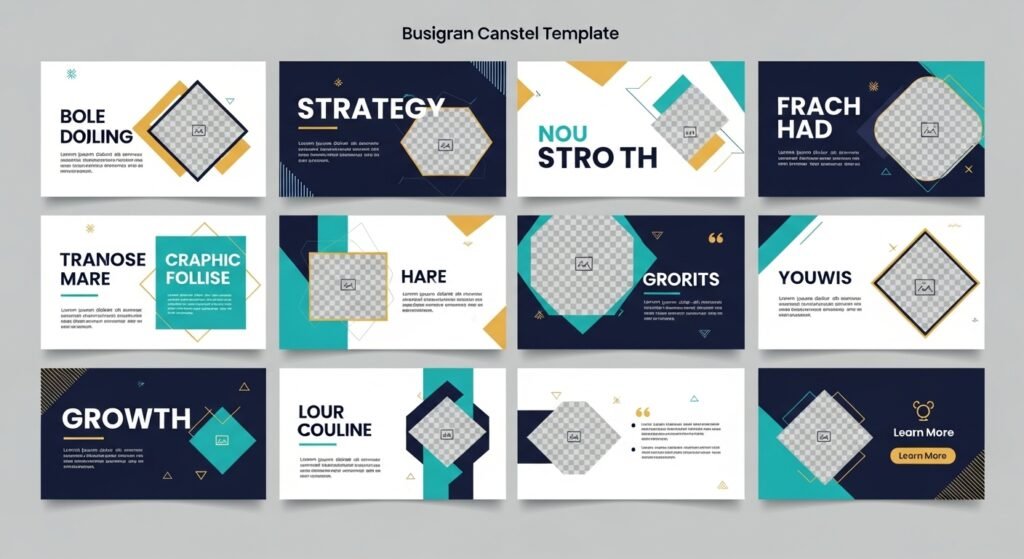
Step 4: Use Clean & Minimal Design
🎨 Design Principles:
- White space
- Alignment
- Balance
💡 Simplicity increases conversions
Step 5: Choose High-Converting Colors
Tips:
- Use 2–3 main colors
- Stick to a theme
- Avoid clutter
Step 6: Use Readable Fonts
Font Tips:
- Limit to 2–3 fonts
- Use hierarchy (heading, subheading, body)
- Avoid overly decorative fonts
Step 7: Add Value-Driven Content
Example:
Instead of:
“Post Title”
Use:
“10 Ways to Grow Your Instagram Fast”
💡 Content matters as much as design
Step 8: Make It Easy to Edit
Your template should be:
- Beginner-friendly
- Customizable
- Flexible
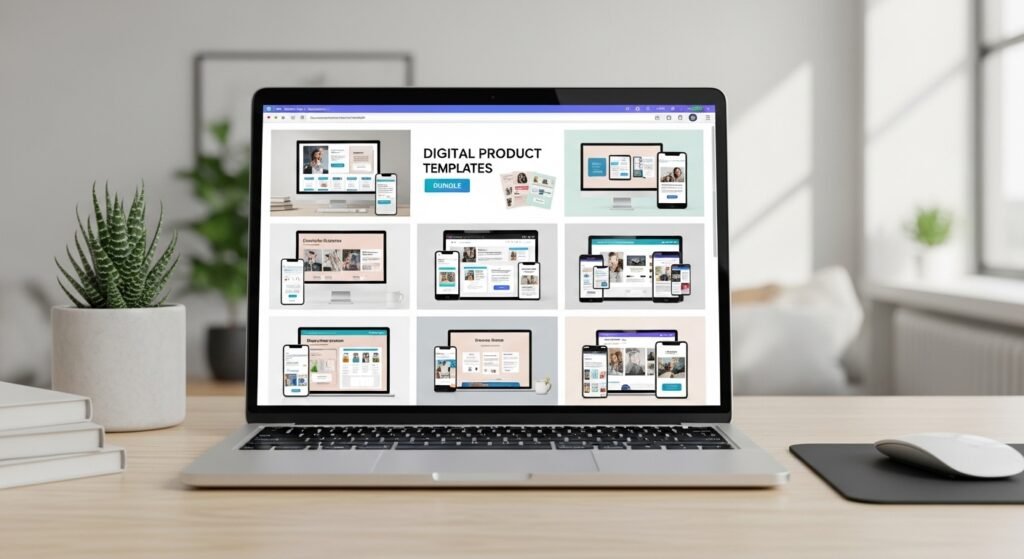
Step 9: Create a Bundle
Instead of 1 template → create 10–50 templates
💡 Bundles = higher perceived value
Step 10: Test & Improve
Upload → analyze → improve
Best Canva Design Tips for High Conversion
🚀 1. Use Visual Hierarchy
Guide the viewer’s eyes
🚀 2. Focus on Simplicity
Less is more
🚀 3. Use High-Quality Elements
Avoid low-quality graphics
🚀 4. Add Call-to-Action (CTA)
Encourage action
🚀 5. Follow Trends
Stay relevant
How to Make Your Canva Templates Sell Faster
💰 Strategies:
1. Optimize for Etsy
Use keywords in:
- Title
- Tags
- Description
2. Use Pinterest for Traffic
Pinterest = long-term growth
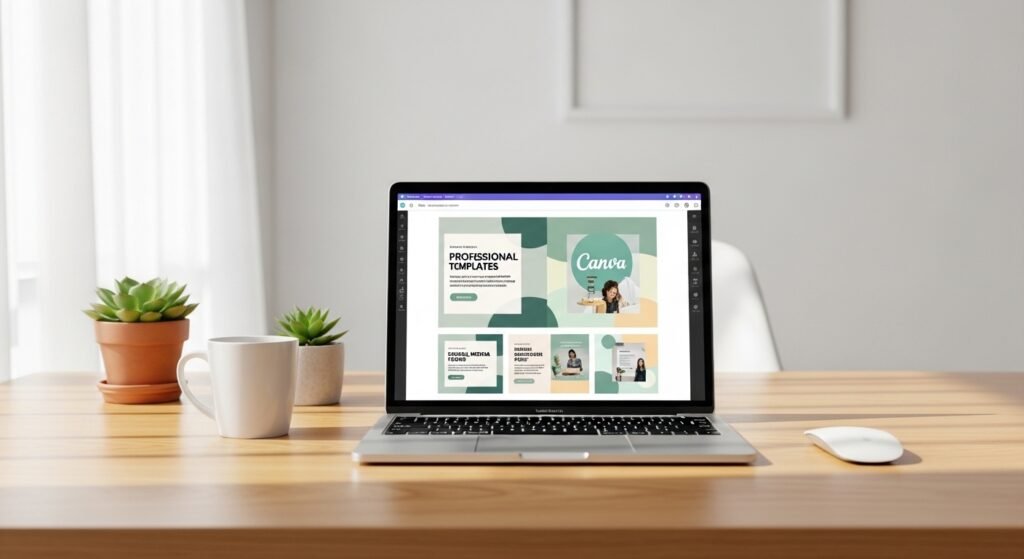
3. Create Attractive Mockups
Show real usage
4. Offer Instant Value
Clear benefits
FAQs
Q1: What makes a Canva template high-converting?
A clean design, clear purpose, and ease of use make templates convert better.
Q2: Can beginners design Canva templates?
Yes, Canva is beginner-friendly and easy to learn.
Q3: What templates sell best on Etsy?
Pinterest pins, Instagram templates, and planners are top sellers.
Q4: How much can I earn selling Canva templates?
Earnings range from $100 to $10,000+ per month.
Q5: Do I need design experience?
No, basic design principles are enough to start.
Conclusion: Turn Canva Templates into a Scalable Income Stream
Designing high-converting Canva templates is not just about creativity—it’s about strategy and simplicity.
You don’t need:
❌ Expensive tools
❌ Advanced skills
❌ Years of experience
You just need:
✔ A clear niche
✔ Smart design
✔ Consistency
💡 Action Step:
Create your first 5 templates today, bundle them, and upload them to your store.
Your next design could:
👉 Go viral
👉 Generate daily sales
👉 Build your digital empire
✨ About Artisan Anthology
At Artisan Anthology, we curate timeless digital creations designed to inspire and elevate every part of your lifestyle. Our collection includes brand books, digital templates, recipes, ebooks, wardrobe planners, fashion guides, printable wall art, and elegant home décor designs. We also specialize in wedding cards, invitations, baby shower cards, and engagement cards, each crafted to celebrate life’s most meaningful moments.
For professionals and dreamers alike, our CV templates, guided journals, and manifestation planners are created with intention to help you tell your story beautifully and authentically.
✨ Discover our full collection of digital products here → ArtisanAnthology.xyz