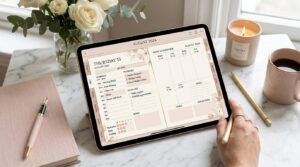
Daily pages are the heart of any digital planner—but if you’re new, you might be wondering:
“How do I actually use daily pages without feeling overwhelmed?”
“Do I need to fill out every section?”
“Are daily pages better than weekly layouts?”
This guide breaks down exactly how to use daily pages in a digital planner, step by step, with practical examples, beginner tips, and real-life planning strategies. Whether you’re using an iPad, tablet, or computer, you’ll learn how to turn daily pages into a system that boosts focus—not stress.
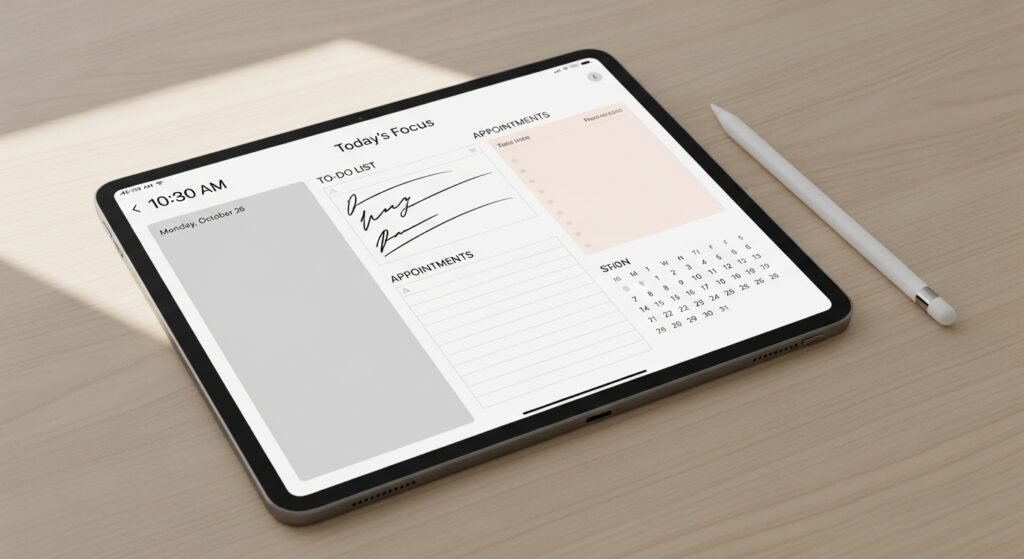
What Are Daily Pages in a Digital Planner?
Daily pages are single-day planning layouts inside a digital planner that help you organize everything for one specific day.
Why Use Daily Pages Instead of Weekly Pages?
Daily pages offer clarity and focus—especially when your days vary.
Benefits of Daily Pages
- ✔ Reduces overwhelm
- ✔ Encourages realistic planning
- ✔ Improves time awareness
- ✔ Supports productivity habits
- ✔ Allows detailed task breakdowns
👉 Best for: Entrepreneurs, students, parents, creatives, and anyone juggling multiple priorities daily.
How to Use Daily Pages in a Digital Planner (Step-by-Step)
Step 1: Navigate to Today’s Daily Page
Use your planner’s:
- Hyperlinked daily tabs
- Monthly calendar links
- Weekly overview → daily page buttons
Tap (not swipe) to open the correct day.
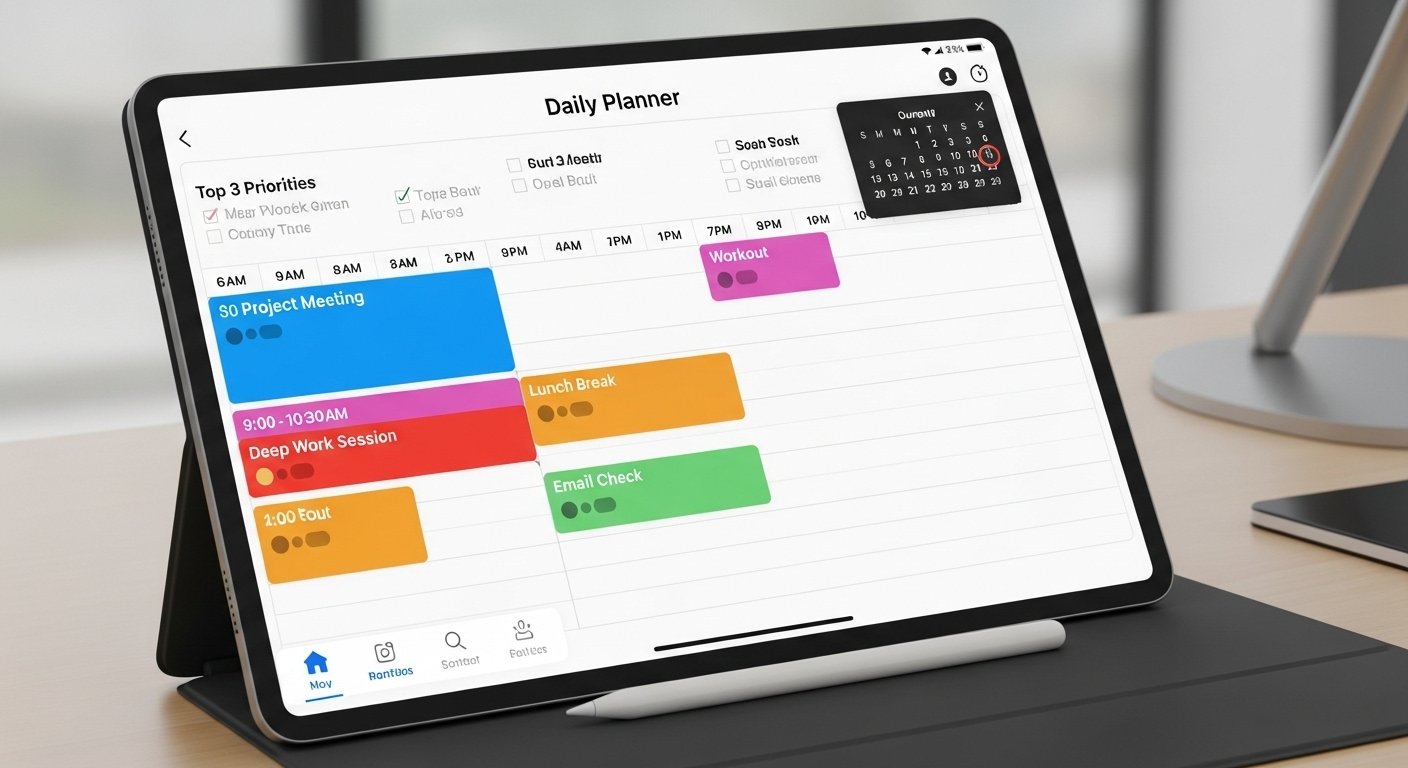
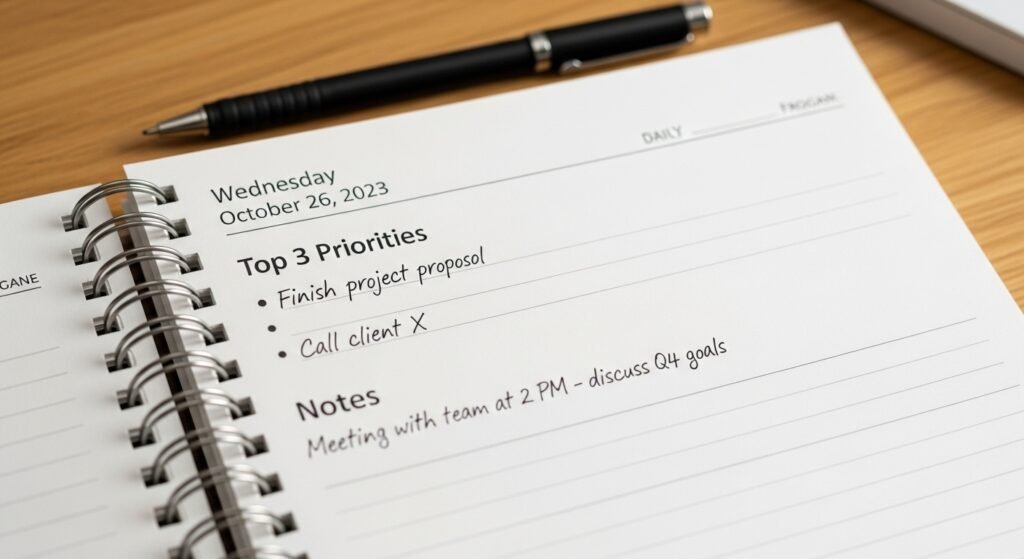
Step 2: Start With Your Top 3 Priorities
Before filling anything else:
- Choose 3 must-do tasks
- Focus on impact, not quantity
- Avoid overloading your day
👉 Productivity Tip: If only these 3 get done, your day is still a success.
Step 3: Time-Block Your Day (Optional but Powerful)
If your daily page includes hourly sections:
- Block fixed commitments first
- Add focus work sessions
- Leave buffer time
Time blocking reduces decision fatigue and improves follow-through.
Step 4: Add Supporting Tasks
Now fill in:
- Smaller tasks
- Admin work
- Personal to-dos
Keep them realistic and flexible.
Step 5: Use the Notes or Brain Dump Section
Daily pages work best when your mind is clear.
Use this space for:
- Ideas
- Reminders
- Emotional notes
- Quick thoughts
Step 6: Reflect or Check Off at Day’s End
End your day by:
- Checking off completed tasks
- Migrating unfinished tasks
- Writing a short reflection
This creates closure—and motivation for tomorrow.

Daily Pages vs Weekly Pages (Comparison Table)
| Feature | Daily Pages | Weekly Pages |
|---|---|---|
| Focus level | High | Medium |
| Task detail | Very detailed | Overview only |
| Best for busy days | ✅ Yes | ⚠ Sometimes |
| Time blocking | ✅ Ideal | ⚠ Limited |
| Quick planning | ⚠ Slower | ✅ Faster |
Pro Tip: Many planners use both—weekly for planning, daily for execution.
How to Customize Daily Pages in a Digital Planner
Customization is what makes digital planning powerful.
Easy Customization Ideas
- Color-code tasks by category
- Duplicate favorite layouts
- Hide unused sections
- Add digital stickers or icons
- Create your own daily template
👉 Beginner Tip: Keep designs minimal until the habit sticks.
Common Mistakes When Using Daily Pages
❌ Planning every minute
❌ Overdecorating instead of planning
❌ Filling every section daily
❌ Ignoring reflection space
❌ Skipping days and quitting entirely
Fix: Daily pages are tools—not rules.
Practical Daily Page Layout Ideas (Beginner to Advanced)
Beginner Layout
- Top 3 tasks
- Simple to-do list
- Notes section
Productivity Layout
- Time blocking
- Priority matrix
- Focus tracker
Wellness Layout
- Mood tracker
- Gratitude
- Self-care reminders
Choose based on your lifestyle—not trends.
FAQs: Using Daily Pages in Digital Planners
What are daily pages used for in a digital planner?
Daily pages help organize tasks, schedules, priorities, and notes for one specific day.
Do I need to use daily pages every day?
No. Use them on busy or important days and skip them when unnecessary.
Are daily pages better than weekly pages?
Daily pages offer more detail; weekly pages provide overview. Many people use both.
How many tasks should I put on a daily page?
Focus on 3–5 key tasks for best productivity.
Can daily pages be reused in digital planners?
Yes. Most digital planner daily pages are reusable and undated.
Who Should Use Daily Pages?
Daily pages are perfect for:
- Busy professionals
- ADHD planners
- Students with deadlines
- Entrepreneurs
- Parents managing multiple schedules
If your days change often, daily pages offer flexibility and control.

Final Thoughts: Making Daily Pages Work for You
Daily pages are powerful because they:
✔ Create focus
✔ Reduce overwhelm
✔ Encourage intentional planning
✨ About Artisan Anthology
At Artisan Anthology, we curate timeless digital creations designed to inspire and elevate every part of your lifestyle. Our collection includes brand books, digital templates, recipes, ebooks, wardrobe planners, fashion guides, printable wall art, and elegant home décor designs. We also specialize in wedding cards, invitations, baby shower cards, and engagement cards, each crafted to celebrate life’s most meaningful moments.
For professionals and dreamers alike, our CV templates, guided journals, and manifestation planners are created with intention to help you tell your story beautifully and authentically.
✨ Discover our full collection of digital planners here → ArtisanAnthology.xyz